# Sitepeel vs html.to.design
> Sitepeel vs html.to.design, checked October 2026: a website as editable Figma layers, or as code, a prompt and a DESIGN.md. Free limits, prices, other tools.
Canonical page: https://sitepeel.dev/compare/sitepeel-vs-html-to-design/
html.to.design turns a website into editable Figma layers. Sitepeel turns it into code, an AI prompt and a DESIGN.md. Pick by where you work next.
Published: 2026-10-27
Facts and prices checked: 2026-10-27
Tool used in this guide: [Website cloner](https://sitepeel.dev/website-cloner/index.md)
Free website tool for this task: [DESIGN.md generator](https://sitepeel.dev/design-md/index.md) (https://sitepeel.dev/design-md/)
## In short
- Working in Figma? html.to.design
- Working in code or with AI? Sitepeel
- Both work on pages behind a login with their Chrome extensions
## Feature by feature
Sitepeel and html.to.design compared
| Feature | Sitepeel | html.to.design |
| --- | --- | --- |
| Website into editable Figma layers | No | Yes, with auto layout and styles |
| HTML and CSS code | Yes, HTML and CSS | No |
| Prompt that rebuilds a page with AI | Yes, Clone prompt | No |
| DESIGN.md for AI agents | Yes, extension and free web tool | No |
| Several screen sizes | Yes, responsive viewer | Yes, several viewports in one import |
| Fonts, colors and images | Yes | Partly, inside the Figma file |
| Pages behind a login | Yes, with the Chrome extension | Yes, with the Chrome extension |
| Free tools from a link, no install | Yes, 9 free website tools | No, it needs Figma |
Good to know: Checked on October 27, 2026 on each product’s own site and store page. “No” means we couldn’t find it there. We make Sitepeel.
## Pick html.to.design if…
- You design in Figma and want to edit the page there
- You want auto layout and local styles, not code
- You import many pages at once (Pro)
## Pick Sitepeel if…
- You build in code, or with an AI app
- You want a DESIGN.md your coding agent can follow
- You don’t use Figma
## Pricing
What Sitepeel and html.to.design cost
| Plan | Sitepeel | html.to.design |
| --- | --- | --- |
| Free | Free website tools, no install. Chrome extension free to install, with a 24-hour trial of every tool | 10 imports every 30 days |
| Paid | Lifetime access, paid once (regional price) | Pro $12 a month (yearly) or $18 monthly |
| Billing | One payment, no subscription | Monthly or yearly |
| Works in | Chrome extension (Chrome, Edge, Brave) and free website tools | Figma plugin and Chrome extension |
## html.to.design at a glance
html.to.design by divRIOTS is one of the most used Figma plugins, with 2.7 million users, plus a Chrome extension. Other website-to-Figma tools: Builder.io’s free import and Codia ($15 a month).
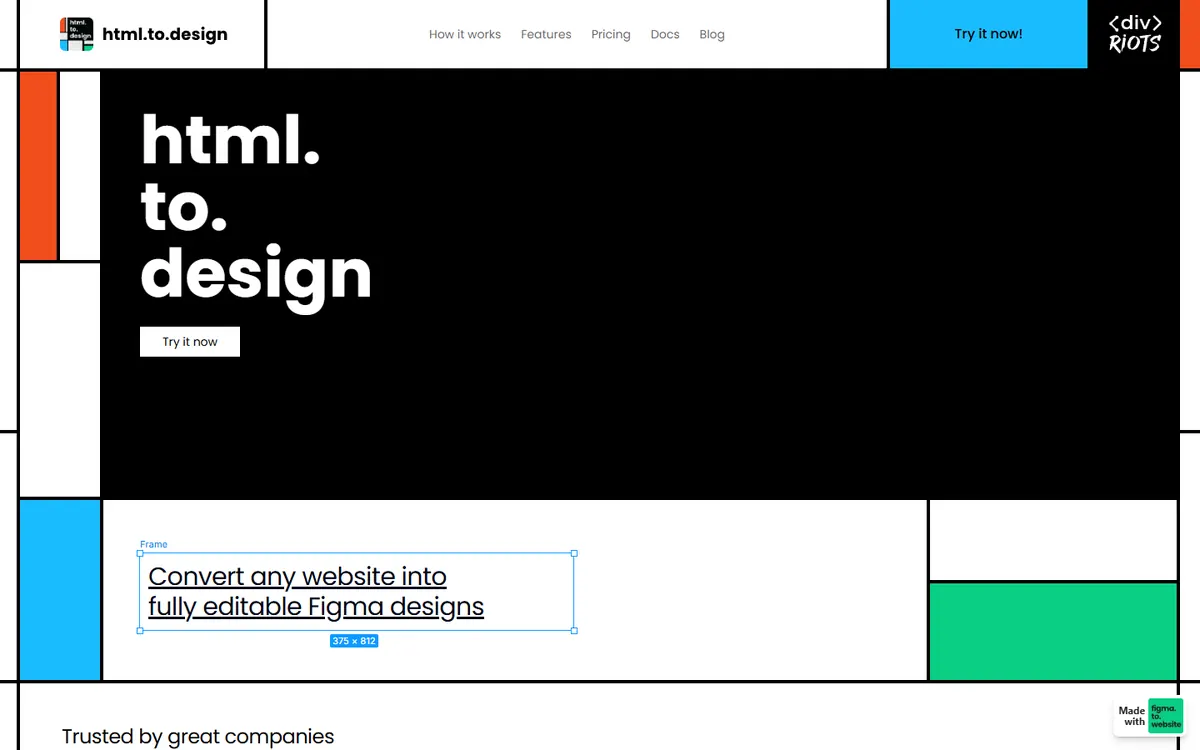
html.to.design on October 27, 2026.
- [Website to Figma: when a design reference is enough](https://sitepeel.dev/guides/website-to-figma/index.md)
## The verdict
**Verdict:** Next stop Figma? html.to.design. Next stop code or an AI app? Sitepeel. Many designers use both.
## Questions and answers
### Is html.to.design free?
Yes, for 10 imports every 30 days. Pro is $12 a month billed yearly, or $18 monthly.
### Does Sitepeel import websites into Figma?
No. Sitepeel gives you code, an AI prompt, a DESIGN.md and the page’s files. For editable Figma layers, use html.to.design, Builder.io or Codia.
### What are other html.to.design alternatives?
Builder.io’s Figma plugin imports websites for free, and Codia’s Web2Figma has 10 free credits a month, then $15 a month.
## Further reading
- [html.to.design](https://html.to.design/home)
- [html.to.design: Pro plan](https://html.to.design/docs/pro-plan)
- [Builder.io: website to Figma](https://www.builder.io/blog/html-to-design)
- [Codia: HTML to Figma](https://codia.ai/html-to-figma-design)
## Related pages
- [Bring a website into Figma](https://sitepeel.dev/guides/website-to-figma/index.md): Bring a website into Figma with an editable import or a screenshot. Then check fonts, images, layers and mobile layouts before making components.
- [Website cloner](https://sitepeel.dev/website-cloner/index.md): Clone a website page from your browser. Preview and export rendered HTML, styles and available assets with Sitepeel. Try the website cloner here.
- [Sitepeel vs Anima](https://sitepeel.dev/compare/sitepeel-vs-anima/index.md): Sitepeel vs Anima, checked October 2026: cloning a site into an app vs a prompt for any AI tool, Figma to code, DESIGN.md, and per-seat vs one-time prices.