

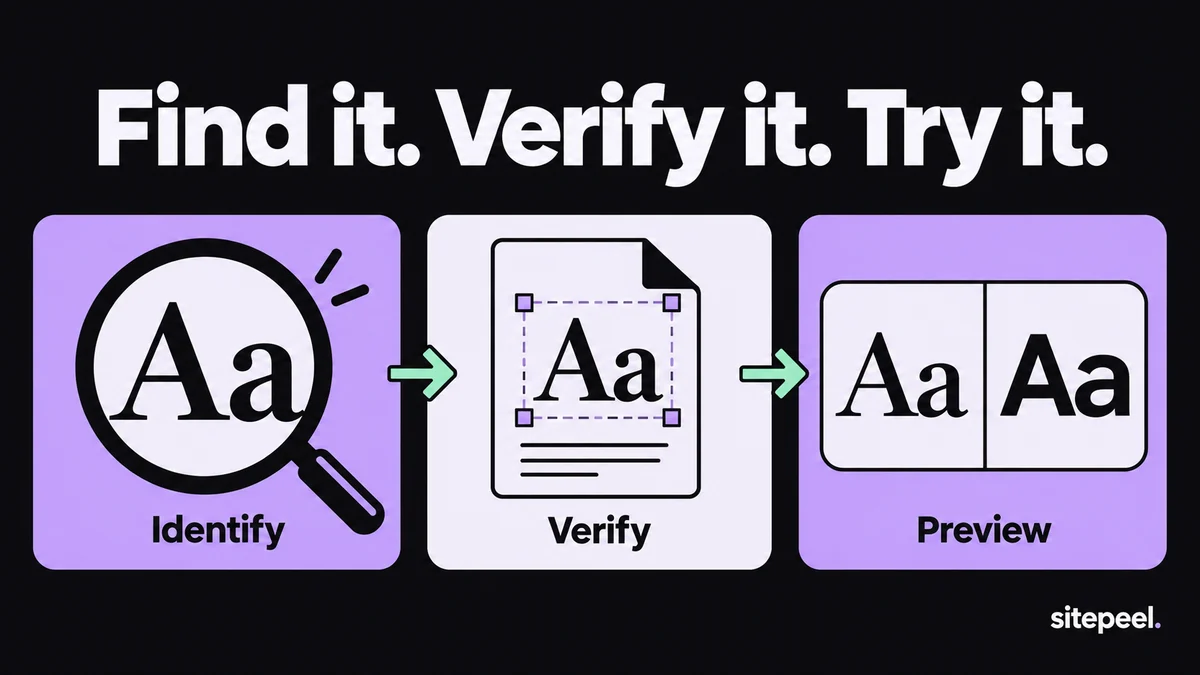
Choose between identifying, verifying and previewing
We make Sitepeel. This is an editorial comparison based on official documentation and listings checked on September 20, 2026, not a speed benchmark or a claim that one tool wins every task. Check the publisher’s current plan and permissions before installing.
These are three separate jobs. Identification gives you a likely family name. Verification checks the rendered result. Previewing tests how a different font changes your own layout. Choose a tool for the job you are doing now.
| Tool | Useful for | Follow-up check |
|---|---|---|
| WhatFont | Quick font information by hovering over text | Verify the rendered face when fallback is suspected |
| Font Finder | Inspecting font information for a page element | Read the family alongside size and weight |
| Sitepeel | Collecting typography and previewing font changes | Review wrapping and related design notes |
| Chrome DevTools | Checking computed styles and rendered fonts | Investigate font loading and fallback |
WhatFont for a quick answer; Font Finder for inspection
WhatFont offers a hover-based way to identify font information on live webpage text. It is a good starting point when you are collecting references and want the name without navigating a full debugging interface.
Font Finder is an open-source extension for analyzing the font information of an element. Evaluate it when you want a dedicated inspection workflow. Start from the official repository or publisher link to avoid confusing it with another extension using a similar name.
For either tool, inspect a heading, a body paragraph and a control separately. A website may use more than one family or vary weight and spacing enough to make the same family look quite different.
Verify the rendered font before you copy the name
The font-family declaration is an ordered list of options. If a web font fails to load or lacks a character, the browser can render a fallback. Copying the first family name may therefore reproduce the intention without reproducing what you saw.
Select the actual text element in Chrome DevTools, open Computed and inspect Rendered Fonts. Compare that result with the family and weight rules. If the result is unexpected, check font requests and loading errors before changing typography values.
Check the language used in the real product. A Latin heading can use a different face from a symbol or a second writing system in the same interface. Record the text sample as well as the family.
Collect the typography relationship, not only the family
A useful handoff includes family, weight, font size, line height, letter spacing and available width. The same typeface can feel different when its line length changes. Record a body paragraph and a heading at the same viewport so their relationship is clear.
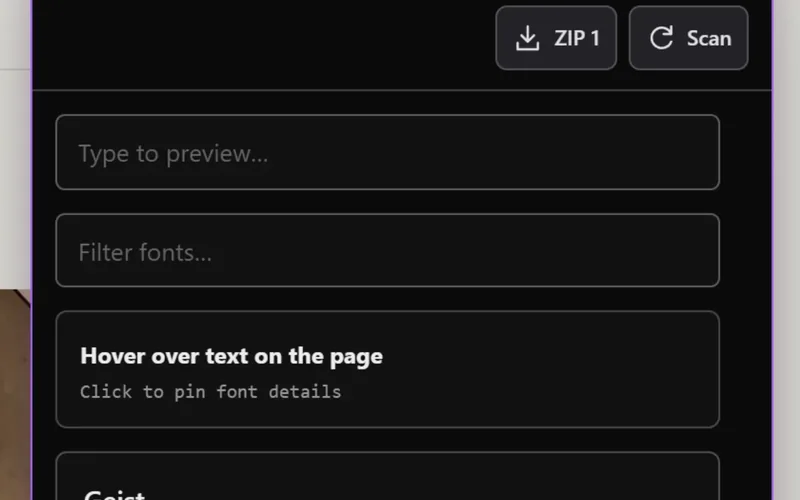
Sitepeel’s Detect fonts tool belongs in this collection workflow; its Swap fonts tool lets you preview alternatives on the page. Treat a preview as a local experiment, then implement the approved choice in the project source.
Use your real copy for the comparison. Try a longer heading and a button with a realistic label. A font that fits a short demo phrase can create clipping once the actual product language is present.
Know when the source is an image
A logo, flattened screenshot or text drawn into an image has no live text element for a CSS font inspector to read. Use an image-based identification service or ask for the source asset, then verify the proposed match against the characters you can see.
Identification also does not grant a font license. Once you choose a family, obtain it from an authorized source and check that your intended usage is covered. Keep that decision next to the typography reference so it is not lost during implementation.
When the exact family is unavailable, document the replacement openly. Compare x-height, character width and line breaks rather than silently claiming an approximate match is the original.
# Typography reference

Page / viewport / language:
Text sample:
Element role:

## Observed
Declared family stack:
Rendered font verified:
Weight / size / line height:
Letter spacing / text width:
Fallback or missing characters:

## Implementation
Authorized font source and license:
Chosen replacement, if any:
Long-copy test:
Narrow-screen test:
Unverified details: