On this page6
Step by step
Match the conditions
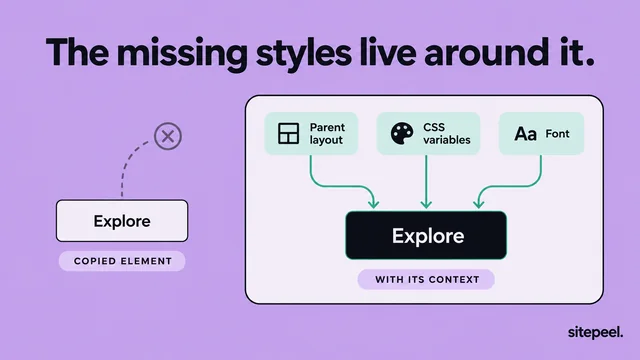
Compare the same URL, content, zoom and viewport. A narrower column can wrap a heading even with the same font.
Name the symptom
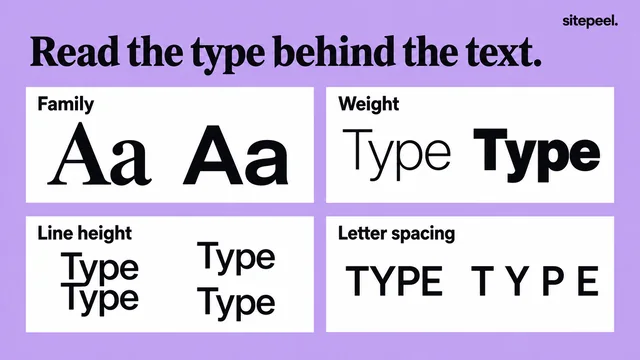
Wrong letter shapes, wrong weight, larger line spacing and a shifted section each point to a different cause.
Check the font loaded
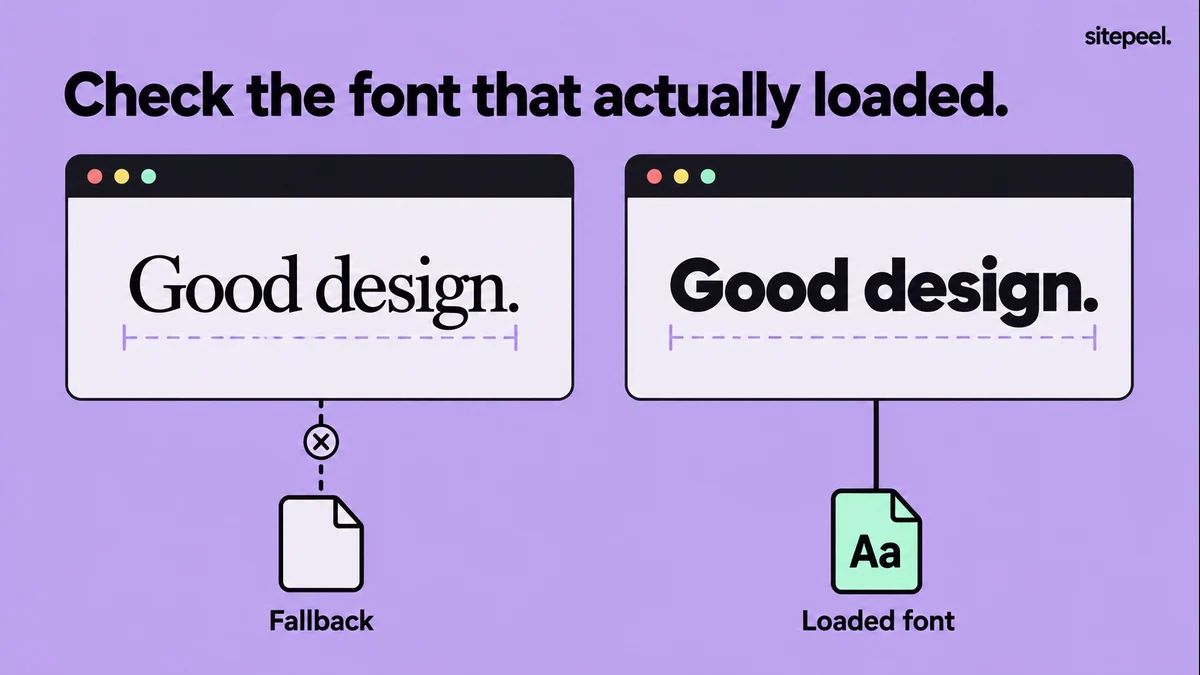
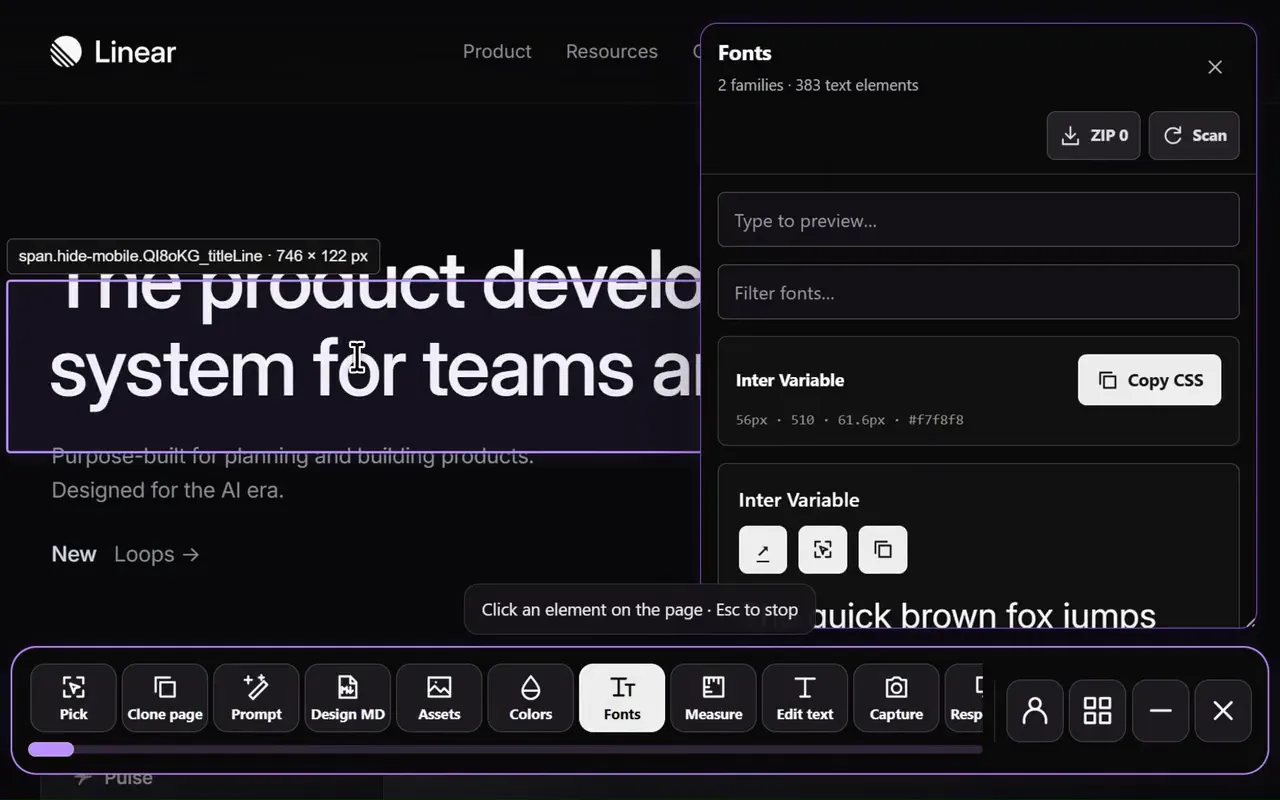
In the network panel, confirm the font request succeeded, then check which font actually rendered the text.
Check weights and styles
Confirm a file exists for every weight and style you use, or that the variable font range covers them.
Test a slow load
Throttle the connection, watch the fallback swap to your font, and check long labels and a narrow screen.
Symptoms and likely causes
| Symptom | Likely cause | Check or fix |
|---|---|---|
| Different letter shapes | A fallback font rendered | The font request and the rendered font |
| Too heavy or too light | A weight is missing or mapped wrongly | font-weight in each @font-face |
| Different line spacing | Different line height or letter spacing | Computed size, line height and spacing |
| Heading wraps differently | A different viewport or column width | Same width and zoom |
| Some characters look different | The font lacks those characters | Real text in your audience’s language |
| Same font, slightly different edges | Platform text rendering | Accept it; don’t add browser-specific offsets |
Is the font actually loading?
A font-family list can name the intended font while the browser shows a fallback. A wrong path, a failed request or a font that is only installed on your computer changes the result without changing the CSS.
Load each weight correctly
Load a file for each weight and style, and make the @font-face family name match the CSS that uses it. Renaming a regular file doesn’t make it semibold. With a variable font, check the declared range.
@font-face {
  font-family: "Project Sans";
  src: url("/fonts/project-regular.woff2") format("woff2");
  font-weight: 400;
  font-style: normal;
  font-display: swap;
}

@font-face {
  font-family: "Project Sans";
  src: url("/fonts/project-semibold.woff2") format("woff2");
  font-weight: 600;
  font-style: normal;
  font-display: swap;
}

body { font-family: "Project Sans", sans-serif; }
h1, h2 { font-weight: 600; }Compare after fonts settle
Compare once fonts and layout have finished loading. The CSS Font Loading API helps automated captures wait, but waiting can’t fix a failed request. Only serve font files your project is licensed to use.
Questions
Why does my font look different in another browser?
Check that both browsers load the same font file and weight; one may be showing a fallback. If the same font renders, compare line height and letter spacing. Platform text rendering can still differ slightly.
Why is my web font not loading?
Common causes are a wrong file path, a failed request, or an @font-face family name that doesn’t match the CSS using it. Check the font request in the network panel, then the @font-face rule.
Why does my bold text look wrong?
The bold weight may not be loaded. Each weight needs its own @font-face file with the right font-weight, or a variable font whose range covers it.