
Chrome extension tools
Every tool opens on the page you have open, even behind a login, from a dock at the bottom or a sidebar.
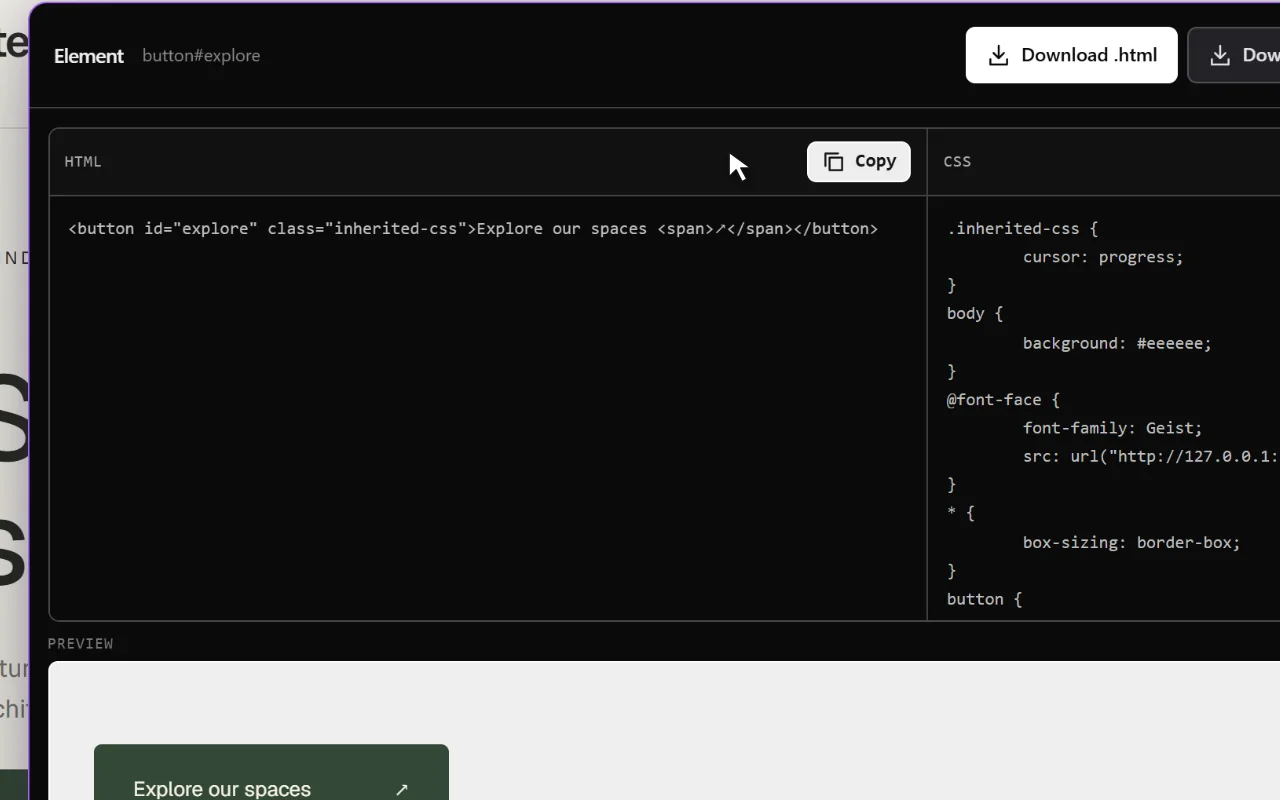
Pick element
HTML and CSS extractor: click any element and copy its code.
Explore the tool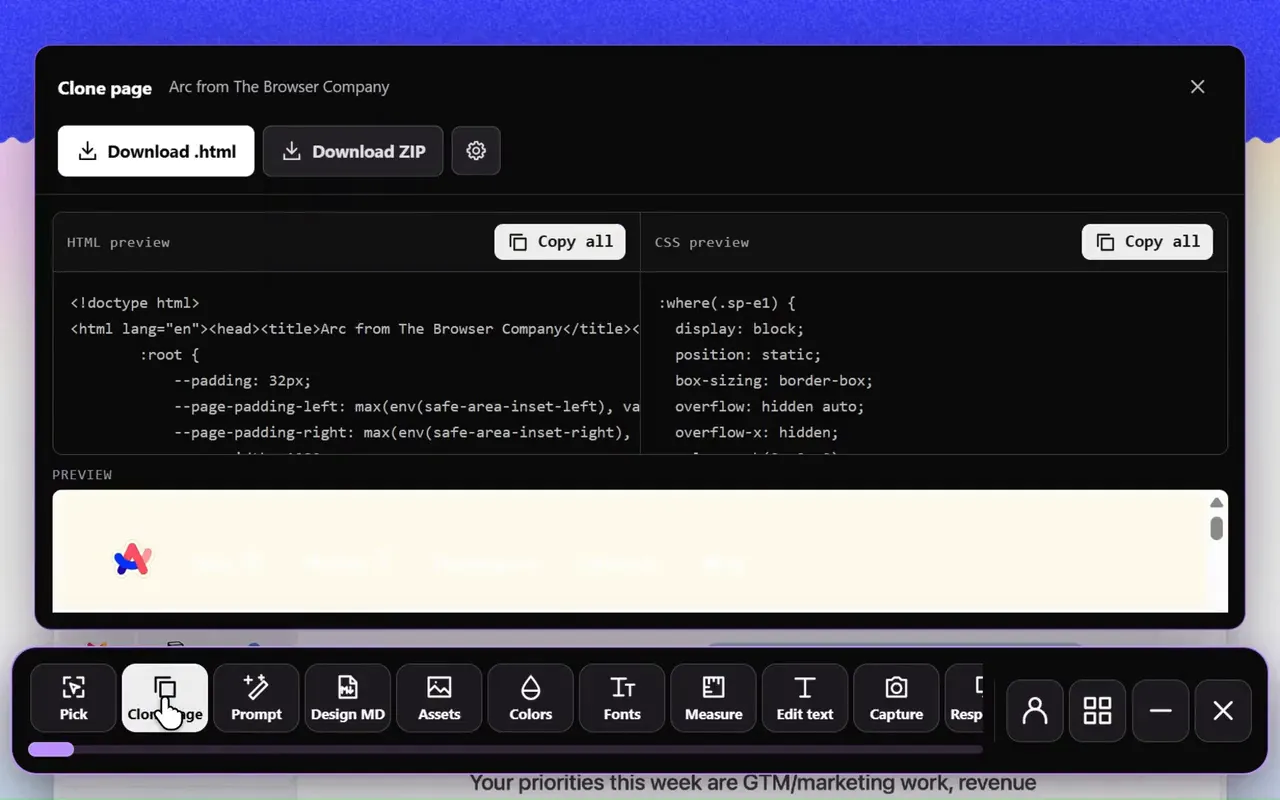
Clone page
Website cloner: export the rendered page as HTML and CSS, with its assets.
Explore the tool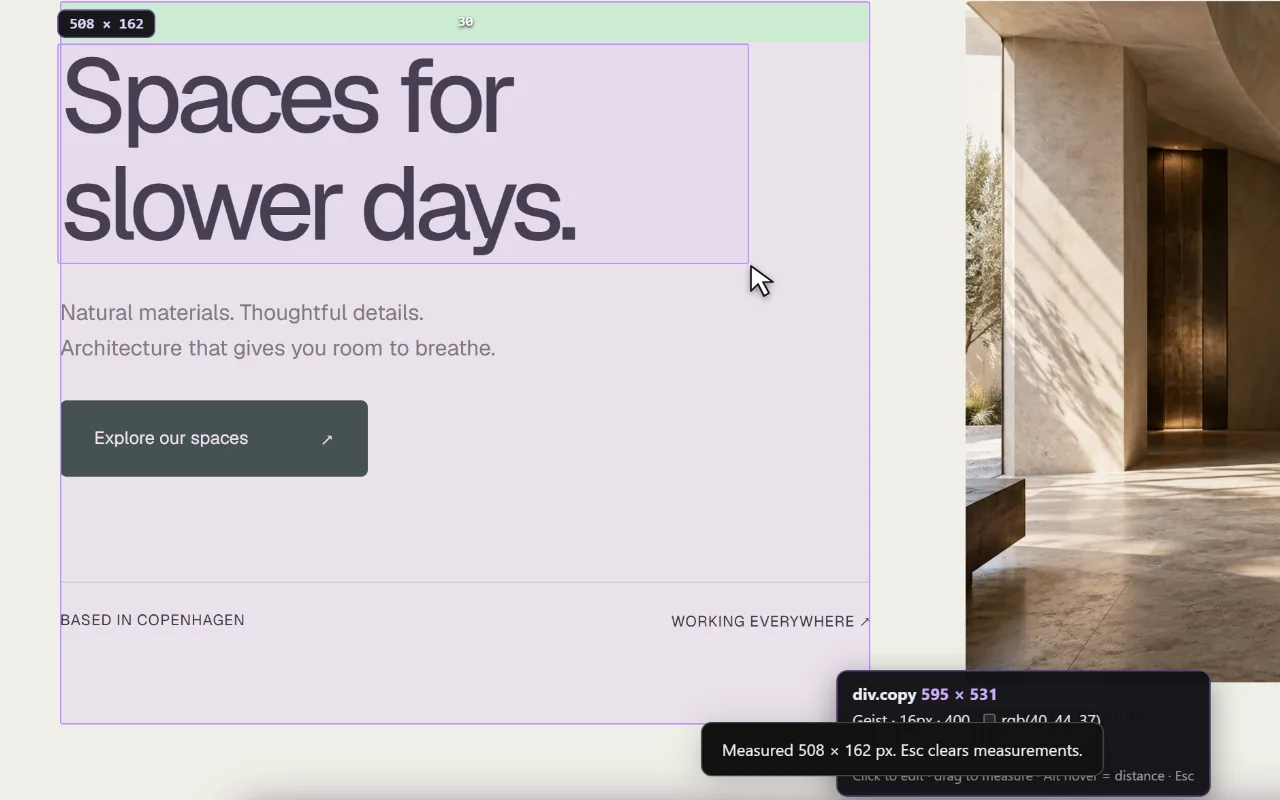
Inspect & measure
CSS inspector and ruler: hover for sizes, padding and margins, and measure gaps.
Explore the tool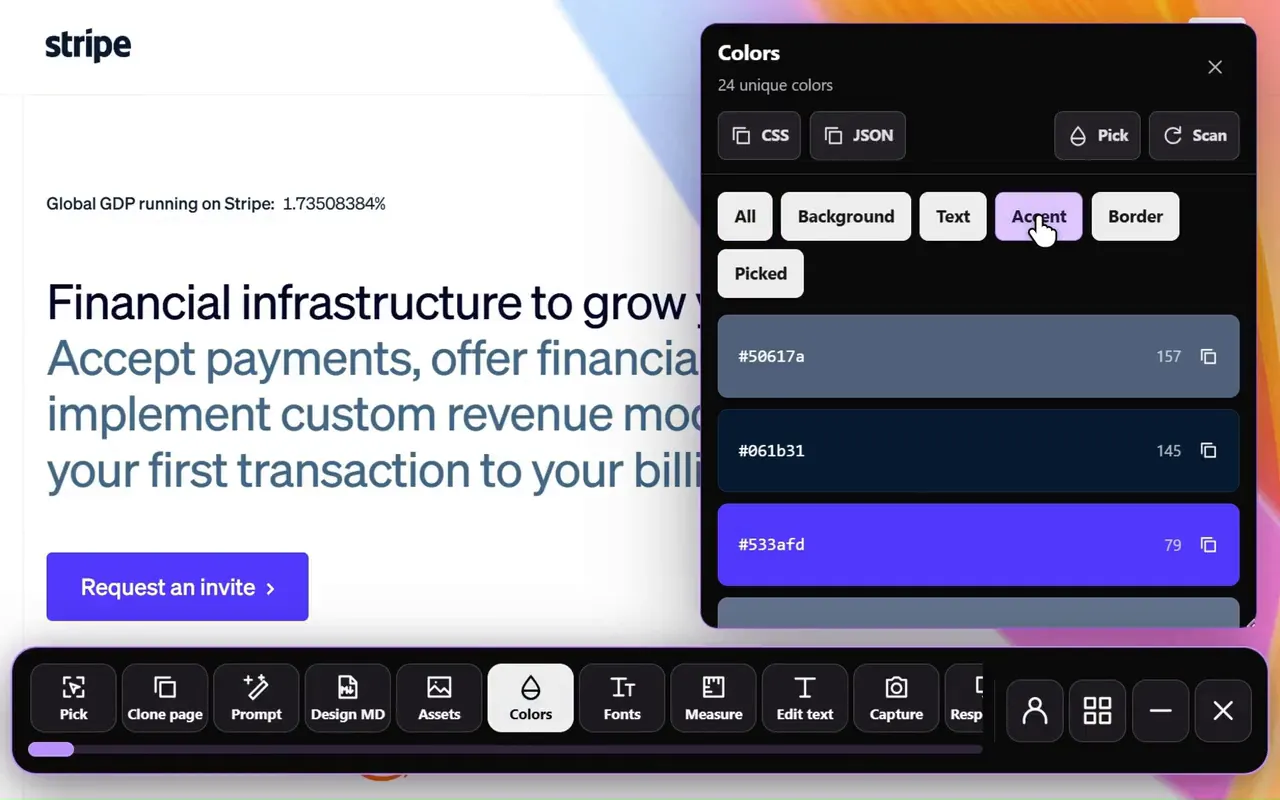
Extract colors
Color picker: copy any color, or export the page’s palette as CSS or JSON.
Explore the tool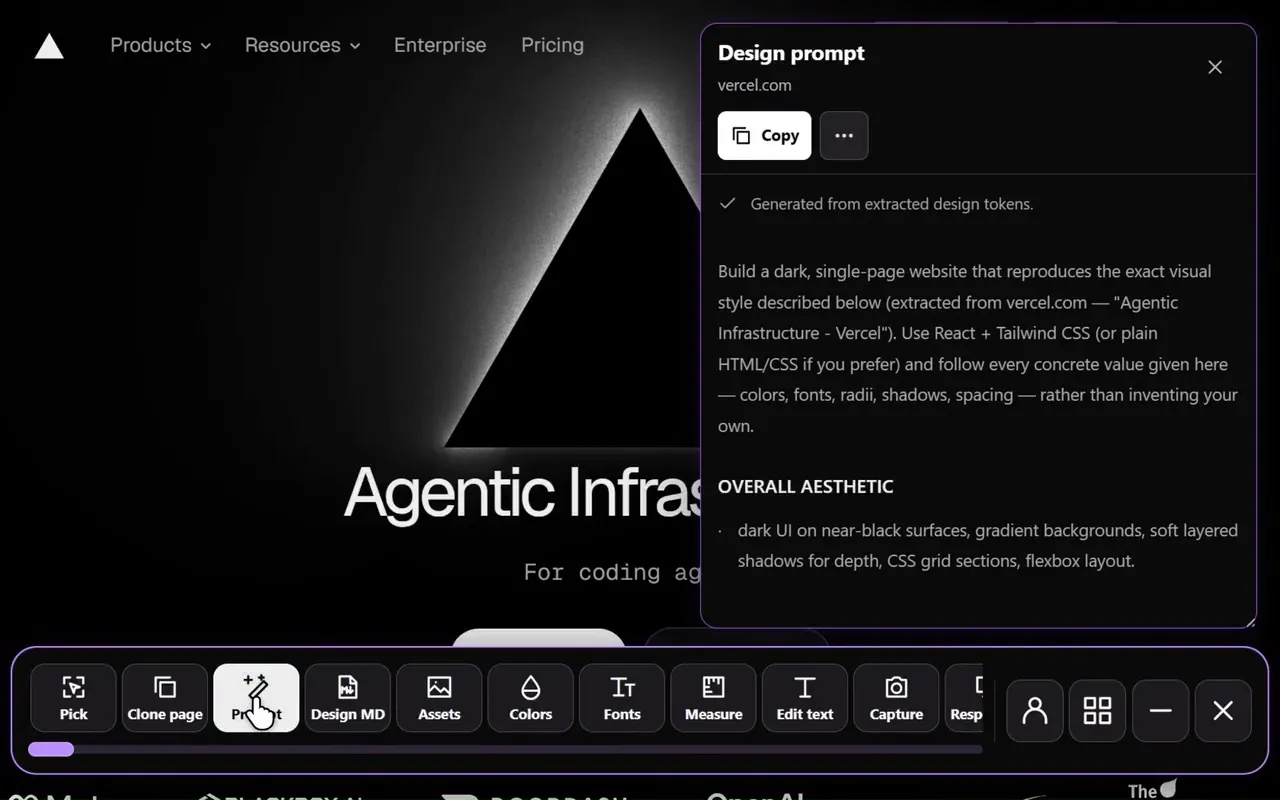
Design prompt
Website to prompt: turn the page into a detailed design brief for AI.
Explore the tool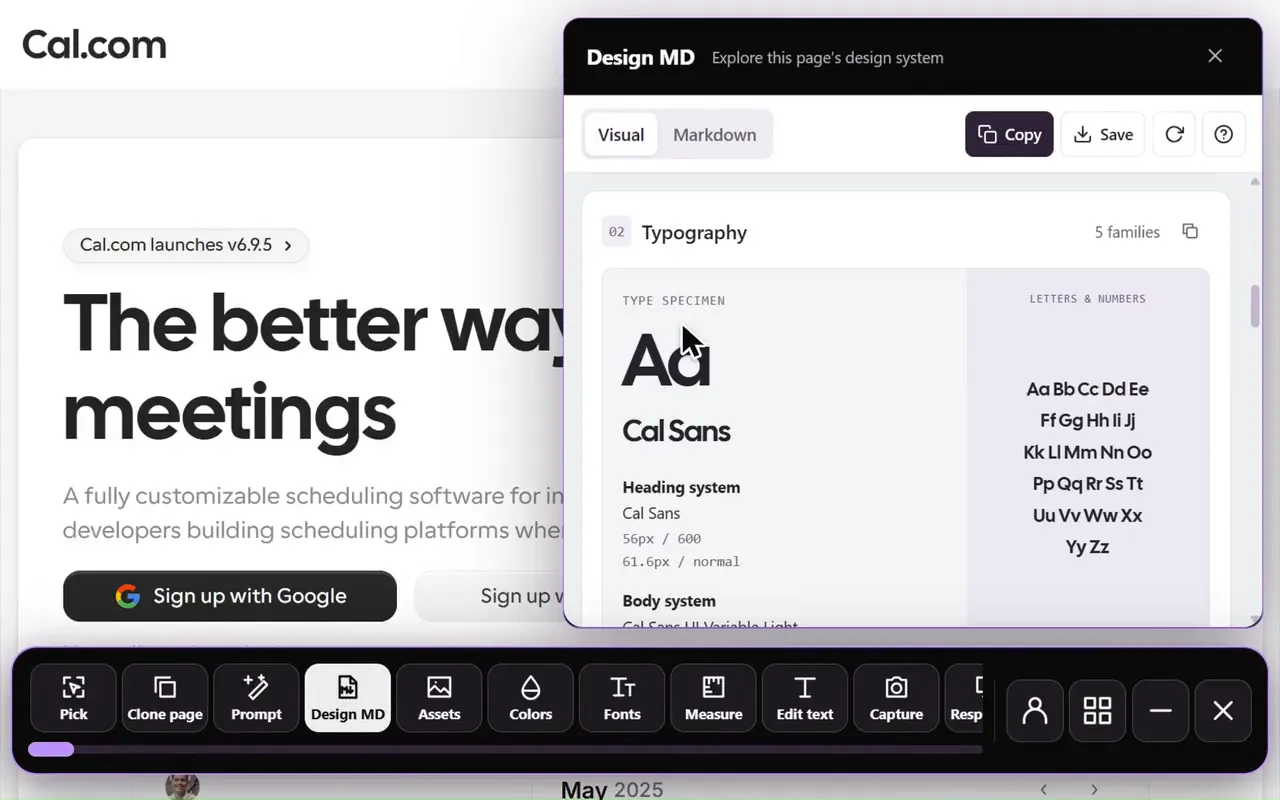
Design MD
DESIGN.md generator: the page’s colors, fonts and spacing as a DESIGN.md for your AI agent.
Explore the tool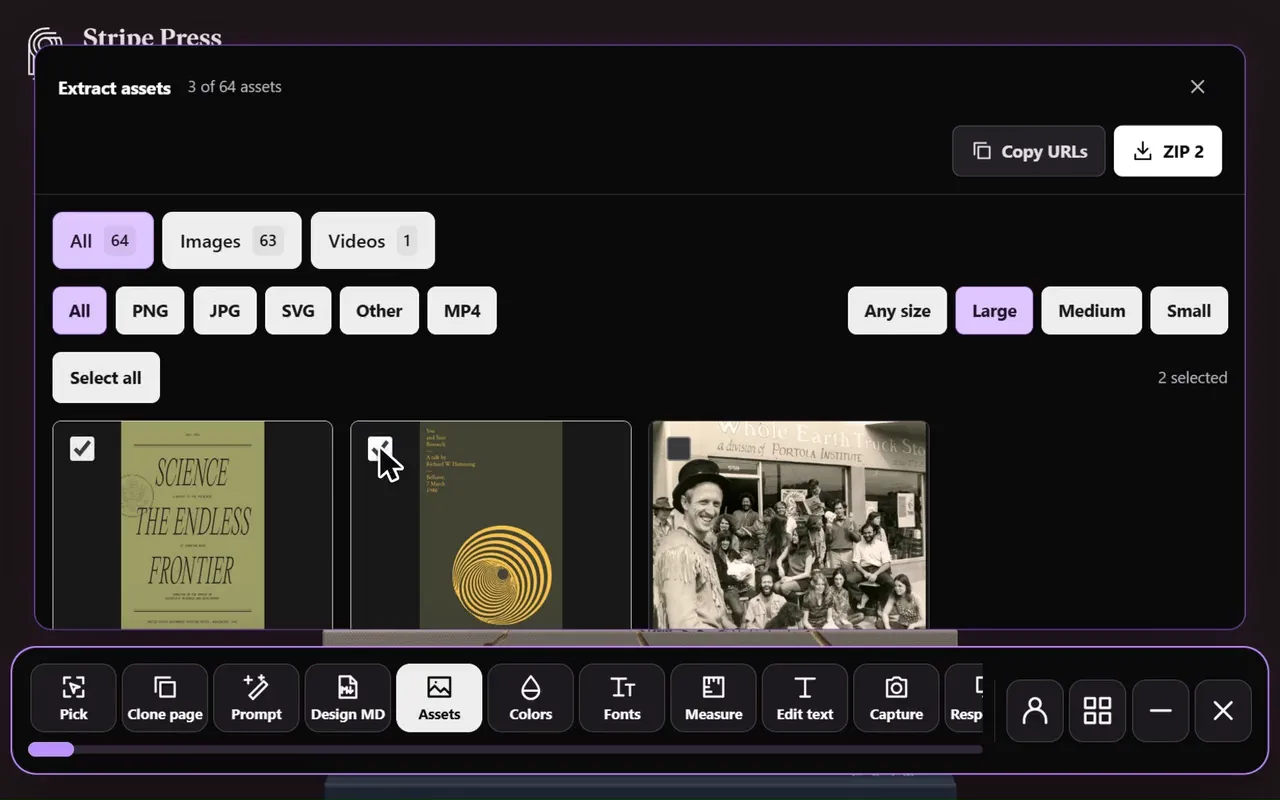
Extract assets
Image downloader: browse and save the page’s images, videos and SVGs.
Explore the tool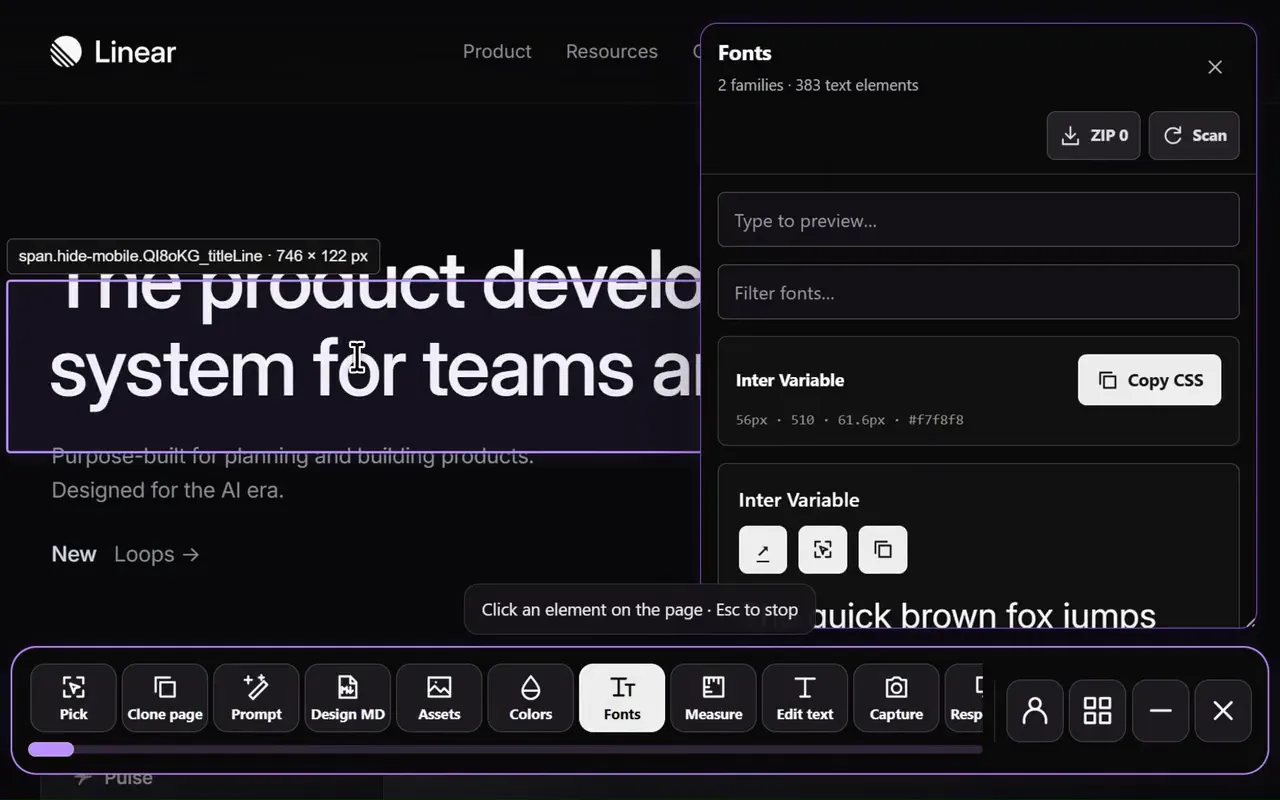
Detect fonts
Font finder: hover any text to see its font, size, weight and line height.
Explore the tool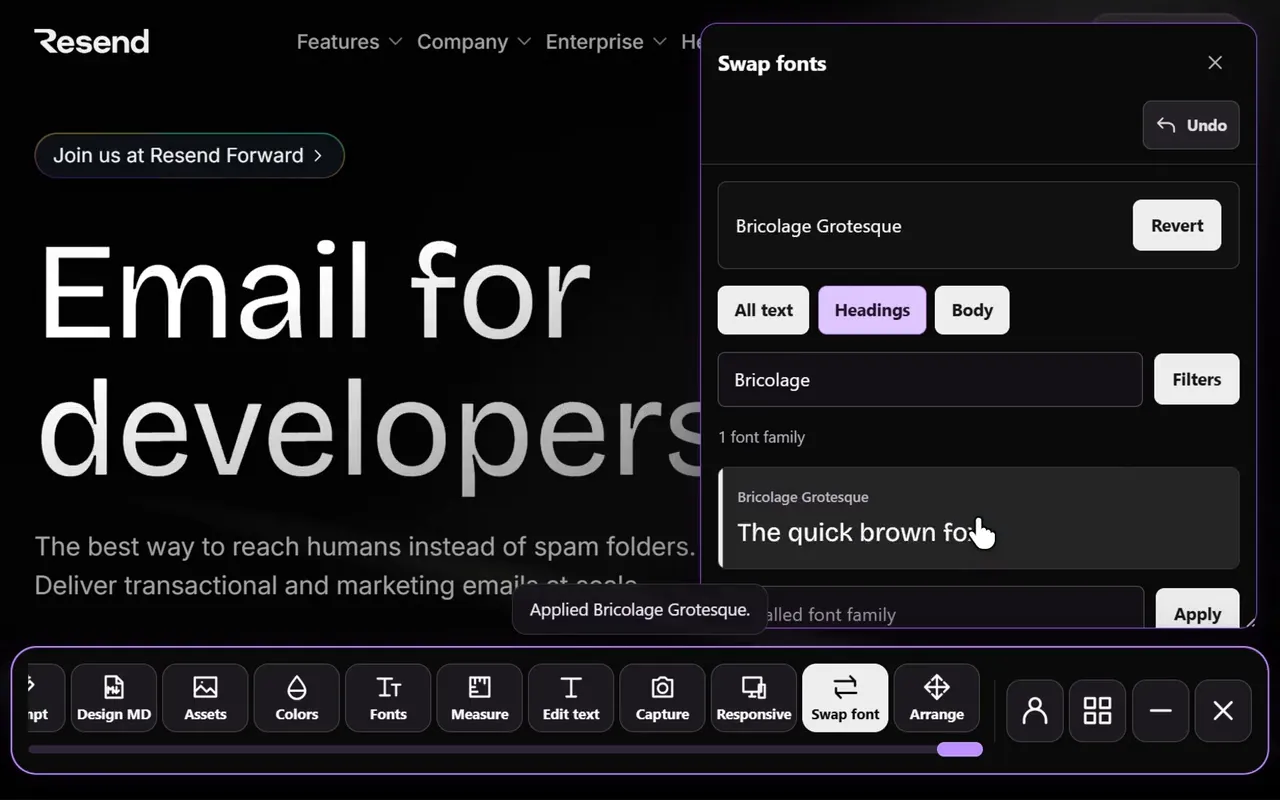
Swap fonts
Font preview: try 2,100+ fonts on the page’s headings and body text.
Explore the tool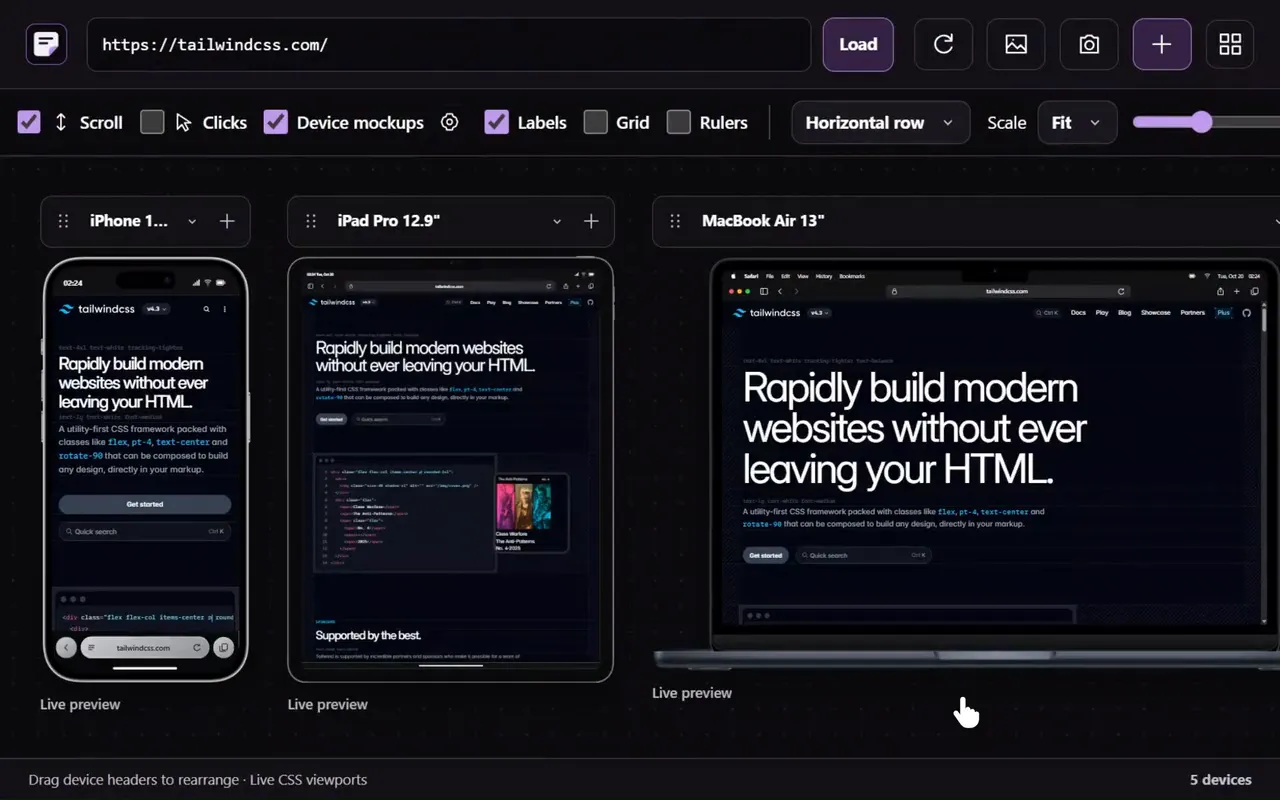
Responsive viewer
Responsive viewer: see the page at phone, tablet and desktop sizes, side by side.
Explore the tool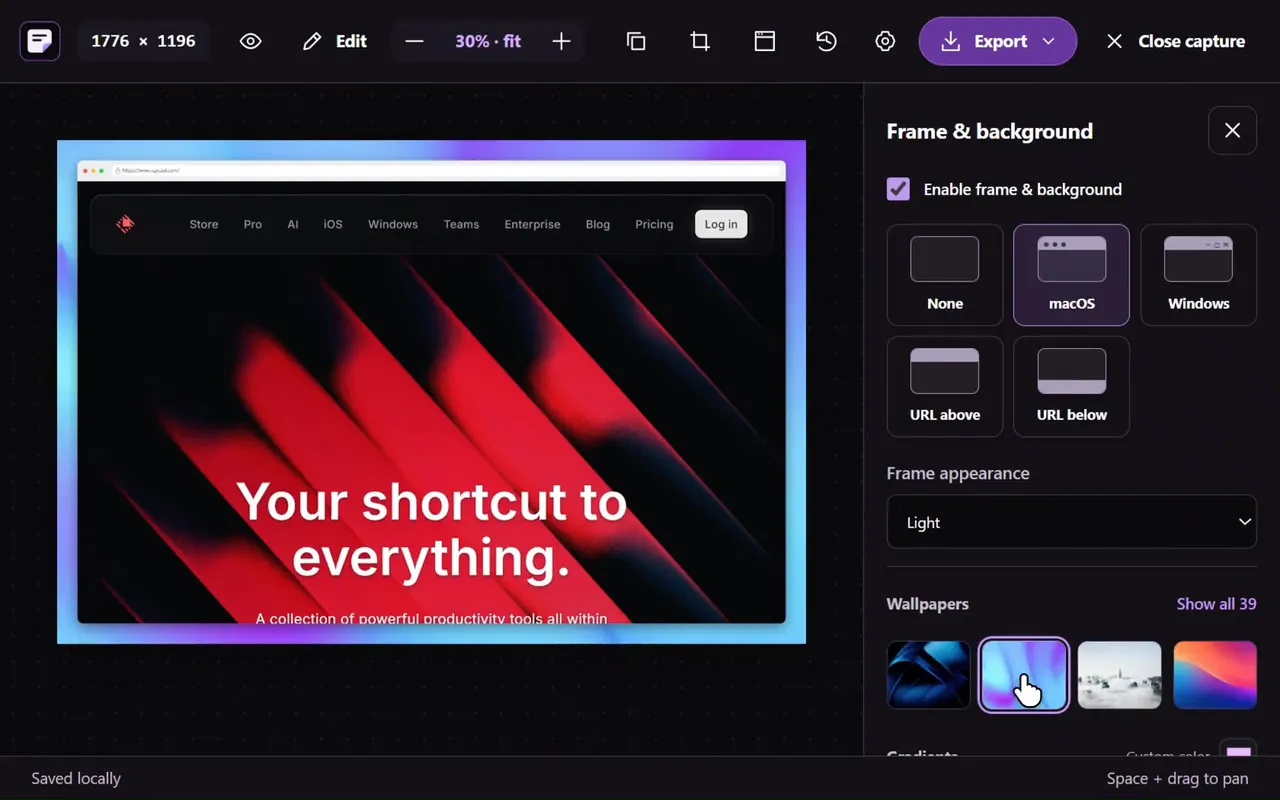
Screenshot
Full page screenshot: capture the page, an area or one element, then mark it up.
Explore the tool
Edit text
Website text editor: change any words on the page to try your own copy.
Explore the tool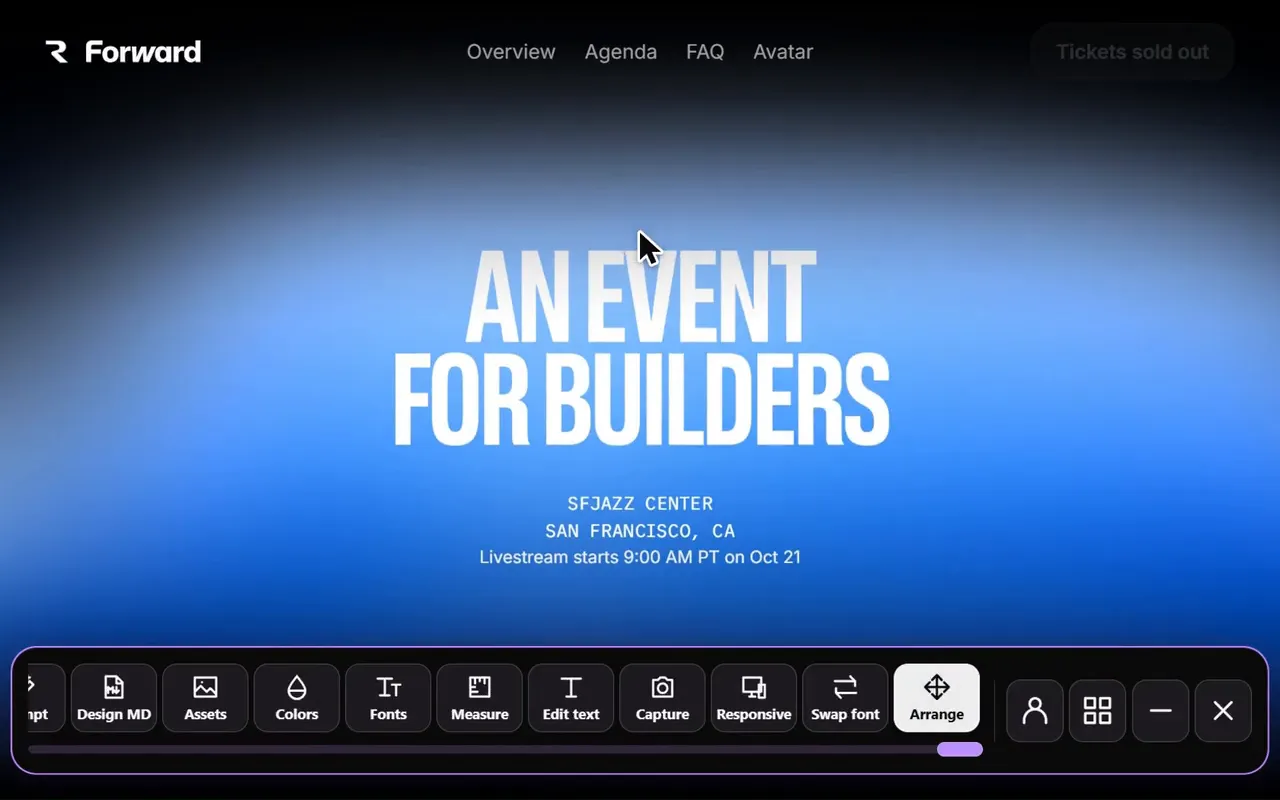
Move & delete
Layout editor: drag elements around or remove them, with undo.
Explore the toolTAKE A CLOSER LOOK
Your next starting point is already on the web.
Inspect it. Understand it. Build something of your own.