On this page5
How it works
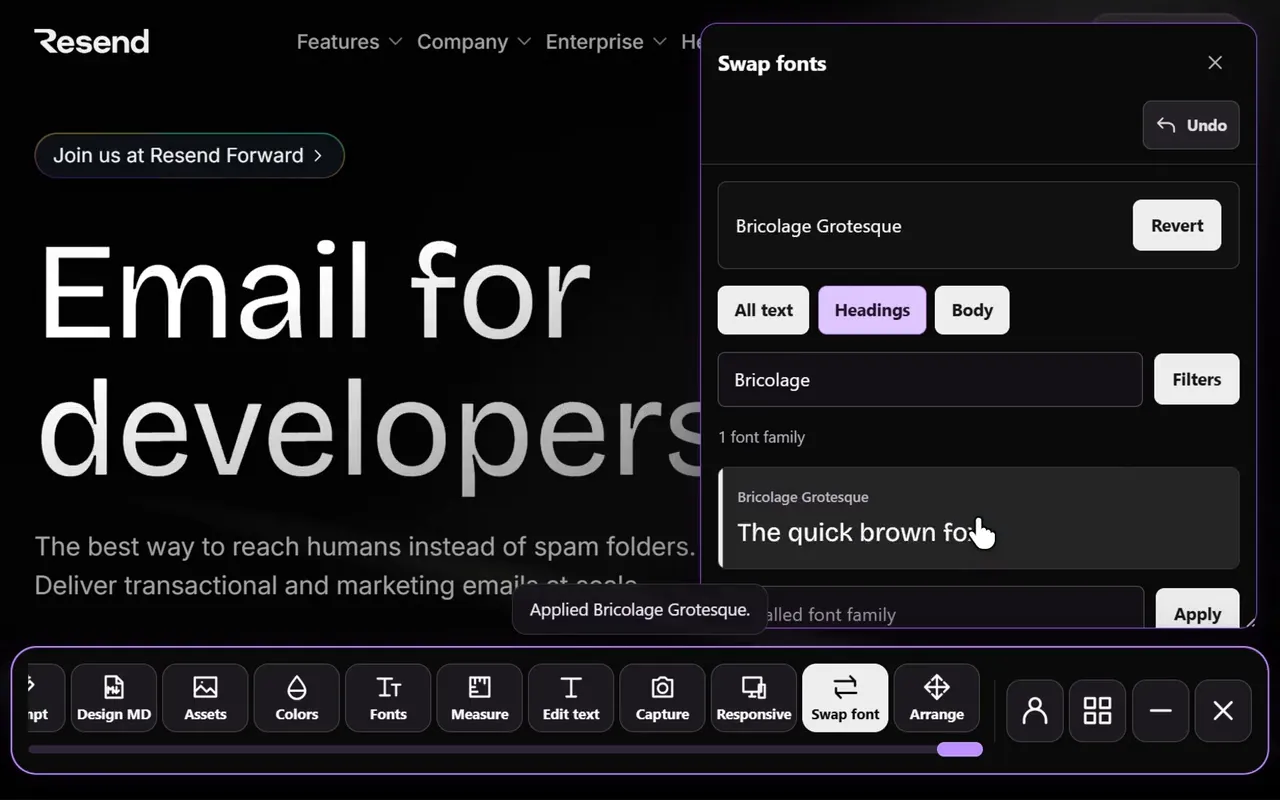
Open Swap fonts
Use the tool on a page with representative headings and body text.
Choose the text to change
Try a family on headings, body text or both.
Compare the layout
Check line breaks, button widths and readability before choosing your font.
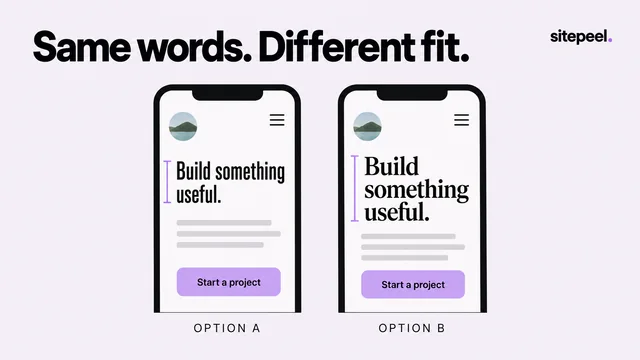
Font preview in the real layout
A font may look convincing in an alphabet sample and awkward inside your navigation. Previewing it on the page exposes the details that matter: a heading wrapping onto another line, a button becoming too wide or a paragraph feeling too dense.
Start with one change at a time. Keep body text steady while comparing heading families, then choose a body pairing that stays comfortable to read.
Compare function as well as personality
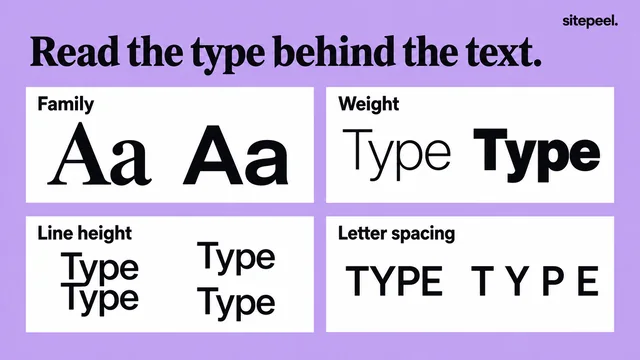
Look at small labels, numerals, punctuation and longer text. A display typeface may suit a hero but work poorly in forms or dense interface copy.
Check the page at a narrow width and at increased text size. If the design depends on a particular weight, verify that the family provides it before implementing the preview.
Keep experimentation separate from publishing
Font previews change the page in your browser so you can explore a direction. They do not publish edits to the website.
Once you choose a family, add the proper font files or delivery method in your project, review its license and confirm the loading behavior. Use Detect fonts to compare with the original styling.
Questions
Is there a Chrome extension to change the font on a website?
Yes. Swap fonts in the Sitepeel Chrome extension changes the headings, body text or both on the page you have open to any of 2,100+ font families, so you can compare them in the real layout.
How do I change the font on a website?
For a site you build, change the font in its CSS and load the font files. To try a font first, open Swap fonts on the live page and pick a family; nothing is published.
Does it change the website for everyone?
No. The change happens only in your browser tab and is gone when you reload. It is for trying fonts, not for editing the live site.
Is the font changer free?
Sitepeel is free to install. Swap fonts, like every tool in the extension, has a 24-hour trial that starts the first time you use it. After that, lifetime access is one payment.