

Free tools to clone any website.
Paste a link to get a prompt that rebuilds it with AI, plus its DESIGN.md, assets, fonts and colors.
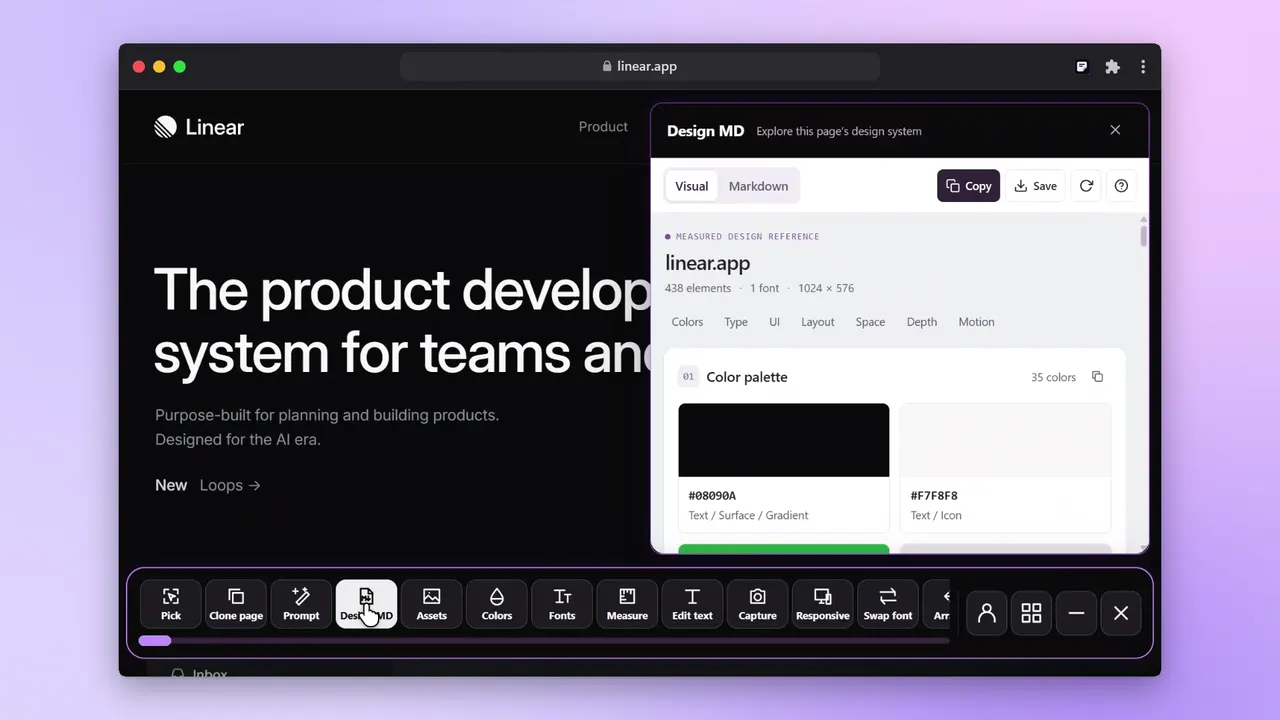
Pick a tool.
Paste any link.
Nine free tools. Each one shows its result in seconds, with no install.
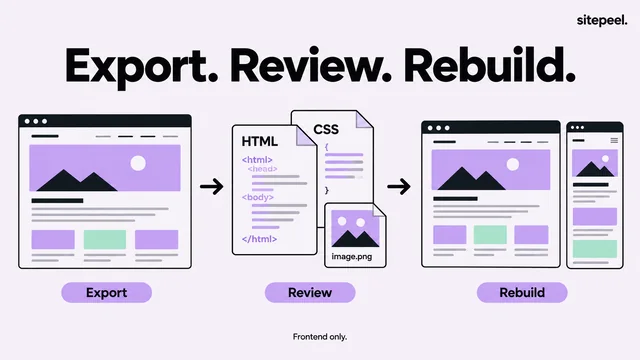
Clone promptFree
One prompt that rebuilds any site in Antigravity, Cursor or Claude Code, assets and all.
Get a clone promptDESIGN.md generatorFree
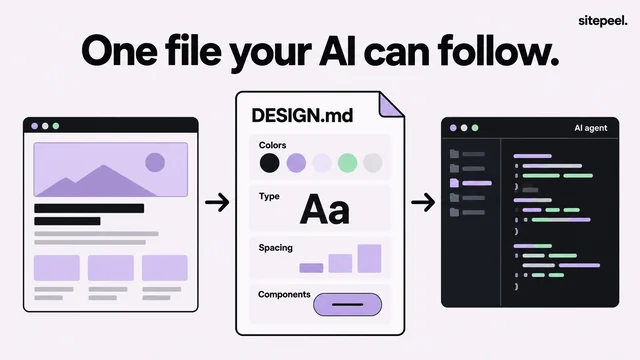
Turn any website into a DESIGN.md your AI coding agent can follow.
Get a DESIGN.mdAI slop checkerFree
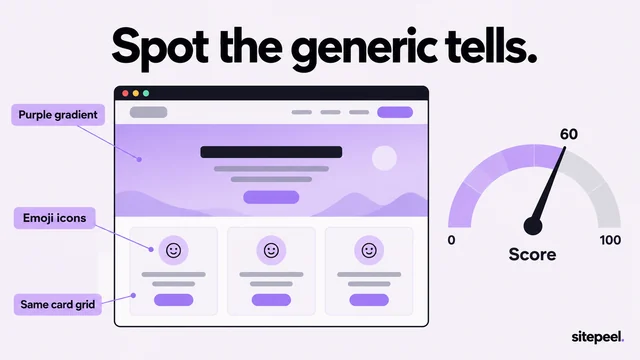
A score for how AI-made a site looks, every tell we found and a prompt that fixes them.
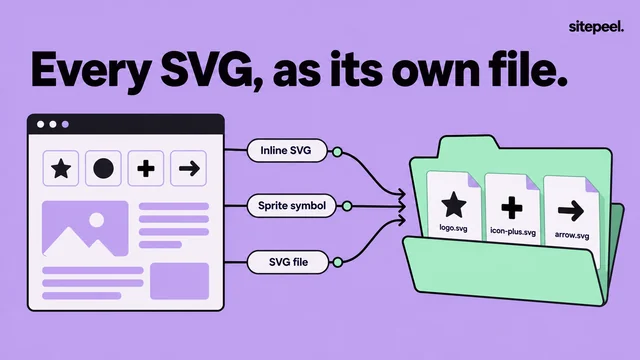
Check a siteAsset extractorFree
Every image, SVG, video, 3D model and animation, hidden ones too.
Extract assetsWhat font is this?Free
Every font a site uses, with weights, sizes and where to get it.
Find fontsColor paletteFree
The site’s real palette, ready for CSS, Tailwind or JSON.
Get the paletteTech stackFree
The framework, hosting, libraries and tools behind any site.
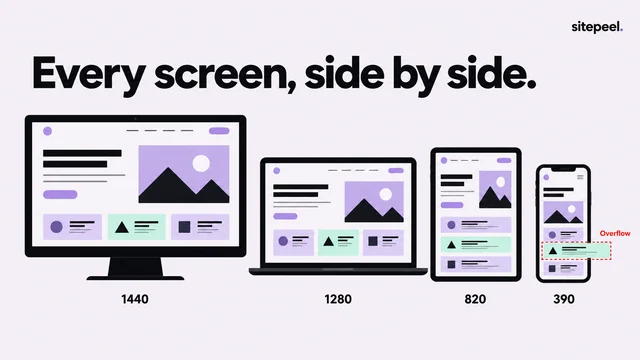
Find the stackResponsive checkerFree
See a site on phones, tablets, laptops and monitors side by side, and what breaks.
Check every screenWebsite screenshotFree
Full-page screenshots of any site, framed, blurred where you need it and ready to share.
Take a screenshotReal design systems,
measured.
Hundreds of DESIGN.md files, made by people using Sitepeel.
Give your AI agent
a design system.
Add a DESIGN.md to your project and your agent builds with real colors, type and spacing.
# DESIGN.md · stripe.com
colors:
  primary: "#533AFD"
  surface: "#FFFFFF"
typography:
  h1: { size: 56px, weight: 300 }
rounded: { md: 4px }
One file your agent reads
Measured colors, type, spacing and components, written for AI coding agents. What is DESIGN.md?
 Claude Code
 Cursor
 Codex
Codex GitHub Copilot
 Windsurf
 Gemini CLI
 v0
v0 Replit
Works with your agent
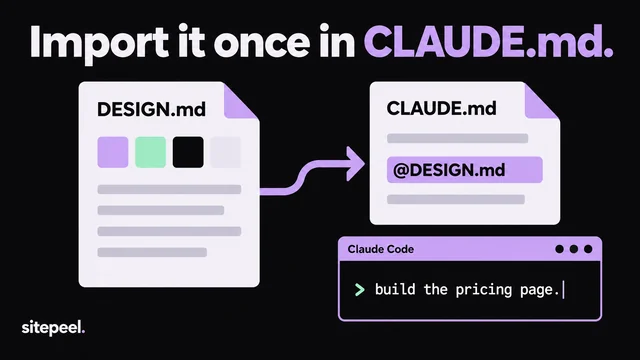
Put the file in your project and ask for a page. Each agent has a short setup guide.
13 more tools,
right on the page.
The Sitepeel Chrome extension works on any page you open, even behind a login.
Learn how it’s done.
Short guides for DESIGN.md, AI agents, assets and screens.
Frequently asked questions
About the free tools, their limits and the Chrome extension.
What is Sitepeel?
Sitepeel is a set of free website tools for web developers and designers. Paste a link to clone a site with AI, or get its DESIGN.md, assets, fonts, colors, tech stack, screen sizes or a full-page screenshot. The Sitepeel Chrome extension adds 13 more tools that work on any page you open.
Are the tools free?
Yes. The website tools are free and need no install. Clone prompt, DESIGN.md and the asset extractor ask you to sign in after a few runs; lifetime access makes them unlimited and saves your results.
What is a DESIGN.md file?
A Markdown file that describes a design system: colors, typography, spacing, corners and components. Link it from your AI agent’s instructions (CLAUDE.md, AGENTS.md or Cursor rules) and Claude Code, Cursor or Codex build interfaces that match it.
Does it work on any website?
It works on public pages. Some sites block automated visits, and pages behind a login need the Sitepeel Chrome extension, which works on the page you have open.
Can I reuse what I extract?
Images, fonts, code and copy belong to the site’s owner. Use them as reference, or ask for permission before you reuse them.