On this page6
Step by step
Let the page load
Wait for fonts to finish loading so you inspect the font that actually renders, not a fallback.
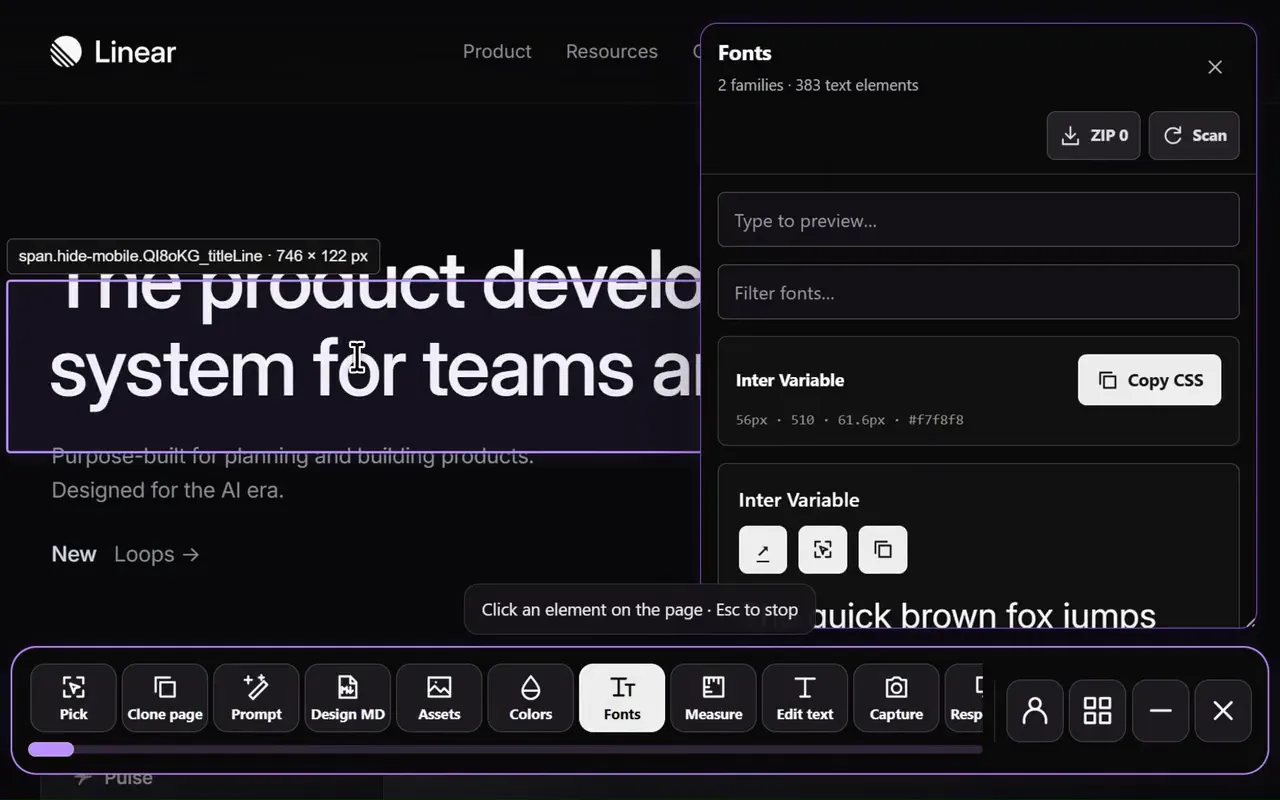
Open Detect fonts
Open Sitepeel, choose Detect fonts and hover over live text.
Sample three kinds of text
Check a heading, a body paragraph and a small label. Record family, weight, size and line height.
Try it in context
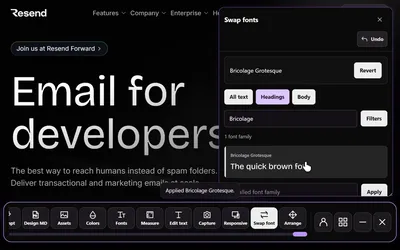
Use Swap fonts to preview another family on the page before you rebuild anything.
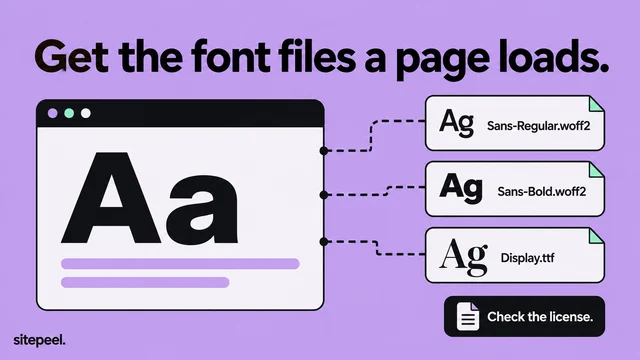
Get a licensed copy
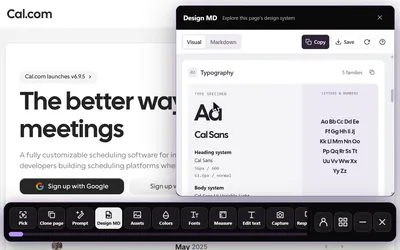
Get the font from a licensed source, then record the type hierarchy in DESIGN.md.
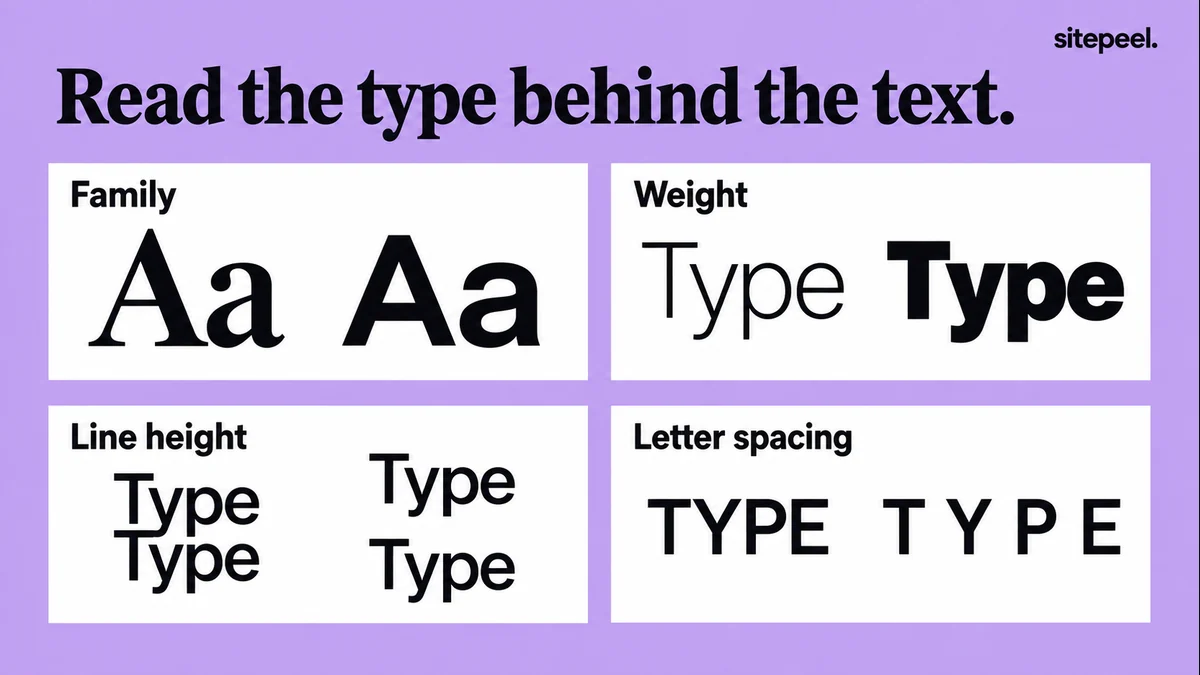
What to record for each text style
- Family: the font that actually renders, plus the fallback list.
- Weight: such as 400 or 600, for each style.
- Size and line height: together they set the reading rhythm.
- Container width: it decides line length and where lines break.
Why the font you see can differ
CSS lists several font families. The browser works through that list when a font is unavailable or lacks a character, so a failed font file changes the look. Test your chosen font and a sensible fallback.
h1 {
  font-family: "Inter", system-ui, sans-serif;
}
/* Example stack: the browser uses the next font if one is missing. */Check it in your layout
Compare line breaks and the space between headings and body text, not just the letter shapes. A wider font may need a different line length.
- Headings stay readable on a phone-sized screen.
- Body text has comfortable line spacing.
- Small labels and numbers stay clear.
- The family includes the weights and characters you need.
Use the font legally
Identifying a font doesn’t give you the right to redistribute its files. Get the license and delivery method your project needs.
- Google Fonts are free and can be loaded directly.
- Adobe Fonts need a Creative Cloud plan.
- Self-hosted and custom fonts usually need a license from their foundry.
Questions
How do I find out what font a website uses?
Paste the link into Sitepeel’s free font finder, or open the Detect fonts tool on the page and hover over the text. Check a heading, body text and a label.
Why does the font look different on my site?
The browser may be using a fallback because the font didn’t load, or your size, weight, line height or container width differ from the original.
Can I identify a font in a logo or image?
Not with these tools. They read live text on a website; letters inside an image carry no font data.