On this page7
Side by side
| Google Stitch | Figma Make | Claude Design | |
|---|---|---|---|
| Made by | Google Labs (BETA label) | Figma | Anthropic |
| Free use | Free, daily credit limit | Starter: 150 AI credits a day, up to 500 a month | On Free and paid Claude plans, shared limits |
| Starts from | A prompt, sketch or screenshot | A prompt, Figma frames, PDFs and files | A prompt, images, documents or a codebase |
| You get | Editable screens, HTML and CSS | Code-backed apps, editable on the canvas | Designs and prototypes, refined by chat and comments |
| Goes where | Figma, code, AI coding agents | Between code and canvas, with a built-in CMS | PDF, PPTX, Google Slides, HTML, Claude Code |
| Design system | Reads and writes DESIGN.md | Library styles and packages through Make kits | Built from your code and design files |
Pick Google Stitch if…
- You want new screens at no cost
- You’ll export to Figma or hand code to an agent
- You want an MCP server for your coding agent
Pick Figma Make if…
- Your team already works in Figma
- You want to jump between code and canvas
- You want your library styles in the prompt
Pick Claude Design if…
- You refine by chat, inline comments and direct edits
- You also make decks and one-pagers
- You hand off to Claude Code
What carries a style between them
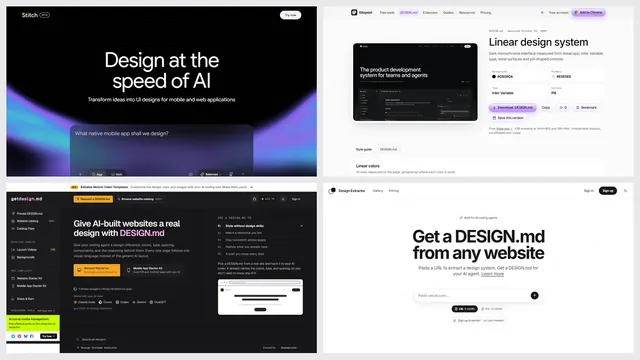
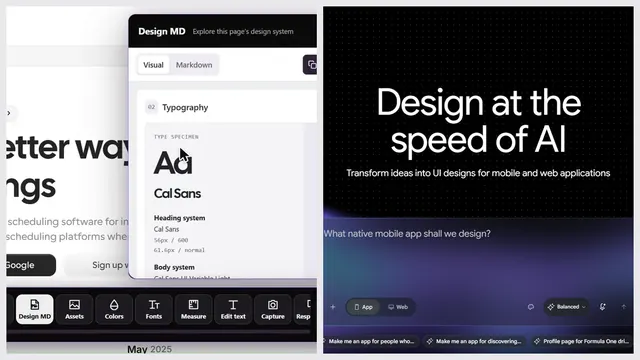
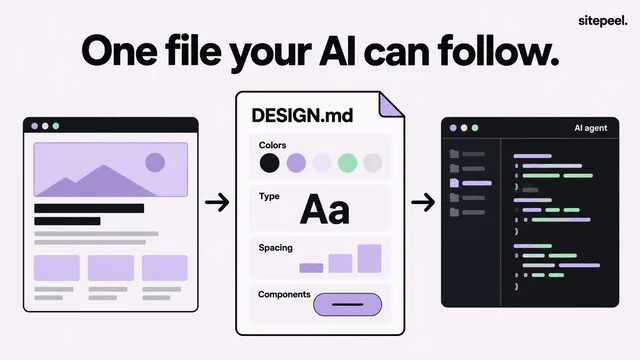
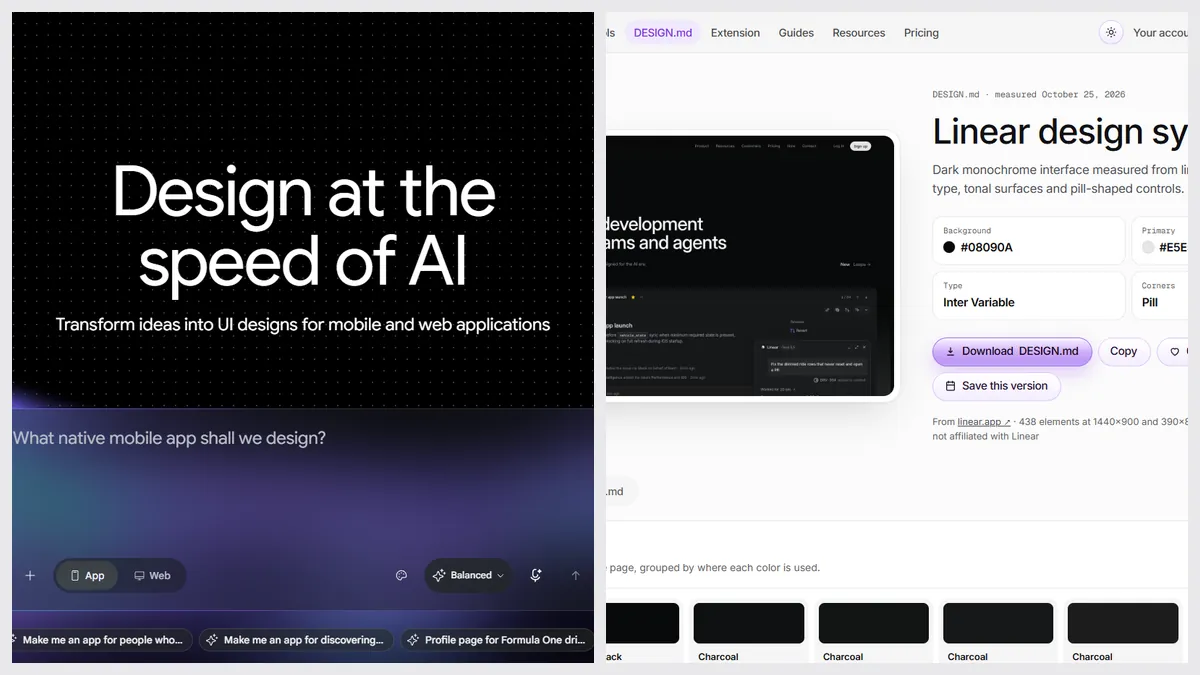
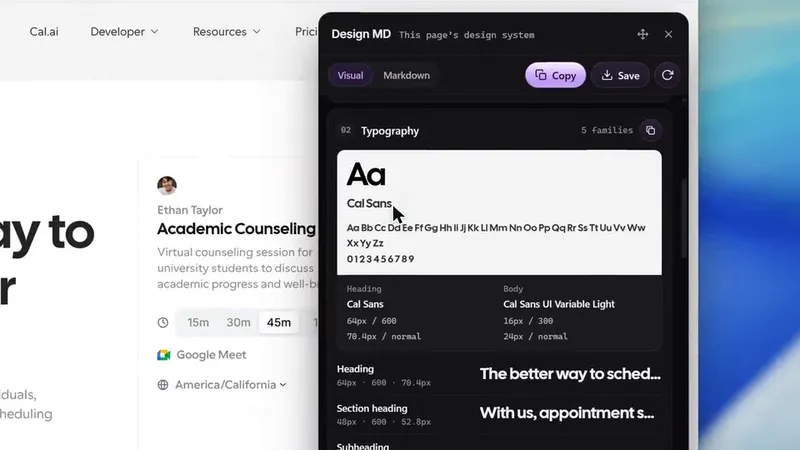
A DESIGN.md is one text file with a site’s colors, type, spacing and components. Stitch reads and writes it. To start from a real site, paste its link into Sitepeel’s DESIGN.md generator, then give the file to the tool you picked. Sitepeel doesn’t design new screens.
The verdict
Questions
Is Google Stitch better than Figma?
They do different jobs. Stitch makes new screens from a prompt, free. Figma is where teams design and hand off, and Figma Make adds prompts on its canvas. Stitch can export to Figma, so many people use both.
Can Google Stitch export to Figma?
Yes. Its FAQ says it exports generated UI to Figma with Auto Layout, named component layers and editable text.
Is Claude Design free?
Claude’s help center lists it on Free, Pro, Max, Ultra, Team and Enterprise plans, using each plan’s shared limits. The standalone site at claude.ai/design closes on December 14, 2026.
Do Figma Make and Claude Design read a DESIGN.md?
The pages we read don’t say so. Stitch documents DESIGN.md import and export. A DESIGN.md is a plain text file, so you can also paste it into a prompt in any of them.
Is Sitepeel a Figma or Stitch alternative?
No. Sitepeel doesn’t design new screens. It measures a real website into a DESIGN.md, HTML and a prompt, which you can then use in these tools.