On this page6
How it works
Add Sitepeel to Chrome
Install it free from the Chrome Web Store and pin it to your toolbar. It works in Edge and Brave too.
Open Design MD on the page
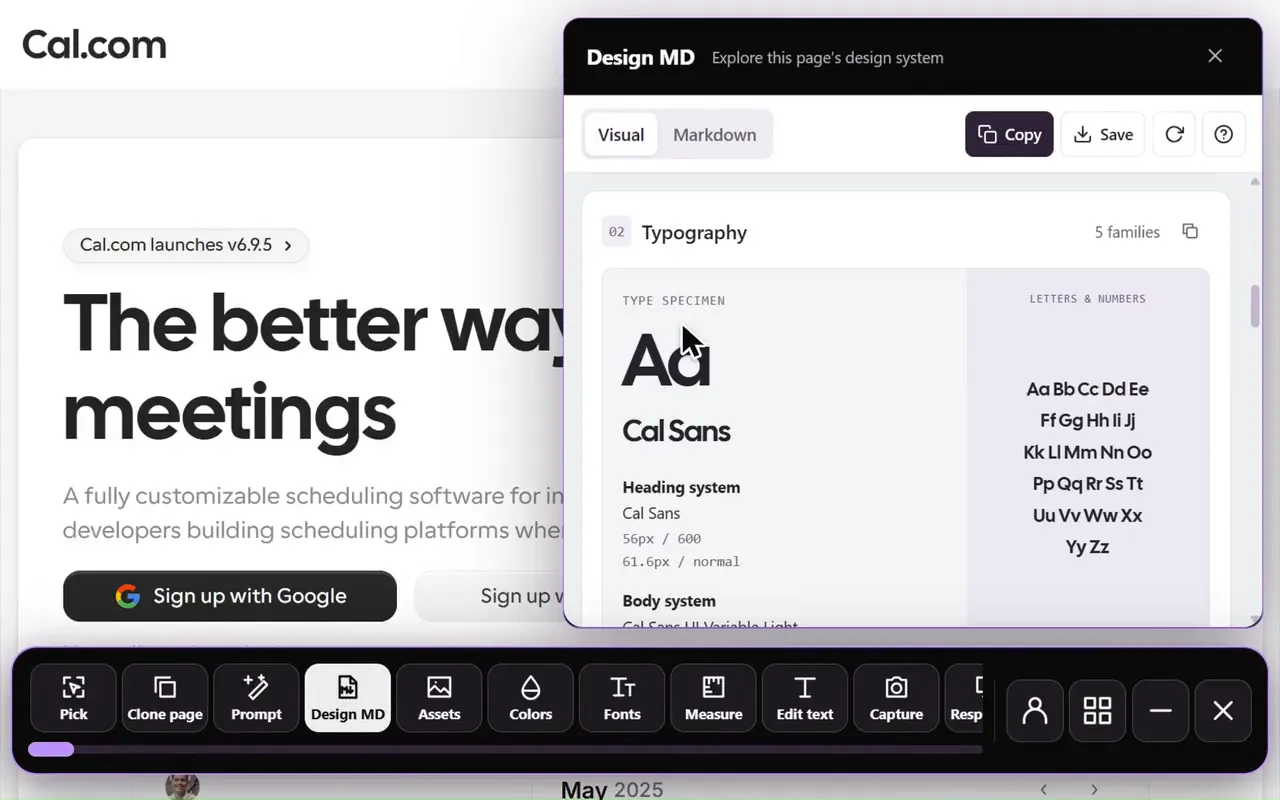
Go to the page you want, click the Sitepeel icon and choose Design MD. It reads the page as it looks in your tab.
Copy or save the DESIGN.md
Copy it, save it, or add it to Claude Code, Codex or Cursor as a project skill. Then ask your agent to follow it.
What you get
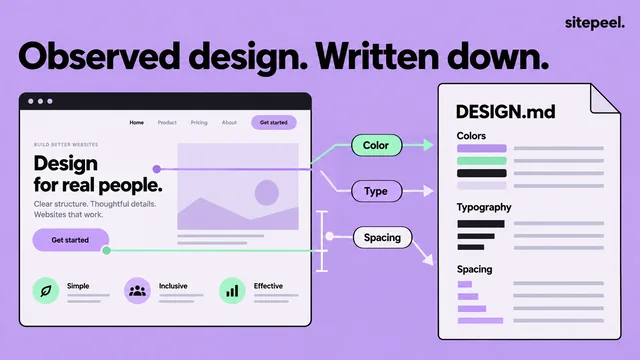
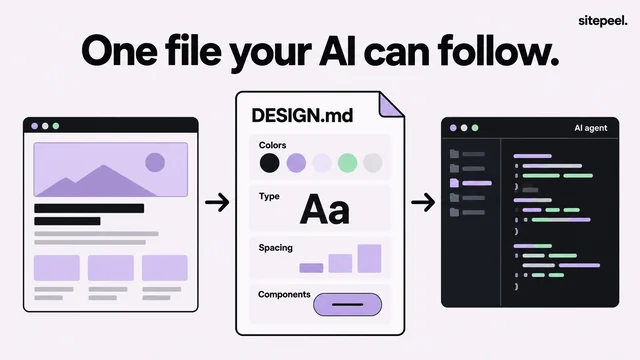
A DESIGN.md in Google’s Stitch format: tokens for colors, fonts, type sizes, spacing, corners and components at the top, then short rules your AI coding agent can follow. Beside it, a visual guide shows the same values at a glance.
- Colors: the values the page really uses, with their roles
- Type: each font with its sizes, weights and line heights
- Spacing, corners and shadows as tokens
- Components: buttons, cards and inputs as the page draws them
The extension or the free web generator
Both make the same kind of file. The extension works on the page you have open. The web generator works from a link, with nothing to install.
| Chrome extension | Web generator | |
|---|---|---|
| Pages behind a login | Yes | No, public links only |
| Works on | The page in your tab, in Chrome, Edge or Brave | Any link, in any browser, phones too |
| Install | Free, from the Chrome Web Store | Nothing to install |
| Price | A 24-hour trial, then lifetime access | A few free runs, then sign in free |
| Save as a skill for Claude Code, Codex or Cursor | Yes | No |
| Public gallery and brand examples | No | Yes |
Use it with your AI coding agent
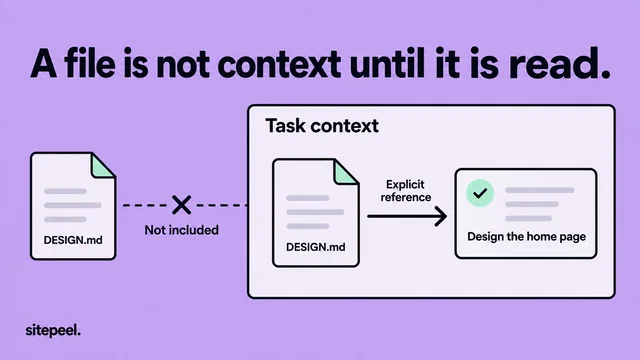
Put DESIGN.md in your project’s root folder and ask your agent to follow it. Most agents don’t open it on their own, so point to it once from the file they already read, like CLAUDE.md or AGENTS.md.
Read DESIGN.md before you change the interface.
Use its colors, fonts, spacing and components.
Build a pricing page in this project’s stack.
Keep keyboard focus visible.Good to know
Design MD reads one page as it looks in your tab. Check a second page before you treat it as the whole design system.
It is an independent measurement, not the site’s official design system. Use it to learn and prototype, and don’t copy logos, names or content.
Questions
Is there a Chrome extension that makes a DESIGN.md?
Yes. Design MD in the Sitepeel Chrome extension makes a DESIGN.md from the page you have open, with a visual guide beside it. It works in Chrome, Edge and Brave on desktop.
Is the DESIGN.md Chrome extension free?
Sitepeel is free to install. Design MD, like every tool in the extension, has a 24-hour trial that starts the first time you use it. After that, lifetime access is one payment. The web generator is free to start, with nothing to install.
Does it work on pages behind a login?
Yes. It reads the page you have open, so it works on dashboards, staging sites and anything else you can see in your browser. The web generator only reads public links.
How is it different from the free DESIGN.md generator?
It makes the same kind of file. The web generator works from a link in any browser and has a public gallery. The extension works on the page in your tab, even behind a login, and saves the file as a skill for Claude Code, Codex or Cursor.
Can I use it with Claude Code, Cursor or Codex?
Yes. Save it as a project skill from Design MD, or put DESIGN.md in your project’s root folder and ask your agent to follow it.
Do I need an AI key?
No. Design MD works without an AI provider.
Is it the site’s official design system?
No. It is an independent measurement of the page, not made or approved by the site’s owner.