

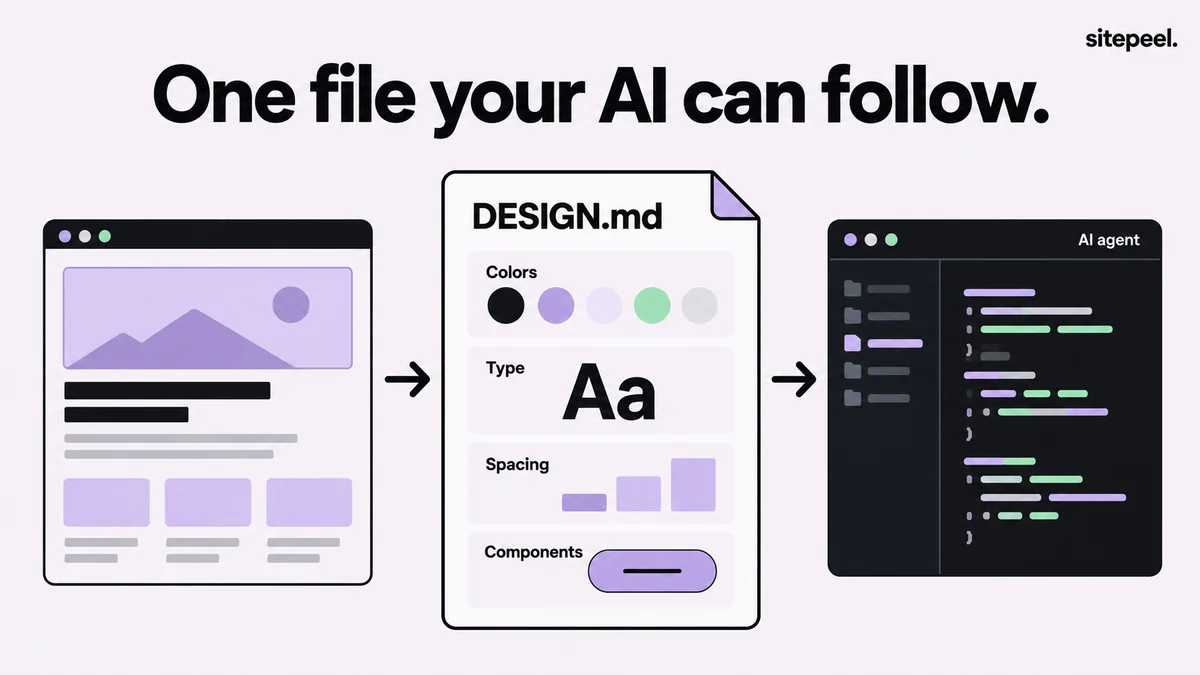
What goes in a DESIGN.md file
The file has two layers. YAML front matter between --- lines holds the tokens: exact values an agent can copy. The Markdown body explains when and how to use them. When the two disagree, the spec says the tokens win.
| Part | What it holds |
|---|---|
| Front matter | version, name, description, then colors, typography, rounded, spacing and components |
| Token references | Components point at tokens, such as {colors.primary}, instead of repeating values |
| Body sections, in order | Overview, Colors, Typography, Layout, Elevation & Depth, Shapes, Components, Do’s and Don’ts |
| Rules | A primary color is required. You can leave sections out, but the ones you keep stay in order |
A small DESIGN.md example
This file passes Google’s linter with no errors or warnings. A file made from a real site carries more tokens: surface colors, a fuller type scale and more components.
---
version: alpha
name: Acme
description: Calm light interface with one blue accent.
colors:
  primary: "#2563EB"
  on-primary: "#FFFFFF"
  background: "#FFFFFF"
  on-background: "#111827"
typography:
  headline-lg:
    fontFamily: Inter
    fontSize: 40px
    fontWeight: 600
    lineHeight: 1.1
  body-md:
    fontFamily: Inter
    fontSize: 16px
    fontWeight: 400
    lineHeight: 1.5
rounded:
  md: 8px
spacing:
  sm: 8px
  md: 16px
  lg: 32px
components:
  button-primary:
    backgroundColor: "{colors.primary}"
    textColor: "{colors.on-primary}"
    typography: "{typography.body-md}"
    rounded: "{rounded.md}"
    padding: 12px 20px
---

## Overview
Calm, product-first pages with plenty of white space.

## Colors
Blue marks primary actions only. Text is near-black on white.

## Typography
Inter throughout. One headline size per screen.

## Layout
Spacing steps of 8, 16 and 32px. Content column up to 1120px.

## Shapes
8px corners on buttons, cards and inputs.

## Components
Primary button: blue fill, white text, 12px by 20px padding.

## Do's and Don'ts
- Do keep one primary button per view.
- Don't add gradients or glows.
How AI agents use DESIGN.md
An agent copies exact values from the tokens and uses the prose for judgment calls, such as when the accent color belongs. Most agents won’t open a file just because it’s called DESIGN.md, so connect it once in the file your agent already loads.
TipAGENTS.md says how to work on the code; DESIGN.md says how the result should look. Keep both.
| Agent | File it loads |
|---|---|
| Claude Code | CLAUDE.md, with an @DESIGN.md import |
| Cursor | .cursor/rules/*.mdc or AGENTS.md |
| OpenAI Codex | AGENTS.md |
| GitHub Copilot | .github/copilot-instructions.md, .github/instructions/*.instructions.md or AGENTS.md |
| Windsurf (Devin Desktop) | .windsurf/rules/*.md, .devin/rules/*.md or AGENTS.md |
| Gemini CLI | GEMINI.md, with an @./DESIGN.md import |
| v0, Lovable, Bolt, Replit | Instructions, Knowledge or replit.md |
Use DESIGN.md with Claude Code
Use DESIGN.md with OpenAI Codex
Check a file with the official linter
Google publishes a linter and exporter as the npm package @google/design.md. Lint exits with code 1 when it finds errors, so it can run in CI.
TipThe format is still at version alpha, so expect changes to the spec and the tool.
- npx @google/design.md lint DESIGN.md checks token references, the primary color, contrast and section order
- npx @google/design.md diff DESIGN.md DESIGN-v2.md shows what changed between two versions
- npx @google/design.md export --format dtcg DESIGN.md turns the tokens into DTCG design tokens; Tailwind formats exist too
- On Windows PowerShell, run npx -p @google/design.md designmd lint DESIGN.md
Make a DESIGN.md from any website
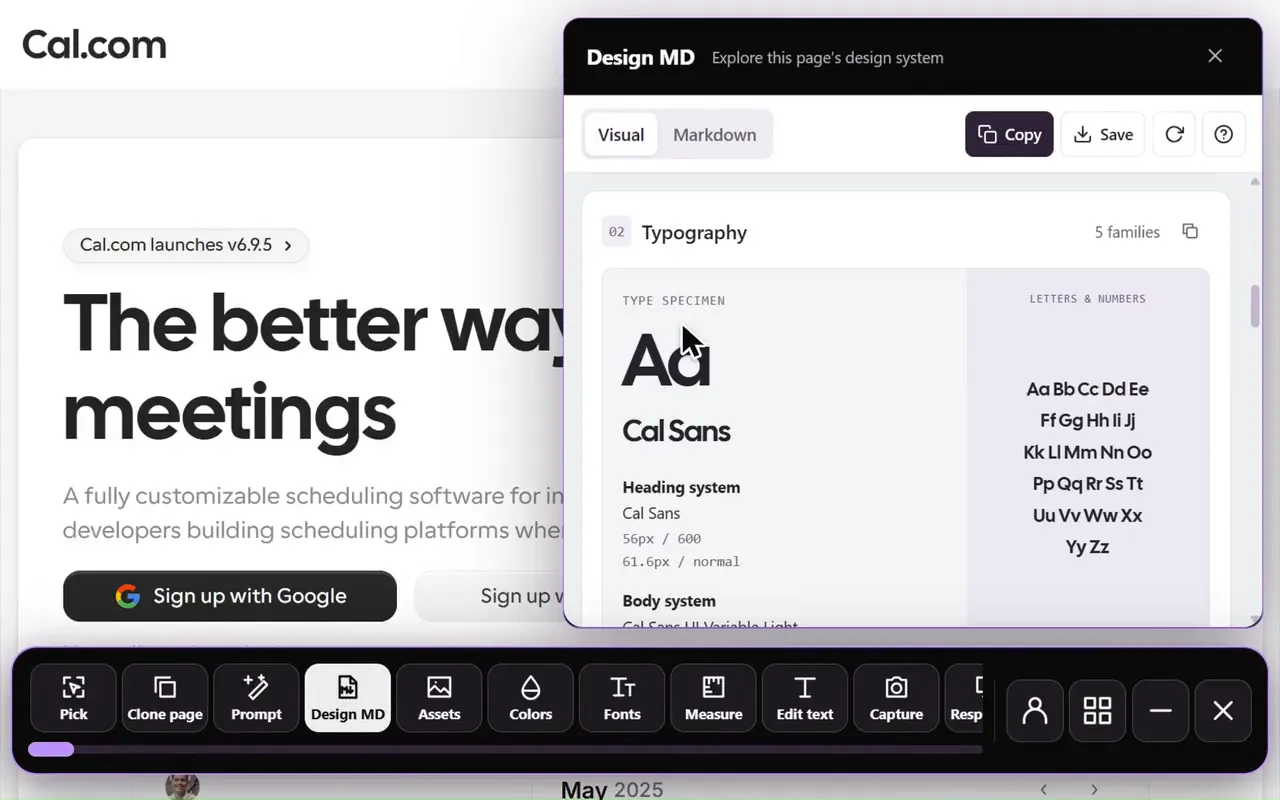
Paste a link into Sitepeel’s free DESIGN.md generator. Sitepeel opens the page and measures it after it fully loads: computed colors and where they appear, the type scale, spacing, corner radii, shadows and button hover states.
The file follows the Stitch format and passes the official linter. For pages behind a login, several pages in one file or local edits, use the Design MD tool in Sitepeel for Chrome.
Make a DESIGN.md from a link, free