On this page6
Side by side
| Polypane | Responsively App | |
|---|---|---|
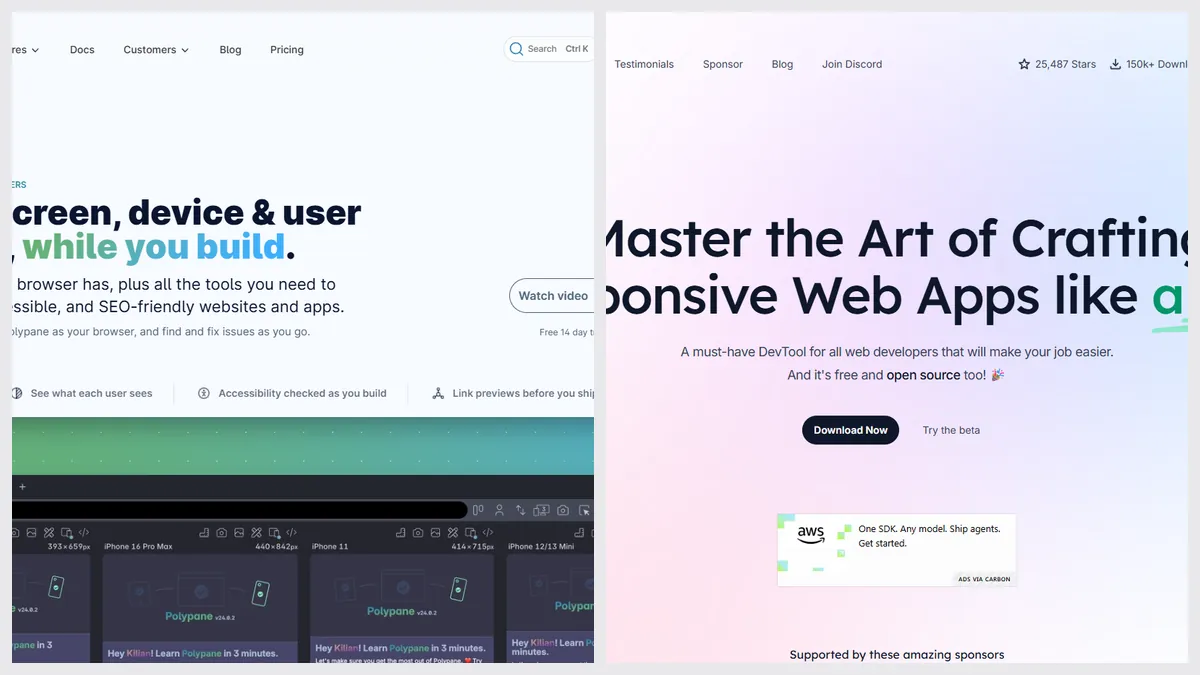
| Price | $12 a month or $108 a year; 14-day trial | Free, open source |
| Platforms | Mac, Windows, Linux | Mac, Windows, Linux |
| Synced viewports | Yes | Yes, mirrored clicks and scrolling |
| Accessibility and emulation tests | Yes, many | Not listed (DevTools only) |
| Screenshots | Yes | Yes |
| AI agents can drive it | Not listed | Yes, in the 2.0 beta |
| Latest release | Polypane 31, September 2026 | Stable February 2026; 2.0 beta September 2026 |
Pick Polypane if…
- You test accessibility and emulation every day
- You want polished, supported software for a team
- You test localhost on other devices
Pick Responsively if…
- You want it free and open source
- You mostly check layouts across devices
- You want an AI agent to drive the browser
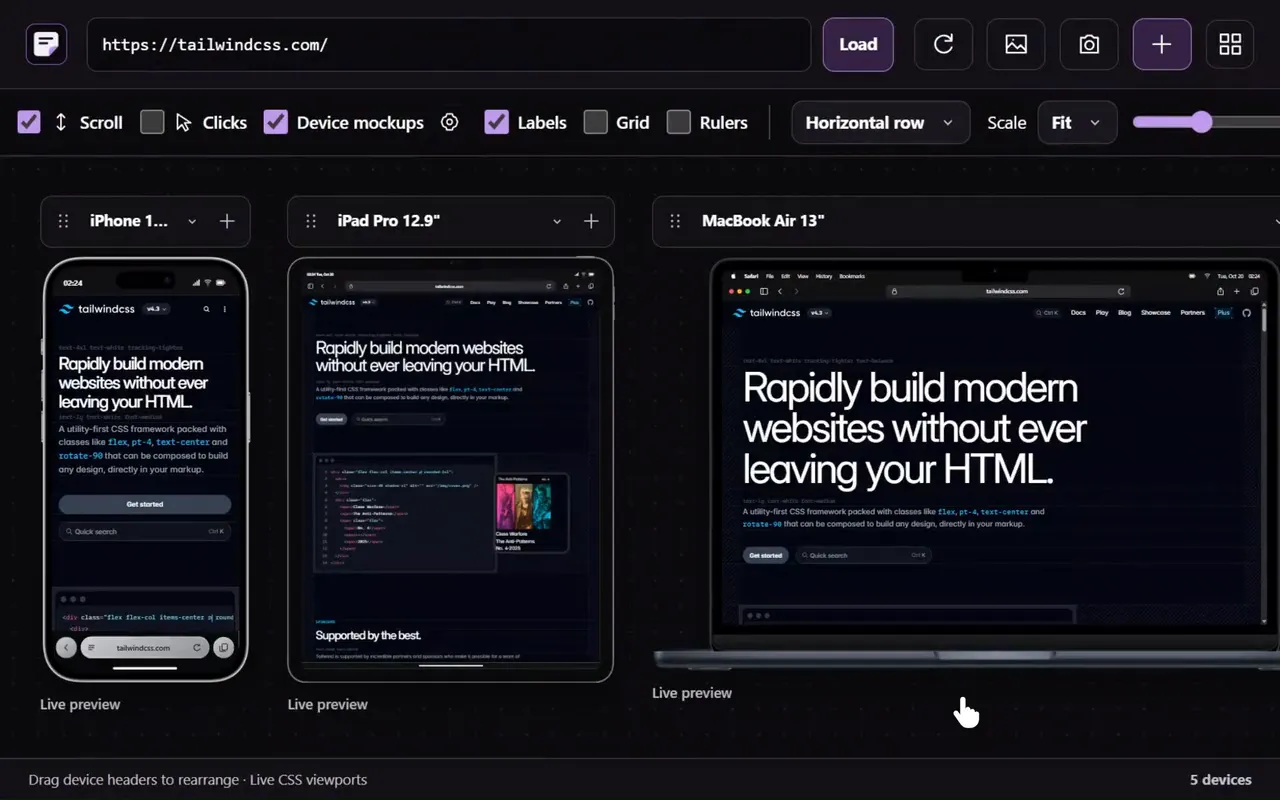
Just want a quick look? No install
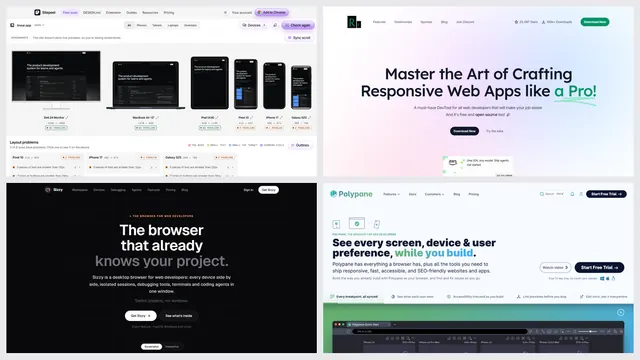
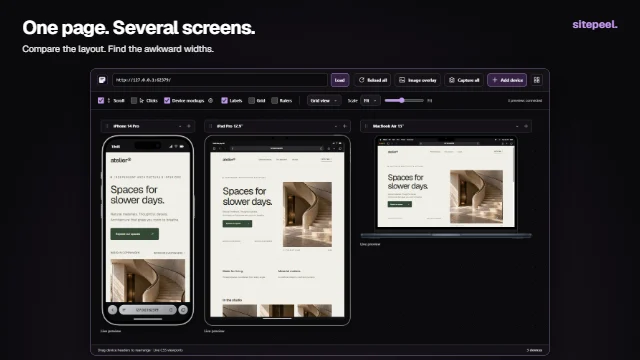
Sitepeel’s free responsive checker shows any public page on phones, tablets, laptops and monitors side by side, and lists layout problems like content wider than the screen and tiny tap targets.
The verdict
Questions
Is Responsively App really free?
Yes. Responsively App is free and open source (AGPL-3.0) on Mac, Windows and Linux.
Is Polypane worth paying for?
If you build sites every day and test accessibility, emulation and many viewports, many developers find it is. For occasional layout checks, a free tool is usually enough.
Can I check screen sizes without installing anything?
Yes. Paste a link into Sitepeel’s free responsive checker to see phones, tablets and desktops side by side, with layout problems listed.