On this page8
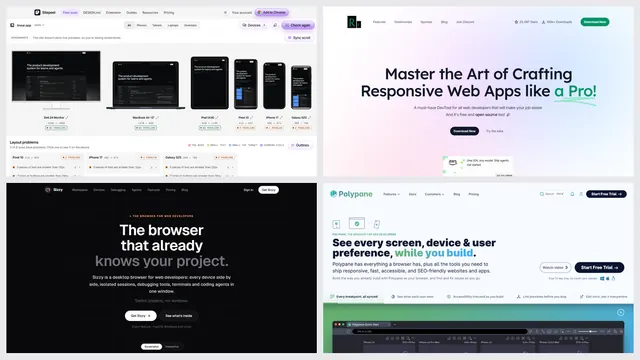
The short list
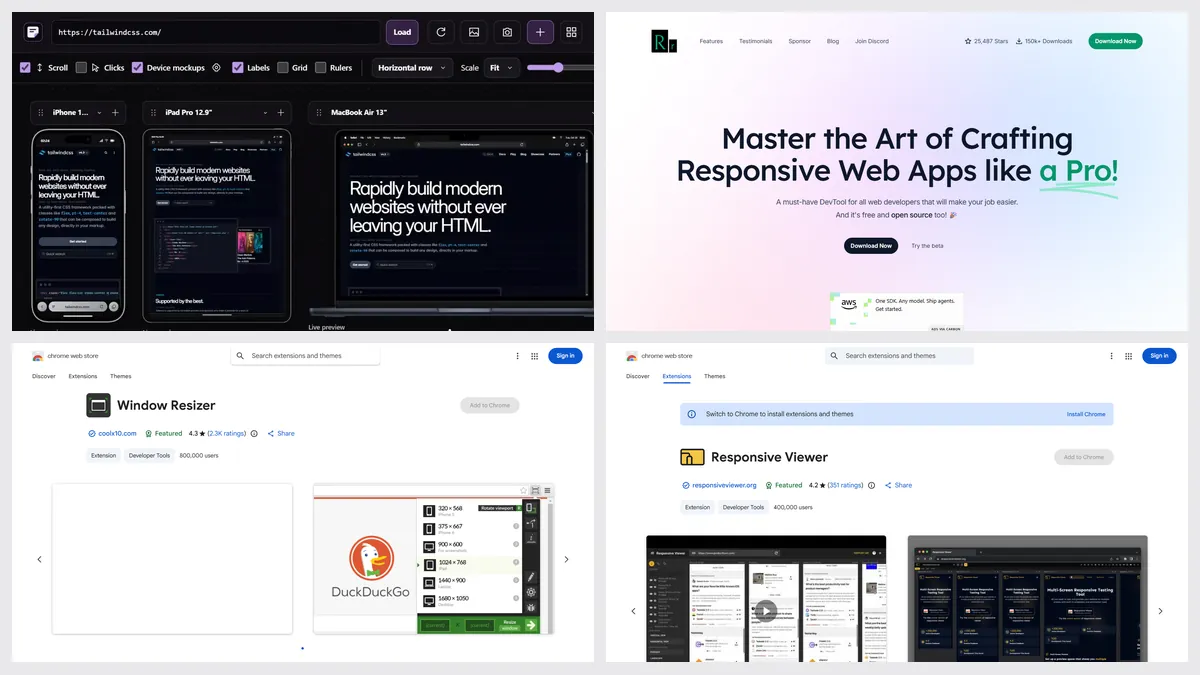
Responsive Viewer is free with ads and fewer screens; Pro is $4.99 a month. Its store listing doesn’t name its maker, and it runs in Chrome only.
| Tool | Best for | Price | Works in |
|---|---|---|---|
| Sitepeel | Devices in Chrome, or from a link | Free web tools; extension paid once | Chrome extension and web |
| Responsively App | Free desktop app | Free, open source | Mac, Windows, Linux |
| Window Resizer | Exact window sizes | Free | Chrome |
| Polypane | Professional testing | $12 a month or $108 a year | Mac, Windows, Linux |
| Chrome DevTools | Free, built in | Free, built in | Chrome |
1. Sitepeel
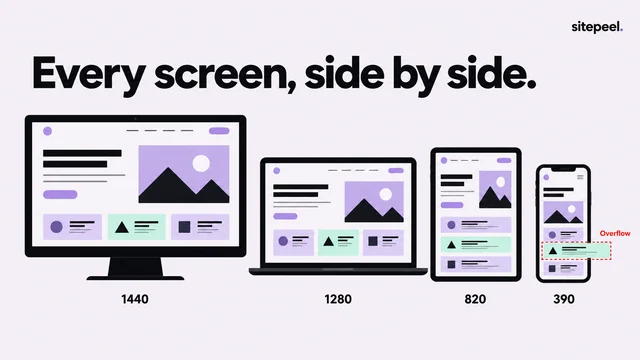
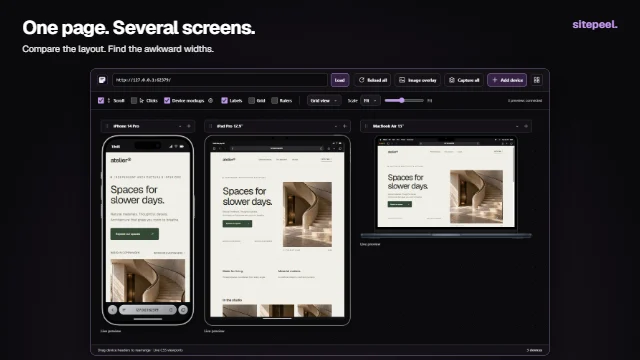
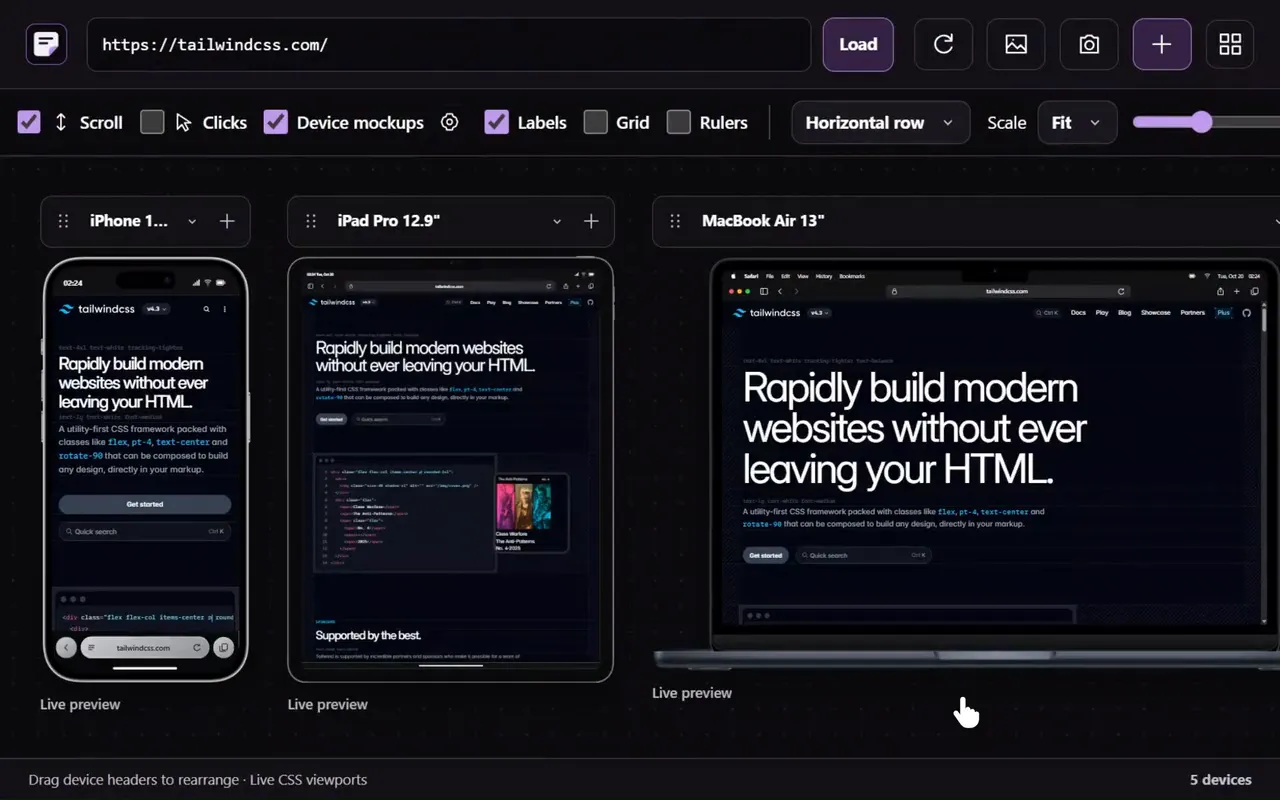
The Chrome extension’s Responsive viewer shows 60+ phones, tablets, foldables and desktops with synced scrolling, rotation and screenshots. The free responsive checker does it from a link and lists layout problems.
2. Responsively App
A free, open source desktop browser with mirrored clicks and scrolling across devices.
3. Window Resizer
Window Resizer resizes the real browser window to preset sizes, one at a time. It’s free, with 800,000 users, but hasn’t been updated since July 2024.
4. Polypane
A paid developer browser with synced viewports and deep accessibility and emulation tests.
5. Chrome DevTools
The device toolbar (Ctrl+Shift+M) shows one device size at a time, with touch and network throttling.
Which one should you pick?
Questions
Is Responsive Viewer free?
Yes, with ads and a limited set of screens. Professional is $4.99 a month, or $3.99 on the yearly option.
Who makes Responsive Viewer?
Its store listing and privacy policy don’t name a person or company. The listing links a GitHub project by the original author.
Can I test screen sizes without an extension?
Yes. Sitepeel’s free responsive checker works from a link, and Chrome DevTools has a device toolbar built in.