On this page7
Feature by feature
| Feature | Sitepeel | html.to.design |
|---|---|---|
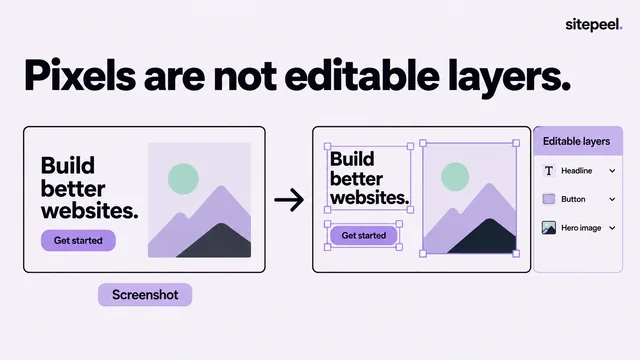
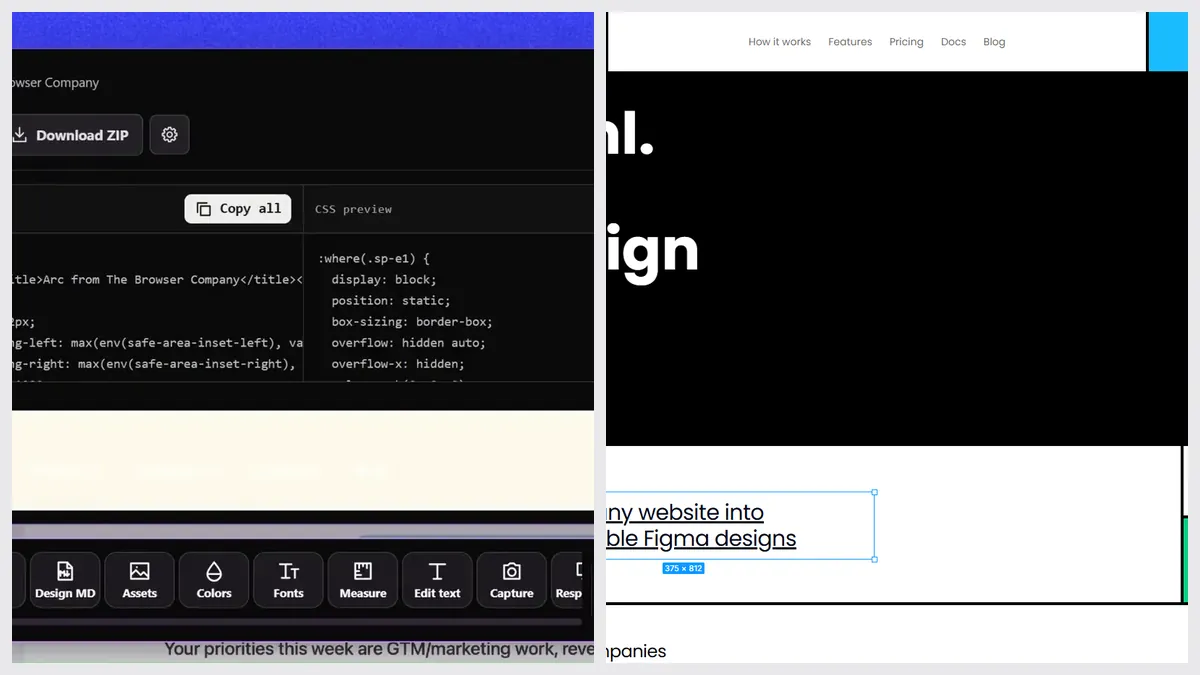
| Website into editable Figma layers | No | Yes, with auto layout and styles |
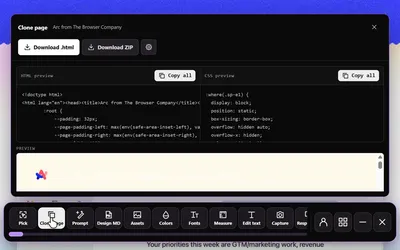
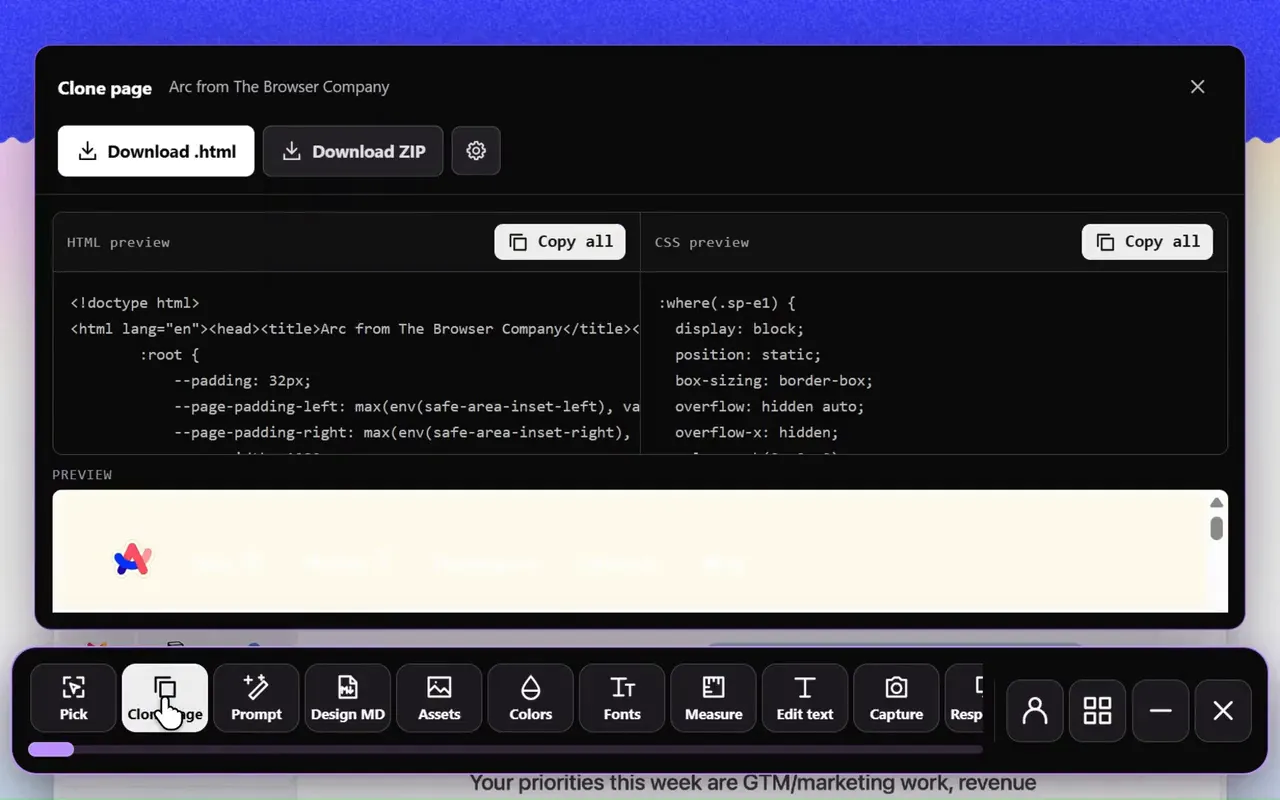
| HTML and CSS code | Yes, HTML and CSS | No |
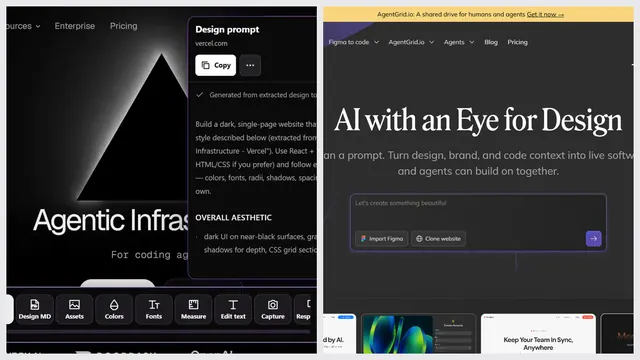
| Prompt that rebuilds a page with AI | Yes, Clone prompt | No |
| DESIGN.md for AI agents | Yes, extension and free web tool | No |
| Several screen sizes | Yes, responsive viewer | Yes, several viewports in one import |
| Fonts, colors and images | Yes | Partly, inside the Figma file |
| Pages behind a login | Yes, with the Chrome extension | Yes, with the Chrome extension |
| Free tools from a link, no install | Yes, 9 free website tools | No, it needs Figma |
Pick html.to.design if…
- You design in Figma and want to edit the page there
- You want auto layout and local styles, not code
- You import many pages at once (Pro)
Pick Sitepeel if…
- You build in code, or with an AI app
- You want a DESIGN.md your coding agent can follow
- You don’t use Figma
Pricing
| Plan | Sitepeel | html.to.design |
|---|---|---|
| Free | Free website tools, no install. Chrome extension free to install, with a 24-hour trial of every tool | 10 imports every 30 days |
| Paid | Lifetime access, paid once (regional price) | Pro $12 a month (yearly) or $18 monthly |
| Billing | One payment, no subscription | Monthly or yearly |
| Works in | Chrome extension (Chrome, Edge, Brave) and free website tools | Figma plugin and Chrome extension |
html.to.design at a glance
html.to.design by divRIOTS is one of the most used Figma plugins, with 2.7 million users, plus a Chrome extension. Other website-to-Figma tools: Builder.io’s free import and Codia ($15 a month).
The verdict
Questions
Is html.to.design free?
Yes, for 10 imports every 30 days. Pro is $12 a month billed yearly, or $18 monthly.
Does Sitepeel import websites into Figma?
No. Sitepeel gives you code, an AI prompt, a DESIGN.md and the page’s files. For editable Figma layers, use html.to.design, Builder.io or Codia.
What are other html.to.design alternatives?
Builder.io’s Figma plugin imports websites for free, and Codia’s Web2Figma has 10 free credits a month, then $15 a month.