

The shortlist, organized by task
Best here means best matched to a particular job, not a universal winner. Chrome DevTools is included as a built-in baseline rather than an extension you need to install.
| Tool | Useful starting task | What to evaluate |
|---|---|---|
| Sitepeel | Connect inspection to a design or code handoff | Whether the exported reference answers your implementation questions |
| CSS Scan | Hover over elements and copy CSS or HTML/CSS | The resulting component in an isolated project |
| CSS Peeper | Read typography, colors and design properties | Whether the chosen plan covers your review |
| VisBug | Experiment visually with an existing page | How clearly you can communicate a proposed change |
| Chrome DevTools | Trace and change CSS rules | The rule, inheritance or layout constraint causing the result |
For a quick lookup, use a difficult element
A plain heading is an easy demo. A better inspection sample has inherited font styles, a nested link, a pseudo-element and a state change. Check which box is selected and whether the displayed value describes the element or a parent.
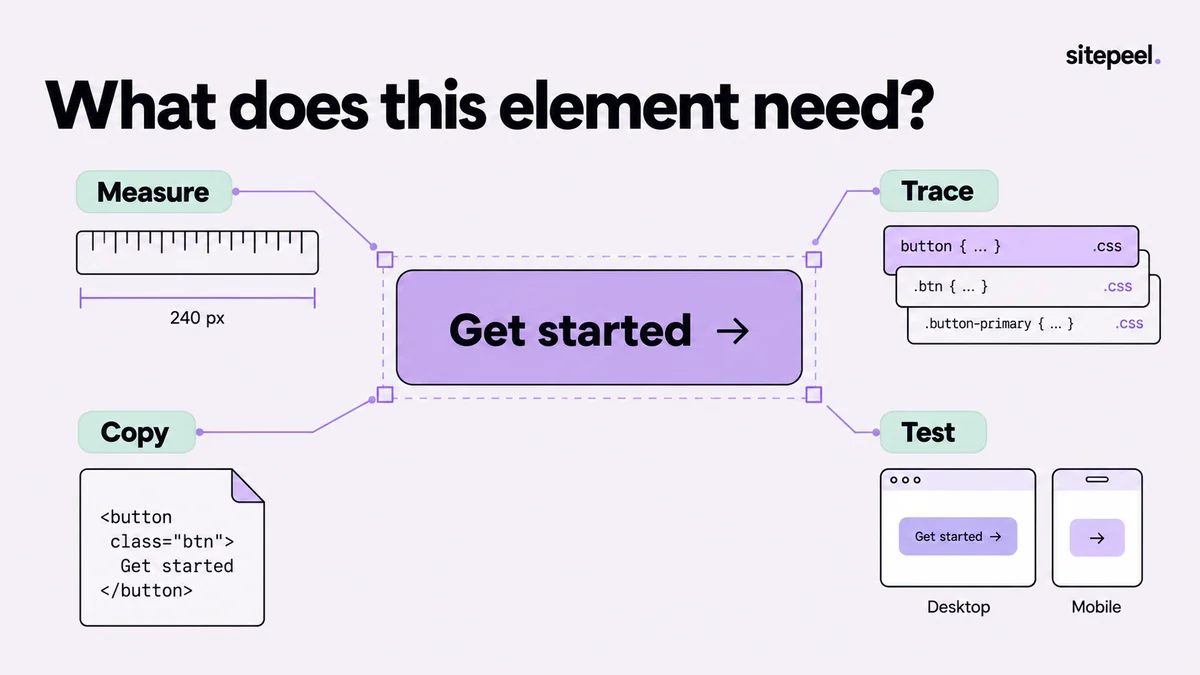
Record the question before trying a tool: Which font is rendered? Where does the extra gap come from? What sets the button width? A tool earns its place when it helps answer that question accurately with fewer steps.
For copied code, judge the exported component
Open a small export in a clean project. Compare the selected element, its children and any assets at the original width. Then change the width and inspect focus and hover. A screenshot at one size cannot verify the code's behavior.
Sitepeel's Pick element workflow is useful when inspection needs to become a component reference. Review the exported structure and dependencies rather than assuming the result is your original framework component. Keep Design MD for recurring visual decisions that need to survive beyond one snippet.
For visual experiments, preserve the baseline
VisBug describes page editing, style inspection, alignment and text changes. That makes a visual experiment a sensible evaluation task. Save an initial screenshot and change one thing so a reviewer can understand the proposed difference.
In Sitepeel, Inspect & measure and Move & delete support a similar kind of exploration within the broader toolkit. A temporary rearrangement is evidence for a discussion, not a committed CSS implementation. Write down the intended behavior before rebuilding it in source.
Keep DevTools for tracing the cause
Chrome DevTools exposes the Styles and Computed views for examining CSS. When a declaration is overridden or a value comes from inheritance, inspect that chain before adding another rule.
A visual extension can make the first inspection more approachable while DevTools handles deeper diagnosis. There is no need to force every question through the same interface. Choose a small combination whose responsibilities you understand.
Inspector acceptance check
1. Select the intended element and parent.
2. Explain the spacing and rendered typography.
3. Check a state change and a second width.
4. Export only if the workflow needs it.
5. Verify the result outside the original page.
How this comparison was prepared
Published by Sitepeel. Product descriptions were checked against the official pages linked below on September 29, 2026. This is a workflow comparison, not a hands-on performance benchmark. Plans and features can change; confirm the current version and terms before purchasing.
Try the workflow in Sitepeel
These steps describe the 1.0.3 tools. Preview them on public Sitepeel pages in the website demo; browser-store availability may vary while the update rolls out. Use the installed extension to work on other supported websites. Inspection and preview changes do not publish changes to the original site.