On this page6
Step by step
Check the stylesheet loads
Open the page through a dev server and check the CSS request’s URL, status and content. Moved files break relative paths.
Inspect a distinctive rule
Missing entirely? Check the selector, file and build output. Crossed out? Find the competing rule.
Compare computed values
Run
getComputedStyle()on the original and your copy, and compare the properties that differ.Check the parent
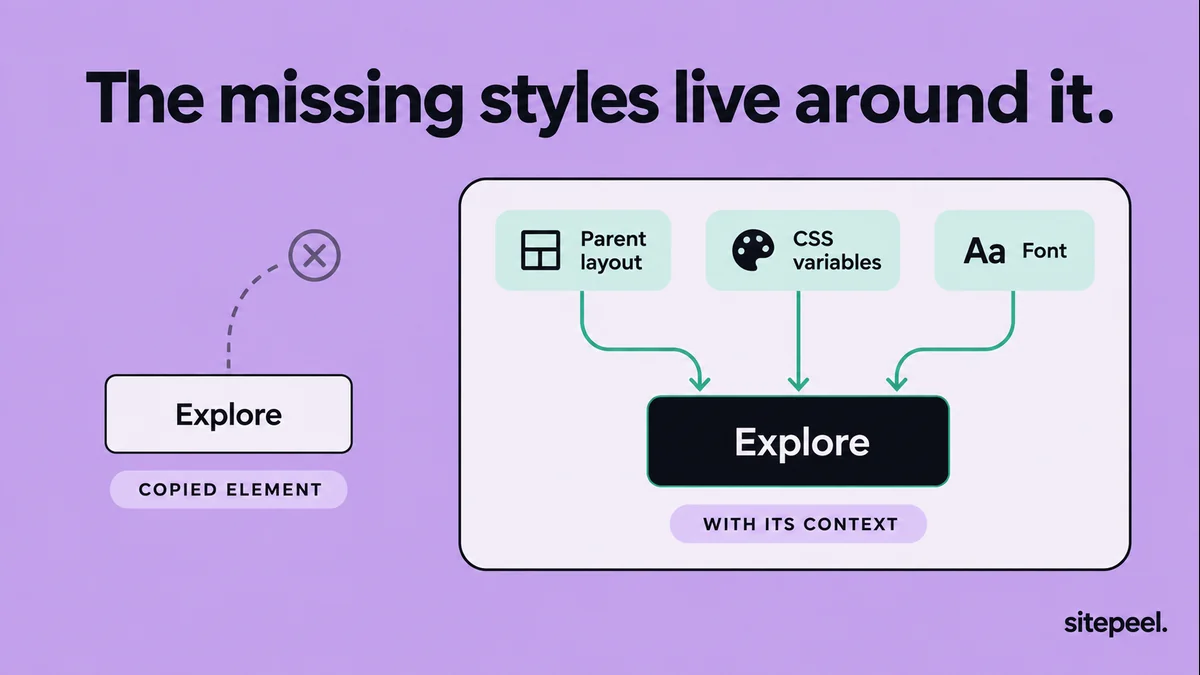
Compare the parent’s layout, inherited type and the custom properties your rules use.
Fix one group at a time
Work through layout, typography, spacing, then decoration, instead of adding overrides everywhere.
Compare computed values with getComputedStyle()
The Styles panel shows several rules, but the final look depends on the cascade, inheritance and state. getComputedStyle() returns the resolved values. It won’t show other breakpoints or interactions.
// Replace .example-card with the element you are inspecting.
const element = document.querySelector(".example-card");
if (element) {
  const style = getComputedStyle(element);
  console.table(Object.fromEntries([
    "display", "width", "box-sizing", "font-family",
    "font-size", "line-height", "padding", "gap", "color"
  ].map(property => [property, style.getPropertyValue(property)])));
}
What a copied rule block leaves out
| Symptom | Likely cause | Check |
|---|---|---|
| Wrong font or text color | Inherited from an ancestor | Typography and color on parents |
| Wrong width or columns | The parent’s grid or flex layout | Parent display, size and gap |
| Badge in the wrong place | A different containing block | Parent positioning |
| Missing values | Undefined custom properties | Where each var() is defined |
| Missing decoration | ::before or ::after rules | Pseudo-elements in the Styles panel |
| Matches only sometimes | A different state or viewport | Same hover, focus and width |
Make the component self-contained
Decide what belongs to the component and what belongs to the page. A card can own its padding and border while the grid owns the columns. That beats freezing every measured width in pixels.
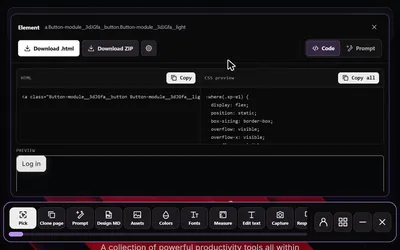
Sitepeel’s Pick element tool gives you a starting point. Test it inside your real layout, then swap page-specific values for your own tokens and components.
Test beyond the original screenshot
- Use a longer heading.
- Remove an optional image.
- Narrow the container.
- Check keyboard focus as well as hover.
- Make sure badges and pseudo-elements don’t cover text.
Questions
Why is my CSS not applying?
Check that the stylesheet loads, then inspect the element. If your rule is missing, the selector or file is wrong. If it is crossed out, another rule wins in the cascade.
Why does copied CSS look different on my site?
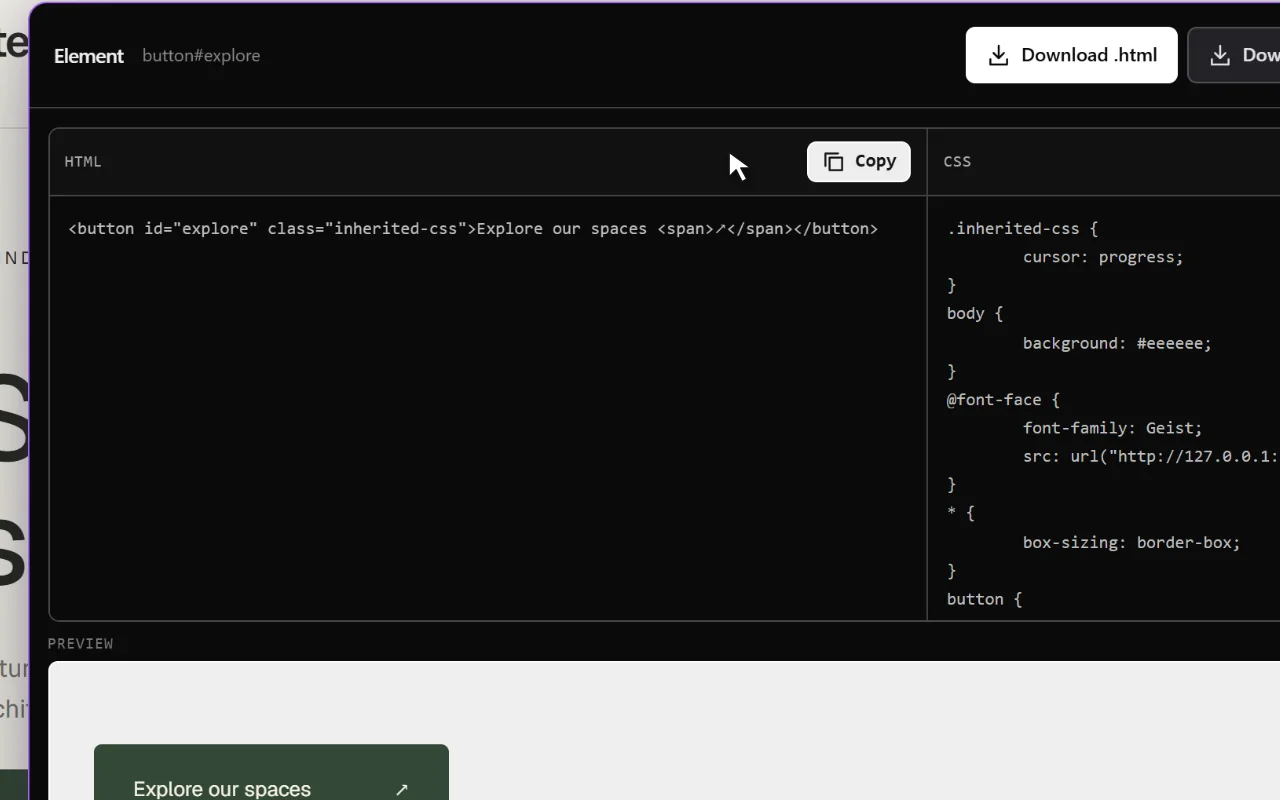
The original look also depended on inherited fonts and colors, the parent layout, custom properties and pseudo-elements. Compare computed values on both pages to find what is missing.