On this page6
How it works
Choose Inspect & measure
Open the tool on the page you want to examine.
Inspect an element
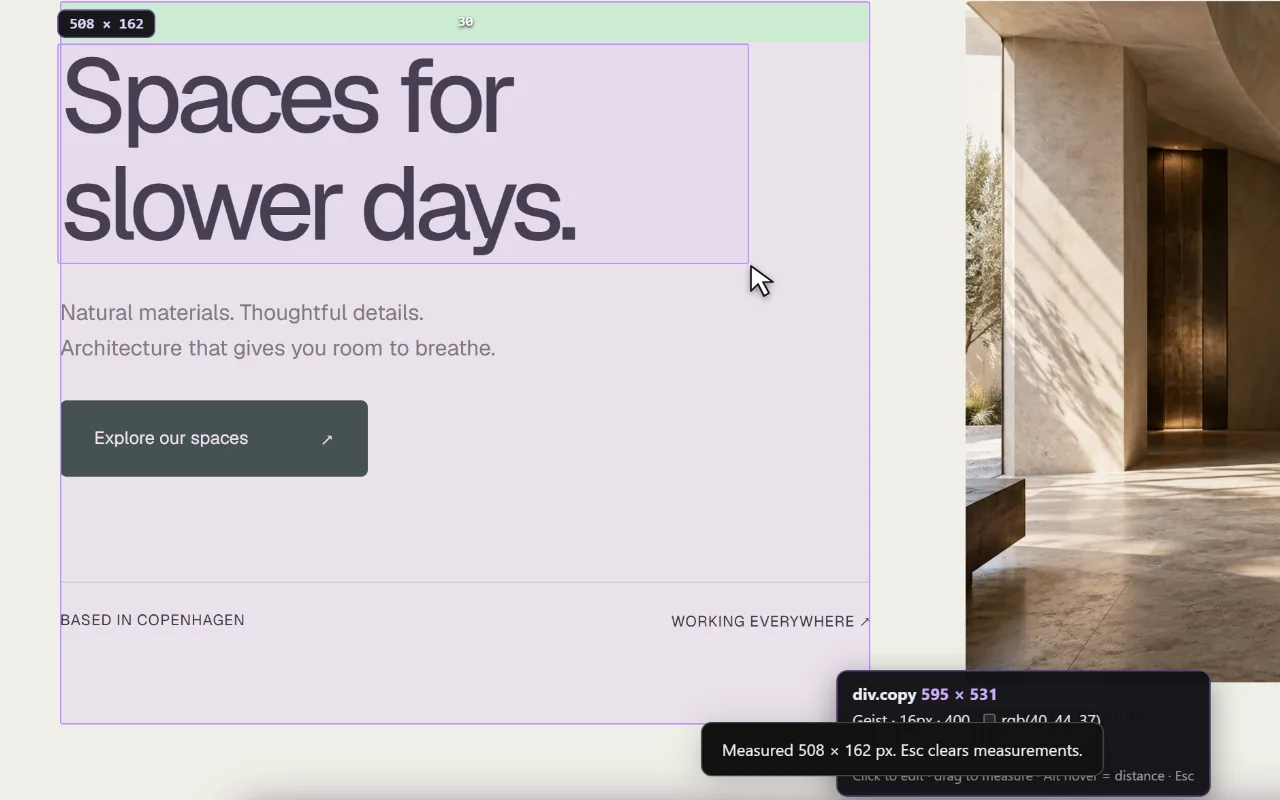
Look at its dimensions and the spacing inside and around it.
Compare repeated patterns
Measure related cards and sections to find consistent spacing decisions.
An element inspector for Chrome
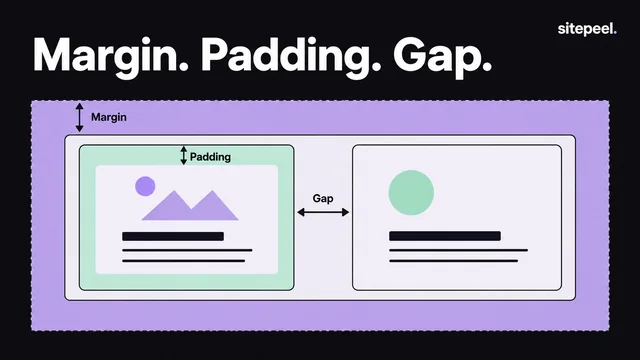
Whitespace can come from padding inside an element, margins around it or the gap set by a parent layout. Two sections may look similar while using different rules.
Start with the container, then inspect its children. This makes it easier to understand why a card aligns with a heading or why a button has room to breathe.
A page ruler for Chrome
Page Ruler Redux, the extension many designers used to measure pages, is no longer in the Chrome Web Store. Inspect & measure does the same job on any page: an element’s size, padding and margins as you hover, and the distance between elements.
Measure a system, not just one distance
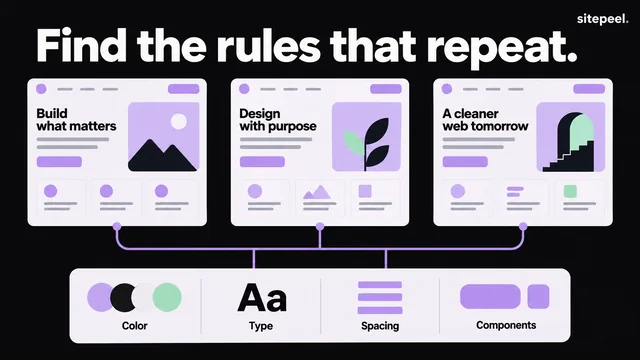
Compare several examples before deciding that a value is a design token. A single 19-pixel gap may be the result of font metrics or layout rounding; repeated 16- and 24-pixel spaces are stronger clues.
Check the same layout at another screen width. Fluid containers and responsive rules can change the measurements you observe.
Take the result into implementation
Use a small spacing scale in your own CSS and verify the result visually. Keep the difference between content size, padding, borders and outer space clear.
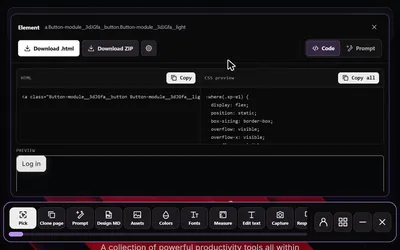
For the element’s markup and styles, switch to Pick element. For a wider reference that includes type and color, generate Design MD.
Questions
Can it replace browser developer tools?
It provides a focused visual workflow for inspection and measurement. Use browser developer tools when you need deeper debugging, JavaScript or network inspection.
What is an element inspector?
A tool that shows how an element on a page is built: its size, padding, margins and styles. Sitepeel’s works as you hover, without opening DevTools.
Is there a page ruler extension for Chrome?
Yes. Inspect & measure in the Sitepeel Chrome extension measures sizes and the space between elements on any page. Page Ruler Redux is no longer in the Chrome Web Store.
Are measurements the same on every screen?
No. Viewport width, fonts and responsive CSS affect the layout. Measure at the widths relevant to your project.