

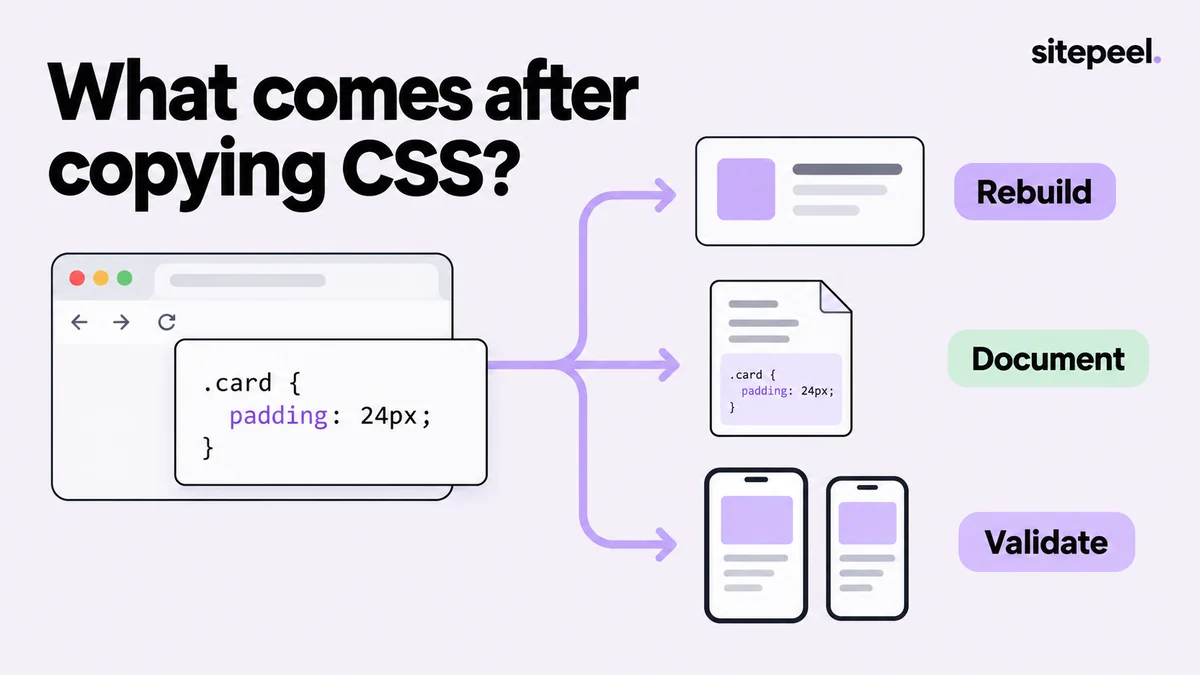
Name the gap before replacing the tool
CSS Scan advertises hover inspection, CSS and HTML/CSS copying, and support for states and media queries. If that already covers your task, changing tools may add little. Start with the specific problem you cannot currently solve.
For example, you may need to turn several visual observations into a reusable design brief, document a narrow-screen issue or explain a cascade conflict. Those are different requirements; do not assume every CSS inspector is designed to finish all of them.
A shortlist by the next step
Use this as a starting point for evaluation, not a scorecard. Chrome DevTools is built into the browser and provides a useful no-purchase baseline.
| Next step | Candidate to evaluate | What to check |
|---|---|---|
| Create a design and component handoff | Sitepeel | Element export, Design MD and capture fit together |
| Review visual styles | CSS Peeper | The plan includes the properties and exports you need |
| Experiment with the rendered page | VisBug | You can communicate the temporary edit clearly |
| Investigate several page concerns | Hoverify | Its broader inspection and diagnostic tools match your work |
| Find why CSS behaves differently | Chrome DevTools | You can trace rules, inherited values and layout constraints |
For handoff, keep more than declarations
A component needs context: its parent layout, font dependencies, states and intended behavior. In Sitepeel, pair a Pick element export with a screenshot and a short reference. Use Design MD for the repeated decisions that should apply across the project.
Avoid exporting the whole page when the task is one card. A focused reference makes dependencies easier to review. If you need the overall visual structure, use a page export as a separate artifact and label its limitations.
For debugging, identify the source of the difference
Suppose a copied button looks taller in your project. Check the rendered font, line height, padding, border and box sizing, then inspect inherited rules from its new parent. The problem may be the destination environment rather than the copying tool.
A visual inspector can help collect evidence, but the repair belongs in the source styles. Keep a small reproduction so a framework reset or global rule does not obscure the cause. Recheck hover, focus and a second viewport after correcting it.
Copied button looks different
Compare: font, line-height, padding, border, box-sizing
Check: inherited rules and custom properties
Isolate: render it without unrelated application styles
Repair: change the responsible source rule
Verify: default, hover, focus and narrow layout
Use a decision you can revisit
Record the version, plan and task when choosing a tool. A product can be a good fit for one project and unnecessary for another. If your main need changes from code collection to design review, revisit the output you need instead of simply adding another extension.
Try the smallest realistic workflow first. Prefer a result you understand and can maintain over a larger export that looks impressive but hides missing dependencies. Keep specialist and built-in tools where they make the work clearer.
How this comparison was prepared
Published by Sitepeel. Product descriptions were checked against the official pages linked below on September 29, 2026. This is a workflow comparison, not a hands-on performance benchmark. Plans and features can change; confirm the current version and terms before purchasing.
Try the workflow in Sitepeel
These steps describe the 1.0.3 tools. Preview them on public Sitepeel pages in the website demo; browser-store availability may vary while the update rolls out. Use the installed extension to work on other supported websites. Inspection and preview changes do not publish changes to the original site.