On this page5
Step by step
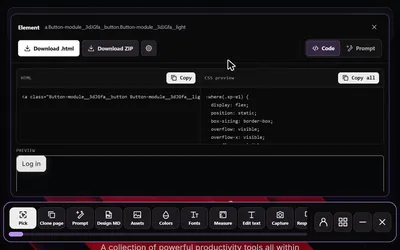
Open Pick element
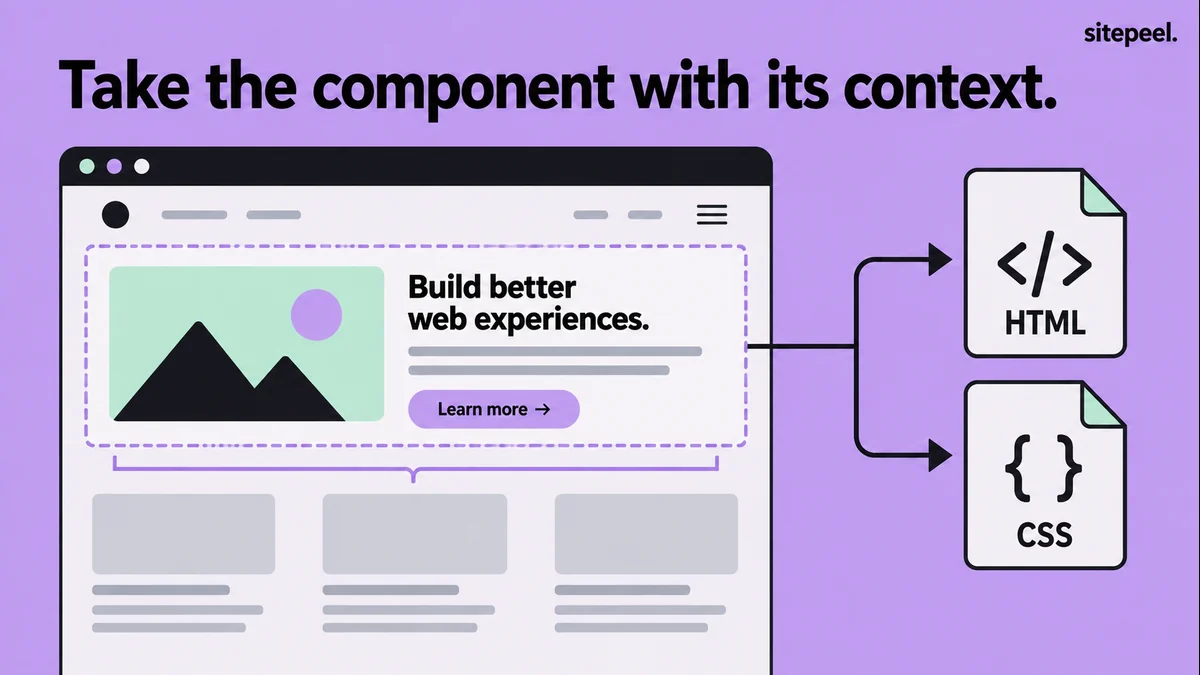
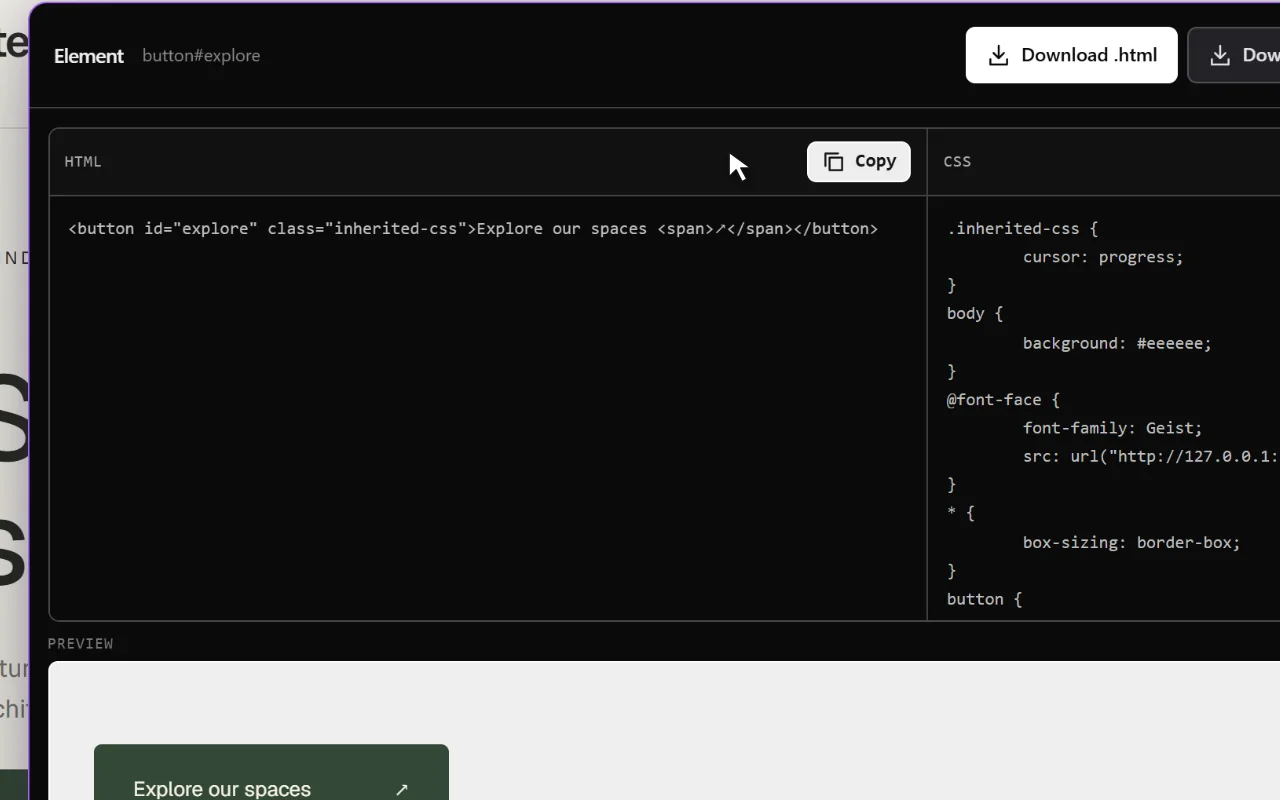
Open Sitepeel, choose Pick element and move over the page to find the element you want.
Select the right container
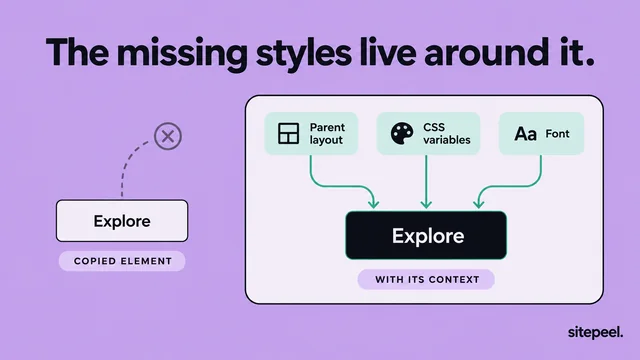
If only the text is selected but the background comes from a parent, select the enclosing element.
Check the preview
Make sure it includes the children that define the layout, without pulling in the whole page.
Copy and adapt
Copy the code, rename classes, swap in your content and replace fixed widths with flexible ones.
Test it in place
Try realistic content and longer labels, check focus states and confirm links and buttons work.
What the copied code depends on
| Dependency | What to do |
|---|---|
| External font names | License the font and load it in your project |
| Image URLs | Host files you have rights to and update the paths |
| Inherited styles | Check the parent for type, color and alignment |
| Parent width | Use a flexible width so it fits a narrow column |
| Framework behavior | Rebuild props, state and event handlers in your app |
Make it adaptable
A snippet from a wide desktop page can overflow a narrow column. This hand-written example shows the shape of an adaptable card, not an extracted result.
.project-card {
  display: grid;
  gap: 1rem;
  width: 100%;
  max-width: 28rem;
  padding: 1.5rem;
  border: 1px solid var(--color-border);
  border-radius: 1rem;
}
.project-card img {
  display: block;
  width: 100%;
  height: auto;
}
When to use another tool
If several elements share the same look, move those decisions into reusable components and tokens.
| You need | Use |
|---|---|
| One button, card or section | Pick element |
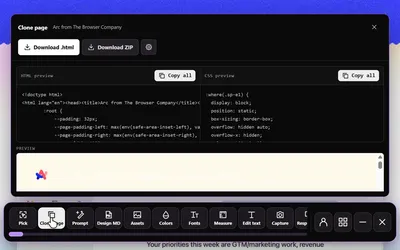
| A whole page snapshot | Clone page |
| Design rules without markup | Design MD |
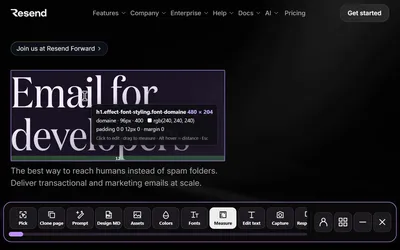
| Exact sizes and spacing | Inspect & measure |
Questions
Can I copy a React component from another website?
You can copy its rendered HTML and CSS. The original component source, props and state aren’t in that output, so rebuild them in your app.
Why does a copied element look different after I paste it?
It may depend on parent layout, inherited styles, fonts or external assets. Check those, then test it in its new container.