

Five tools, three different jobs
We make Sitepeel. This is an editorial comparison based on official documentation and listings checked on September 20, 2026, not a speed benchmark or a claim that one tool wins every task. Check the publisher’s current plan and permissions before installing.
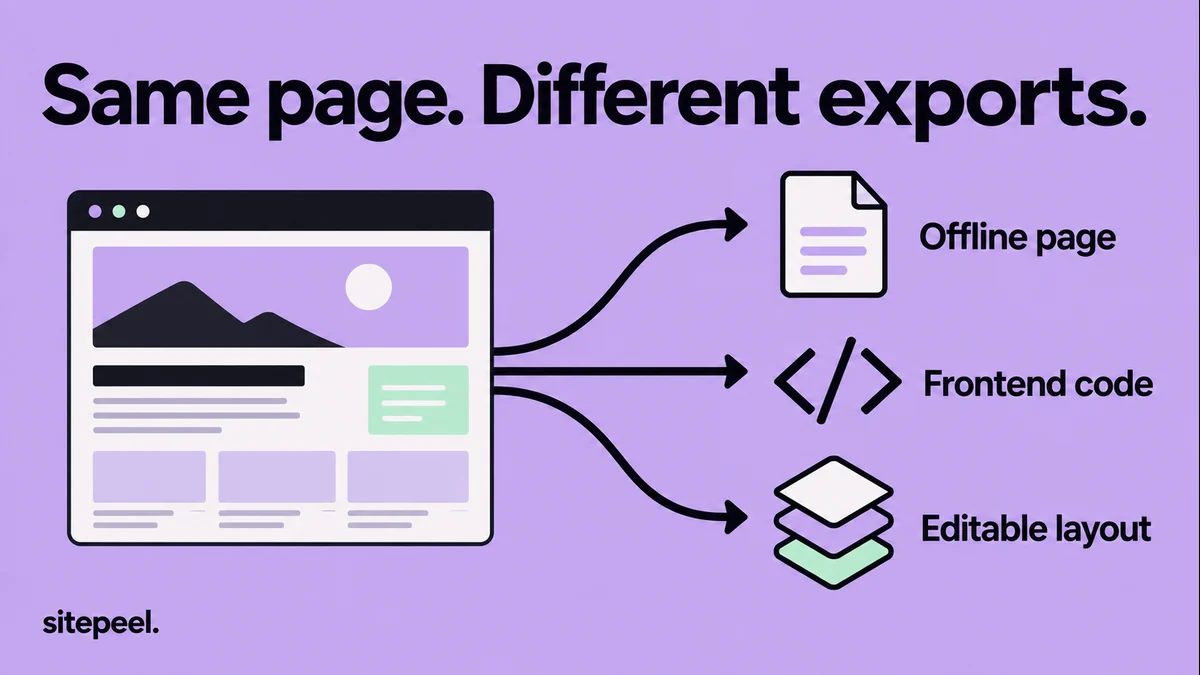
The most useful comparison is the file or project you need at the end. Do not choose a mirroring tool when your actual task is to rebuild one pricing card, or an AI generator when you only need an archival page.
| Tool | Intended job | What to verify |
|---|---|---|
| Sitepeel | Collect the current rendered frontend | Styles, assets and states in the exported page |
| SingleFile | Save a page into one HTML file | Whether the content you need was loaded |
| HTTrack | Create an offline website mirror | Crawl scope, missing routes and linked resources |
| Anima | Rebuild a website with an AI workflow | Generated structure and behavior against the reference |
| UX Pilot | Recreate a design from a URL or screenshot | Editable output and project-specific requirements |
Use a rendered export for a frontend reference
Sitepeel’s Clone page tool starts from the current page in your browser. This makes the visible state a useful reference for layout work. Wait for the content you need, open relevant sections and record the viewport before exporting.
For one navigation bar or card, use Pick element instead. A smaller export makes it easier to identify inherited styles, assets and layout dependencies. Compare it in a test project before you integrate it into your existing components.
A snapshot is not an application migration. Connect your own data, replace temporary interactions and verify routes, forms and responsive behavior in the new implementation.
Use an offline saver when preservation is the goal
SingleFile saves a complete page into a single HTML file. That is useful for keeping an article, reference or page state without managing a folder of separate assets. Review the saved result; content that was never loaded may still be missing.
HTTrack is an offline website copier that follows links and saves resources locally. It fits a broader mirroring task better than a single-component handoff. Define the allowed scope and start with a small section of a site you are permitted to archive.
An offline copy cannot continue talking to a private service as if that service were bundled inside it. Treat checkout, account pages, search results and other server-backed behavior as separate requirements.
Use an AI rebuilder when you want a new implementation
Anima presents a website-cloning workflow, while UX Pilot accepts a URL or screenshot as a design starting point. Evaluate the generated result against your own acceptance criteria rather than assuming that a similar first screenshot means the task is finished.
Ask which framework or output format you need, which routes must exist and which interactions must work. Open menus, resize text and submit test forms. Check the generated project for placeholder content before using it in a real product.
When the source is only an image, the tool must infer structure and missing states. Record those inferences so someone can review them. An exact-looking desktop hero can still hide an unusable mobile layout.
Compare results with a small acceptance test
Choose one page you own with a hero, a reusable card, a navigation state and a form. Decide in advance whether success means reading offline, editing frontend code or maintaining a production application. Those are different acceptance tests.
For an offline copy, reopen it without relying on the original tab. For a code export, run it in the intended project. For an AI rebuild, test behavior as well as appearance. Measure your actual cleanup work instead of comparing marketing promises.
Keep your permission to reuse the source and its assets clear. Rebuilding a layout does not transfer ownership of another site’s text, illustrations or trademarks.
# Website cloner acceptance test

Goal: [offline reference / frontend export / new application]
Source and reuse permission:
Required output format:

## Sample
- Route and viewport:
- Open state to preserve:
- Assets and fonts expected:

## Verify
- [ ] Output opens in the intended environment.
- [ ] Main content and assets are present.
- [ ] Narrow layout remains usable.
- [ ] Navigation and required form behavior are implemented.
- [ ] Placeholder content is replaced.
- [ ] Server requirements are listed separately.
- [ ] Cleanup effort is recorded.

Decision and remaining work: