On this page6
What does a website export include?
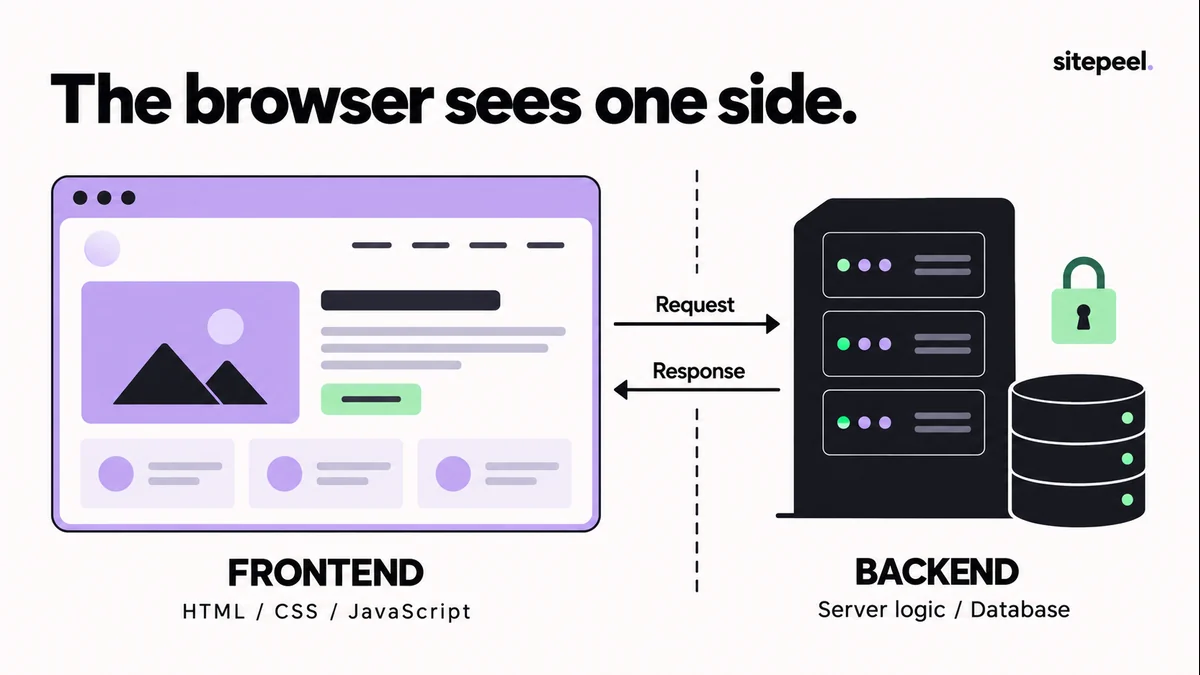
A server can build each page from code and a database that never reach the browser. A product card shows a name, image and price, not the inventory, payments or admin behind it.
| Part of the site | In a browser export? |
|---|---|
| HTML and CSS as rendered | Yes |
| Images, fonts and media the page loaded | Yes |
| Scripts sent to the browser | Often, but they may need build modules, app state or remote services |
| Server code | No |
| Database and content | No, only what the page showed |
| Login, payments and admin | No, only how they look |
What can you learn about the backend?
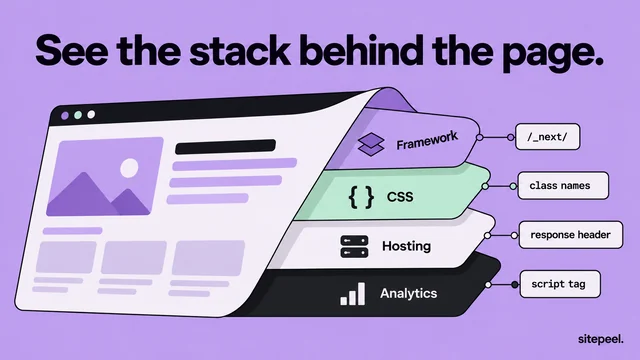
From outside, you can often spot the framework, hosting and libraries from script addresses, response headers and markers. The free built-with checker shows these with evidence. Server-side tools and databases stay invisible.
List the behavior you need
A brochure site may need only navigation and a contact form. A dashboard needs data, filters, permissions and saved changes. Use your own services, and remove endpoints that belong to the source site.
# Rebuild behavior checklist

- Navigation: each destination exists in this project.
- Menu: opens, closes and supports keyboard focus.
- Form: validates input and calls our own handler.
- Submission: shows loading, success and failure states.
- Data: comes from the intended application source.
- Account controls: use our existing authentication flow.
- Assets: resolve without depending on a preview session.

Record each item as implemented, intentionally omitted, or unresolved.
Do not mark a visual placeholder as a working feature.
Use the export as a frontend reference
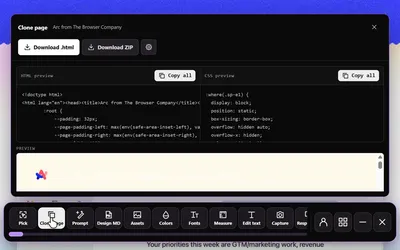
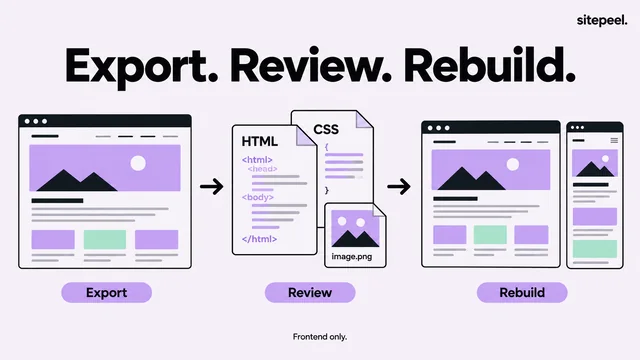
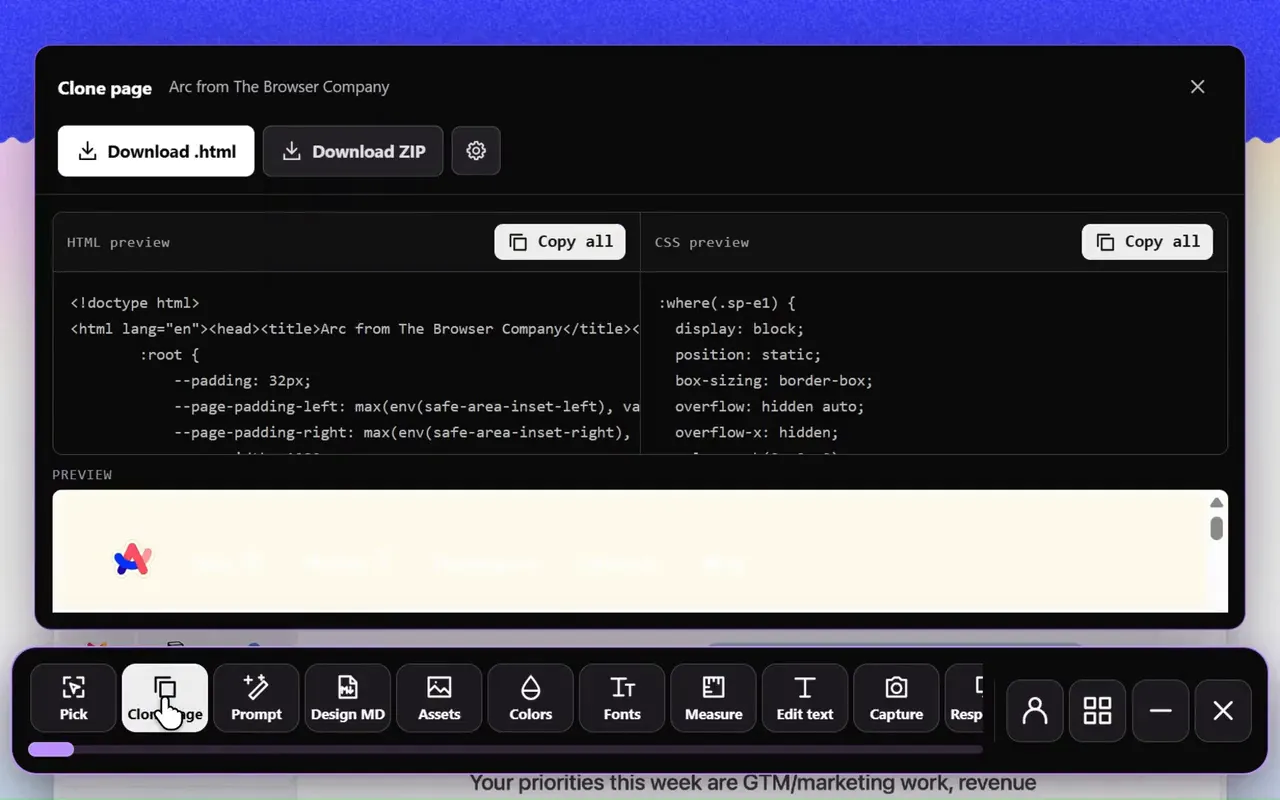
- Open the page at the width you want, then export it with Sitepeel’s Clone page tool.
- Keep the content hierarchy and layout; rebuild the sections with your own components.
- Tell an AI assistant it’s a frontend reference, and give it the checklist and your stack.
- Ask it to list unresolved integrations before calling the work done.
- Test through your dev server: a narrow screen, an inner page, a failed request, a refresh.
- Check the console and network panel when an action behaves differently.
Questions
Can you copy a website’s backend code?
Not from the browser. Server code and databases stay on the server; only their responses reach you. If you own the site, get the source repository, content export and configuration from your hosting or development setup.
Why don’t buttons work on a cloned website?
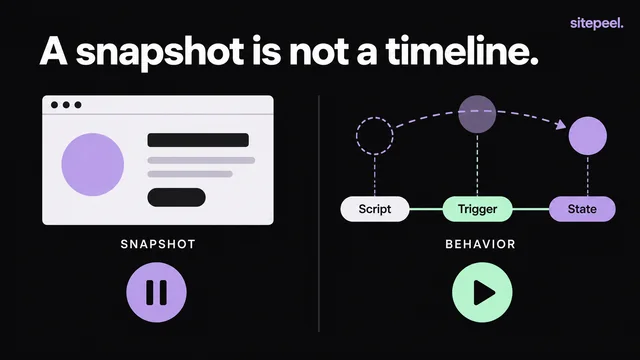
Their behavior lives in JavaScript that is attached separately from the HTML. Scripts may also need build modules, app state or the original site’s services. Rebuild each action in your own project and test it.
Is a browser export enough to migrate my own site?
Usually not. An export suits studying or reusing a permitted frontend layout. For a full migration of a site you own, a source-level migration is the clearer route.