On this page7
Step by step
Record the effect
Capture its start, middle and end. Note the viewport and whether it follows scrolling or time.
Unhide the static content
Remove start states that wait for a script, so the page is readable without motion.
Fix the first console error
Debug the first runtime error, not every symptom after it. Check that libraries and plugins load.
Write a motion spec
Describe the trigger, elements, duration or scroll range, the end state and what happens when scrolling back.
Test the edge cases
Reload mid-page, resize, try a narrow screen, slow media, reduced motion and in-app navigation.
What drives the animation?
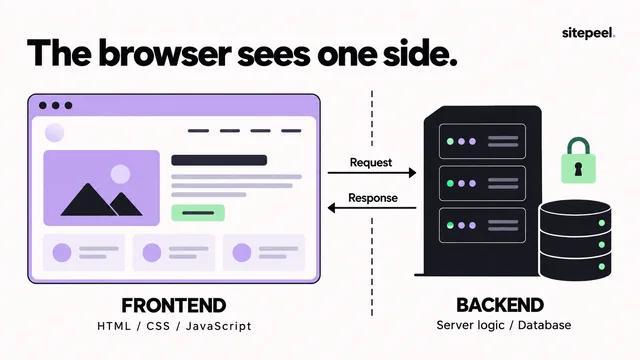
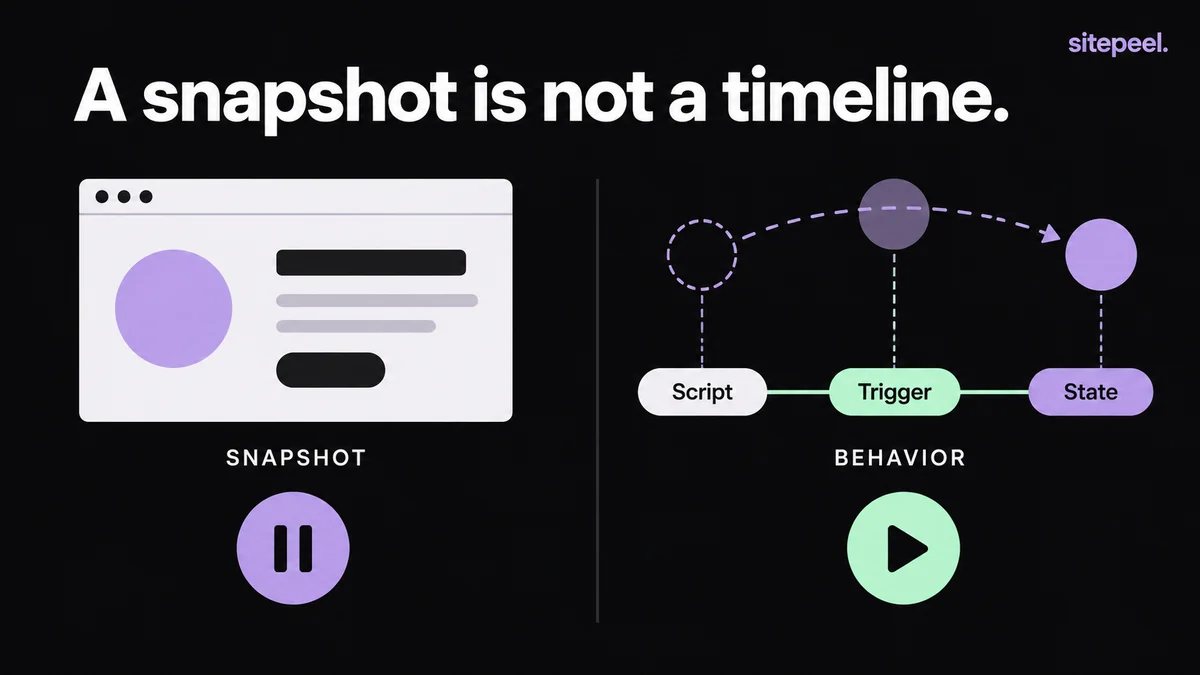
For a site you own, read the original implementation if you can. A recording shows the experience; the source explains its state and setup.
| Effect | Depends on |
|---|---|
| Hover transition | CSS states on the element |
| CSS keyframes | The stylesheet and the class or state that starts it |
| Scroll-linked timeline | The library, its plugin, element positions and the scrolling container |
| WebGL or canvas scene | Rendering code and assets; a screenshot can’t rebuild it |
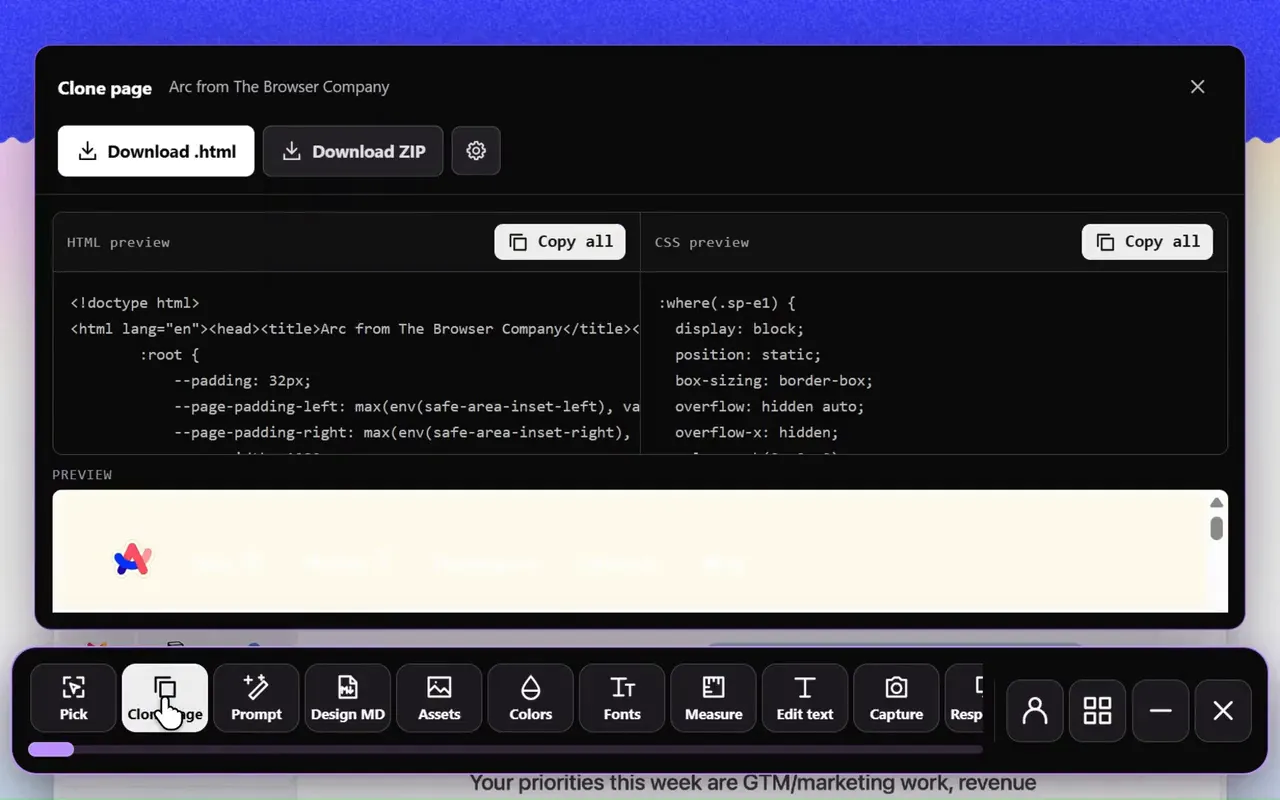
Why does the cloned page look blank?
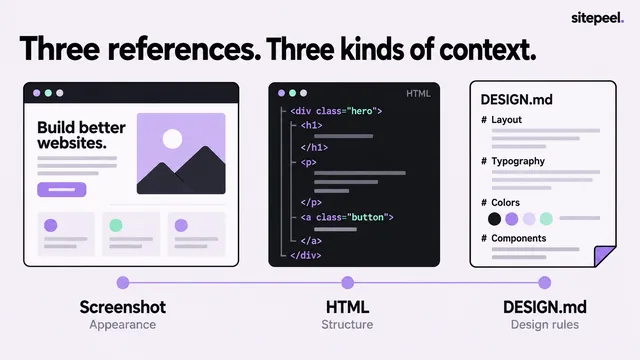
Text and images may be there but hidden by a starting opacity, transform or clip that JavaScript was meant to remove. Without that setup, the page looks empty. Sitepeel gives you a layout reference; the effect still needs its own code.
GSAP and ScrollTrigger checklist
- Confirm the static target is visible and correctly positioned.
- Check that GSAP and the plugin load, and that the plugin is registered.
- Create the animation after its target elements exist.
- Confirm the target selector and the scrolling container.
- Call ScrollTrigger.refresh() once fonts and images have settled the layout.
- In a framework, set up and clean up with the component lifecycle.
- Remove old listeners and animation instances when a component rebuilds.
Write a motion reference
A short spec beats asking an agent to recreate a whole animated site. Motion should enhance a readable page, never be the only way to reveal content.
# Section motion reference

Static layout: heading, explanation, then product image.
Trigger: the section enters the viewport.
Effect: a short upward reveal of the image.
End state: the image is fully visible in its normal position.
Repeat: once per page visit.

With reduced motion: show the final state immediately.
Without animation initialization: content stays readable.
On resize: preserve the layout and avoid duplicate listeners.

Implement and review this effect before adding another.
What about WebGL and canvas effects?
They need real rendering code and assets, and a screenshot of the output won’t rebuild the scene. Without the original source, consider a simpler effect that makes the same point. It is easier to maintain than unexplained copied scripts.
Questions
Why is ScrollTrigger not working on my cloned site?
Check that GSAP and ScrollTrigger load, the plugin is registered, the targets exist when the animation is created and the scroller is correct. If fonts or images shift the layout afterwards, call ScrollTrigger.refresh().
Why does my cloned website look blank?
Content is often hidden by a starting opacity or transform that a script was meant to remove. Remove those start states so the page is readable, then add the motion back.