On this page5
How it works
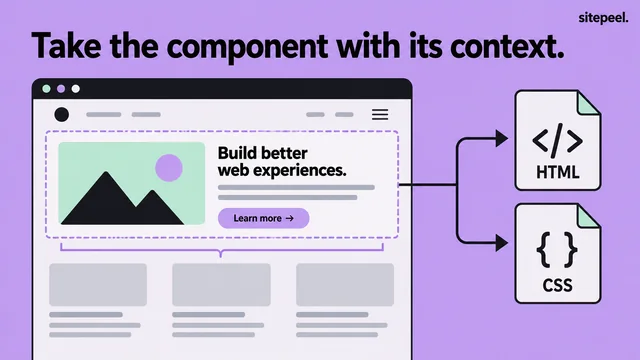
Choose Pick element
Open Sitepeel and move over the page to identify the element you want.
Select the right container
Pick the whole card or section when the layout depends on its children.
Review and copy
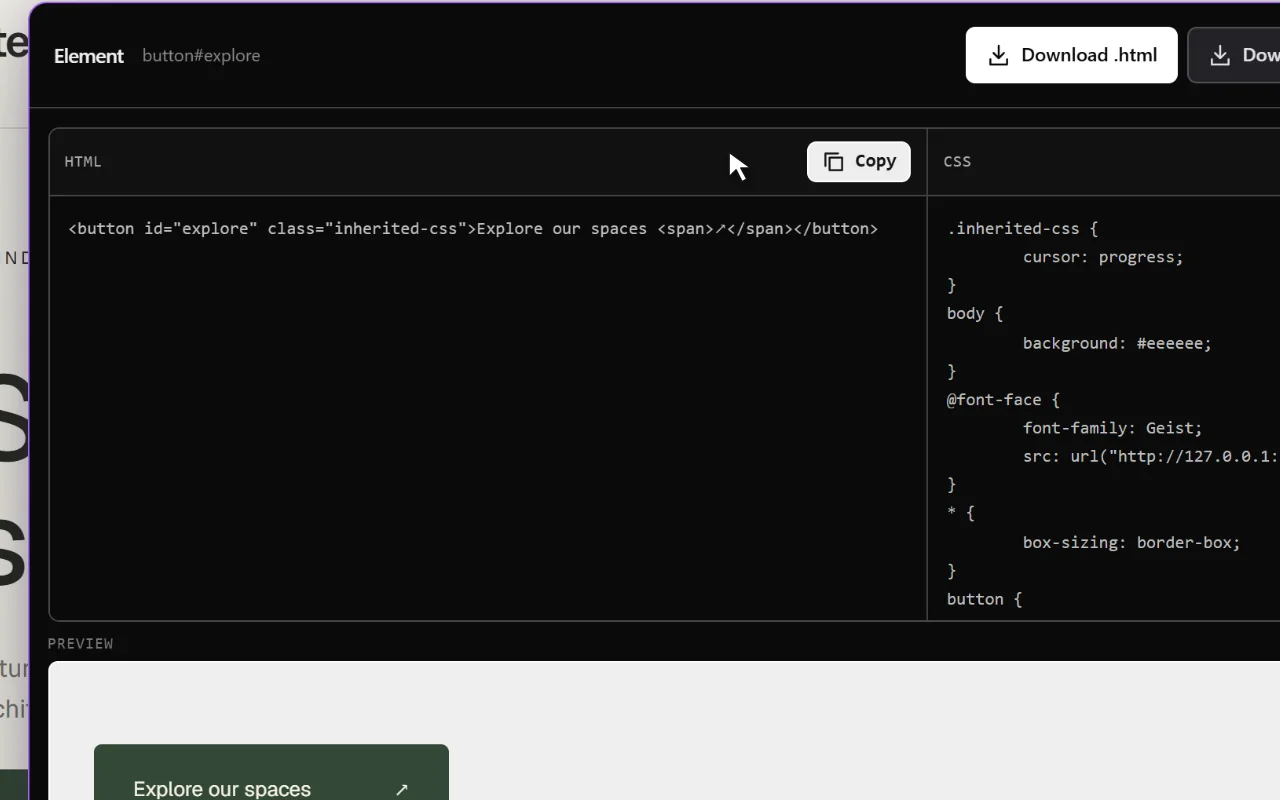
Check the preview, copy the code and adapt the styling in your own project.
Keep the export focused
A small, well-chosen selection is easier to understand than a whole page. Start with a button to study its type, padding and border; choose a card when you need to understand how text and images are grouped.
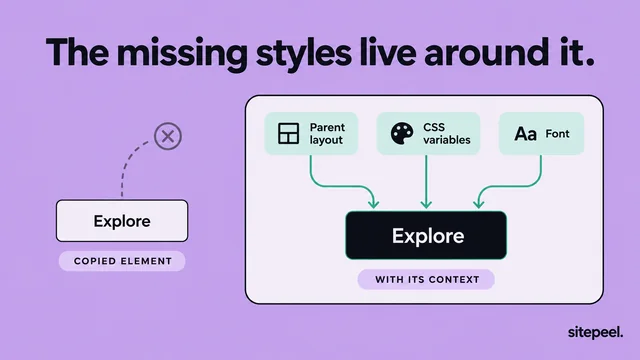
If a selected child looks wrong on its own, inspect the parent. Width, alignment and inherited typography can come from higher in the page.
From extracted code to a reusable component
Replace reference content and rename classes to match your project. Consolidate repeated colors and spacing values into tokens, then test the result within your actual page layout.
Extracted markup reflects browser output. It is not the original React, Vue or other framework source, and it does not automatically include application state or event handlers.
- Check links, image paths and font availability.
- Add semantic controls and keyboard behavior where needed.
- Review narrow screens and longer text.
Choose an export for the task
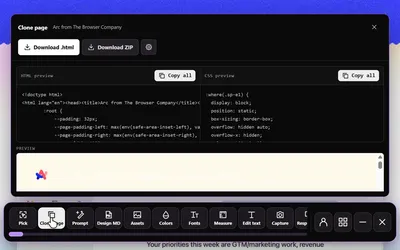
Use Pick element for a focused HTML and CSS snippet. Choose Clone page for a rendered page snapshot. Choose Design MD when you want a reference for design decisions rather than markup.
Questions
Can I copy a React component from another website?
You can extract its rendered HTML and styling. The original component source, props and state are not available from that output.
Why does an element look different after I paste it?
It may depend on parent layout, inherited styles, fonts or external assets. Compare those dependencies and test it in its new container.