

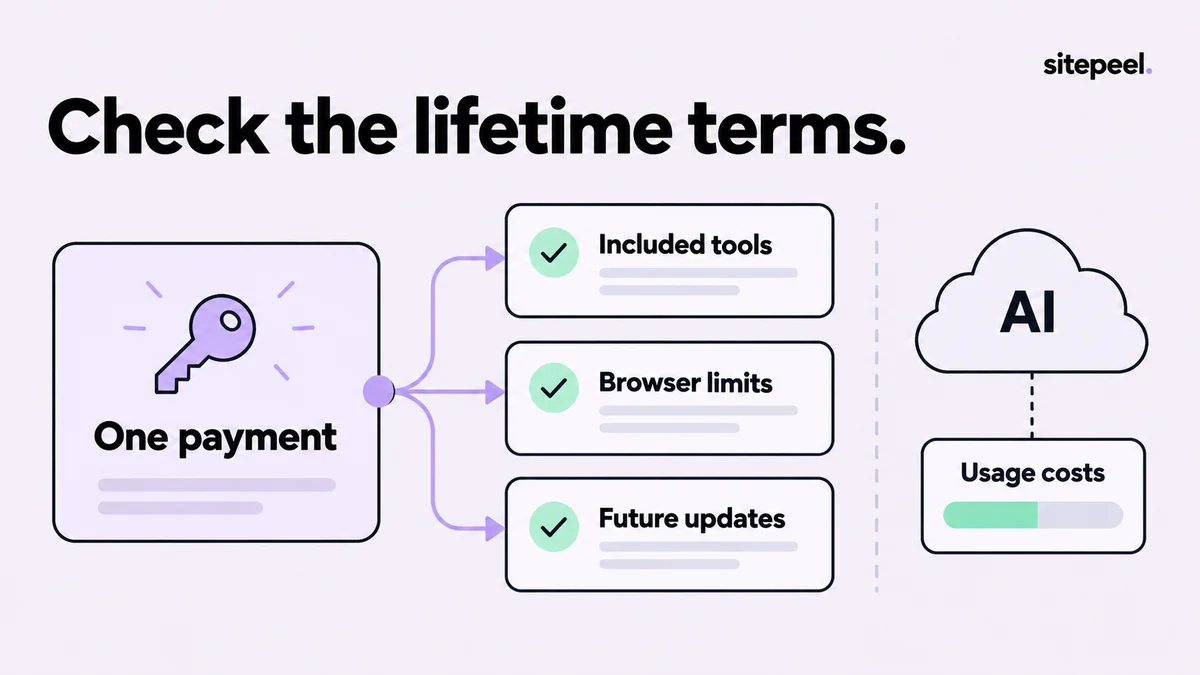
Start with three license questions
What can you use today? Where can you activate it? What do the terms say about updates? Write those answers down separately. A lifetime label alone does not explain browser support, account rules or the scope of a future product.
Keep a copy of the offer and receipt when purchasing. A temporary promotion is a price at a point in time, not a promise that every later feature or external service is included. Use current checkout information instead of an old roundup's discount number.
Examples to investigate
The official pages below describe one-time or lifetime offers. The table identifies a starting point for comparison; it does not rank value or reproduce temporary prices.
| Product | Published offer | Check before buying |
|---|---|---|
| Sitepeel | One-time lifetime access | Current regional price and tools available in your store version |
| CSS Scan | Lifetime license; three simultaneous browser activations | Whether its inspection and code workflow covers your task |
| Picker.Design | One-time license with lifetime updates; three simultaneous browsers | Included tools and optional provider usage |
Separate the extension from metered services
An optional AI-provider connection may incur usage charges on the provider account even when the extension itself is purchased once. In Sitepeel, standard Design prompt generation does not require a provider key; optional AI refinement uses the provider you configure.
Estimate the cost of the workflow you intend to use. If you only need a reference file or a CSS inspection, a recurring model request may be unnecessary. Keep provider spending limits and model availability separate from your extension purchase decision.
Use a short acceptance test
Choose a component from your own site, open it at two widths and perform the same task in each candidate. For copying work, inspect the result in a clean project. For design reviews, ask whether another person can understand the exported evidence without reopening the original page.
Test the awkward case, not just the hero section. A card with inherited typography, a remote image and a narrow-screen layout is more revealing than a plain button. Record what required manual correction and whether the product made that correction easier.
- The required tool works in the browser you actually use.
- The export opens without unexplained missing dependencies.
- Account and activation rules fit your devices.
- The current release includes the feature you are buying for.
- External service charges are understood separately.
Decide whether buying adds value
If DevTools already solves an occasional inspection task, an additional purchase may not help. A paid extension is more compelling when it removes repeated manual steps or produces a reference your team uses regularly.
For Sitepeel, consult the current account or pricing section for the applicable amount. Regional offers and launch availability can change. Compare the actual checkout total and terms rather than treating a guide as a binding quote.
How this comparison was prepared
Published by Sitepeel. Product descriptions were checked against the official pages linked below on September 29, 2026. This is a workflow comparison, not a hands-on performance benchmark. Plans and features can change; confirm the current version and terms before purchasing.