

Choose an output you can judge
Pick a real task such as explaining a card's spacing, preparing a reusable component reference or reviewing a page at several widths. Write down the output you need before opening a product demo. Otherwise a long feature list can hide the one missing step that matters.
Separate visual inspection from source debugging. Reading a color or dimension is different from tracing the stylesheet that overrides it. For the latter, keep DevTools available even when an extension handles the first pass.
What each product emphasizes
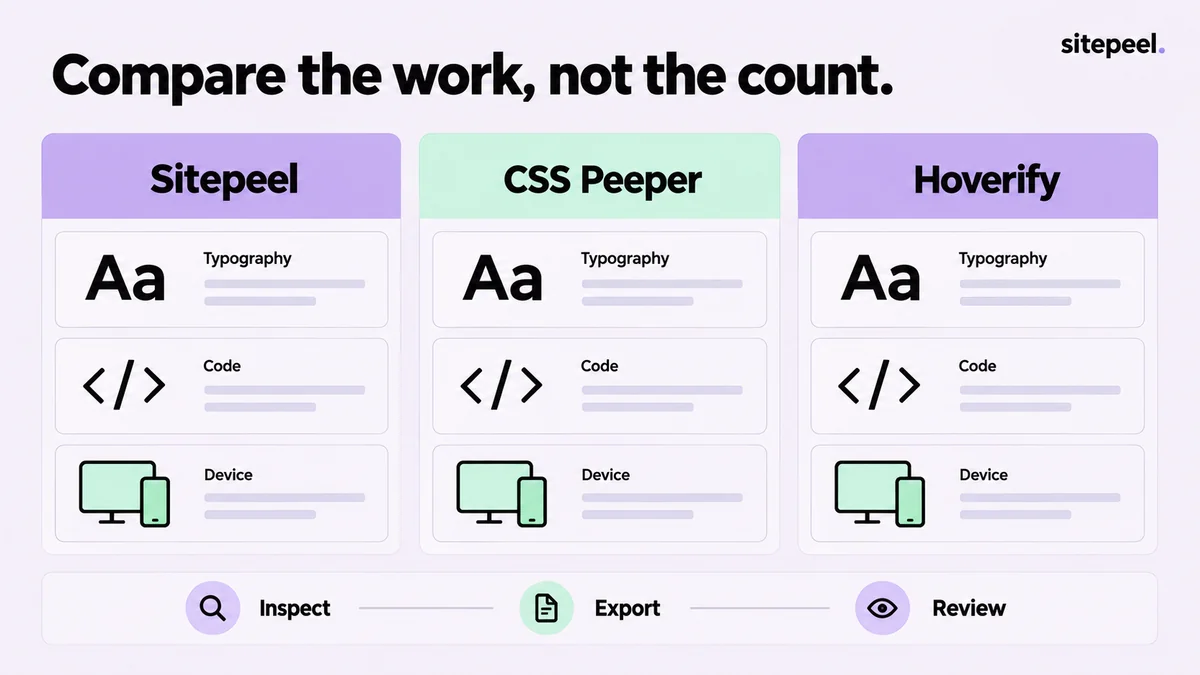
The following summarizes advertised capabilities, not a score or a claim that one product lacks everything outside its main emphasis.
| Product | Advertised emphasis | A useful evaluation task |
|---|---|---|
| Sitepeel | Design references, code exports, captures and responsive previews | Turn a card into a reviewed handoff |
| CSS Peeper | Visual style, typography, color and asset inspection | Explain a page's type and color choices |
| Hoverify | Inspection, responsive previews, capture, assets and site diagnostics | Review a page across several development tasks |
Test the part that usually fails in your workflow
For a design review, use a page with several heading levels, repeated cards and a dark section. Check whether you can distinguish a repeated rule from a one-off detail. The useful result is a short set of decisions, not simply a list of raw values.
For a component handoff, choose a card with an icon and a hover state. Record how you select the parent, what the export includes and what needs repairing in an isolated project. Avoid inferring successful reuse from a good-looking preview alone.
Candidate:
Page / viewport / state:
Task: explain and hand off one pricing card
Output needed: reference, dimensions, dependencies
Manual repairs after export:
Unanswered questions:
Decision and reason:
Where Sitepeel fits
Sitepeel connects page inspection to Design MD, Design prompt and code or image handoff. It suits work where a visual reference needs to become an implementation brief. Review the generated reference before using it; observed styles do not reconstruct every rule or the original application.
Use Responsive viewer to compare widths and Screenshot to document a problem. Treat device frames as visual context, not proof that you have run Safari or tested real phone hardware. Those final checks still belong in the target browser.
Compare the plan with the task
CSS Peeper lists a free tier and paid subscriptions, with feature differences between plans. Confirm that the inspection or export you need is included before comparing the cost. For every product, review activation limits, update terms and any separate AI-provider charges.
Try a representative task before migrating your workflow. Choose the product whose output you can understand, verify and maintain. An extra capability is valuable only if it removes work you actually do.
How this comparison was prepared
Published by Sitepeel. Product descriptions were checked against the official pages linked below on September 29, 2026. This is a workflow comparison, not a hands-on performance benchmark. Plans and features can change; confirm the current version and terms before purchasing.
Try the workflow in Sitepeel
These steps describe the 1.0.3 tools. Preview them on public Sitepeel pages in the website demo; browser-store availability may vary while the update rolls out. Use the installed extension to work on other supported websites. Inspection and preview changes do not publish changes to the original site.