On this page7
Step by step
Pick a representative page
Choose one with headings, body text, navigation, cards and buttons. Campaign pages often use one-off colors and type.
Generate the file
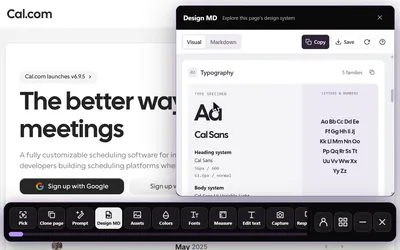
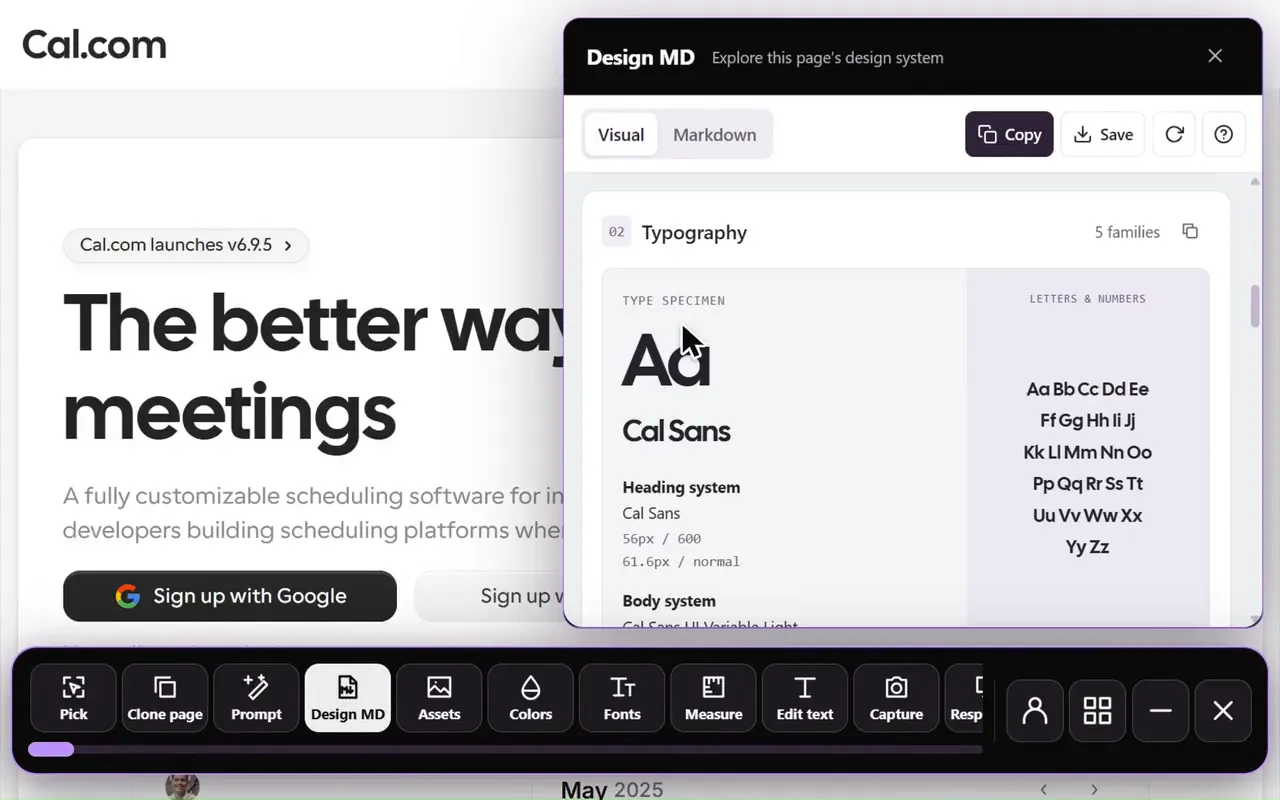
Paste the link into the free DESIGN.md generator, or open Sitepeel’s Design MD tool on the page.
Check it against the page
Compare colors on real elements, then a heading, paragraph and button. Overlays and inherited styles can mislead.
Trim and label
Cut what your project doesn’t need. Mark rules you added so nobody mistakes them for measurements.
Test it on one screen
Build one section with it. If you keep correcting the same thing, add that rule to the file.
Free generator or Design MD tool?
The Design MD tool describes the state the page is in, so open the menu or section you want first and let content load.
| Free DESIGN.md generator | Design MD tool | |
|---|---|---|
| Where it runs | sitepeel.dev, in any browser | Sitepeel for Chrome |
| What it reads | A public link; Sitepeel opens the page | The page you have open, as it is now |
| Localhost and signed-in pages | No | Yes |
| Install | None | Chrome extension |
Turn values into roles
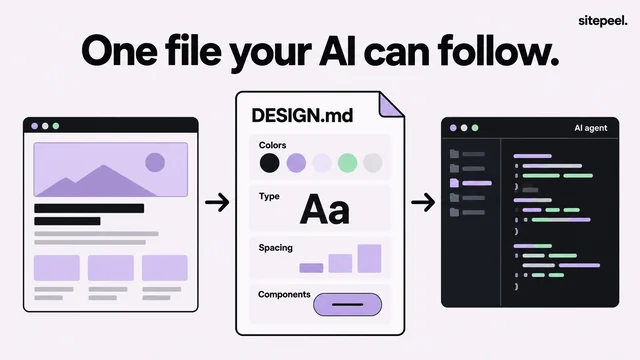
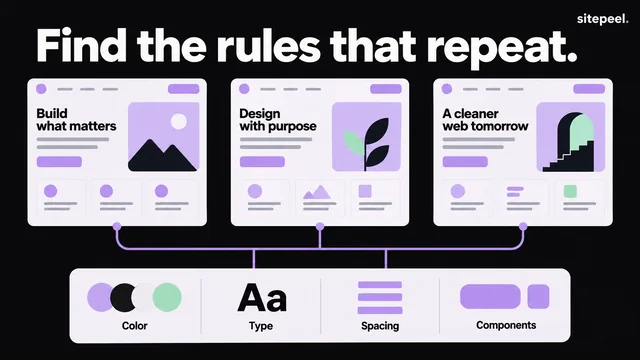
One page is evidence, not the original team’s full design system. Check a second page before calling a value a rule.
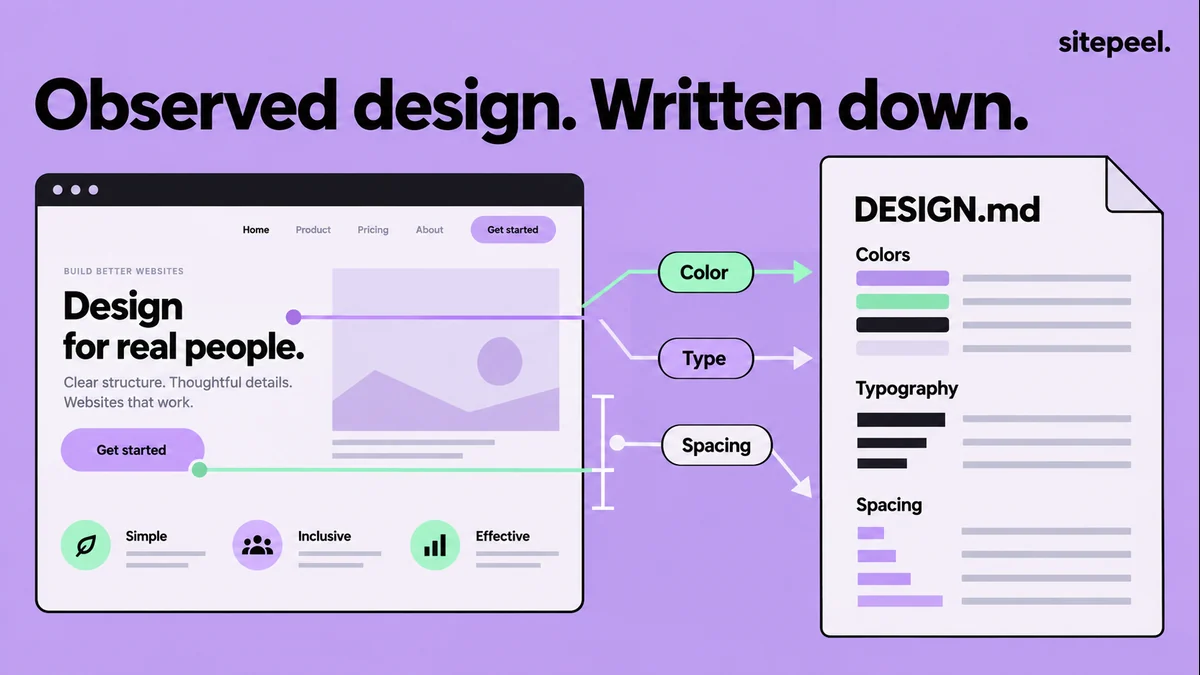
- Colors: group them into roles such as page background, raised surface, primary text and accent.
- Type: a family, weight, size and line height for each text style.
- Spacing: keep values that repeat across sections and say where they apply.
- Decisions: a measured card gap is a fact; “use it on all cards” is your call.
Check it before handing it to AI
- Color roles and readable text and background pairs.
- The font that actually rendered, with its weight and line height.
- Repeated spacing and the layout on a narrow screen.
- Focus states and other details an implementer needs.
- Assumptions labeled as such, not presented as extracted facts.
A short DESIGN.md example
A hand-written starting point you can edit. Keep yours small: cut anything unrelated to what you are building.
# Project design reference

## Color roles
- Page: #0b0a0d
- Surface: #131016
- Text: #f5f0f8
- Accent: #c4a5ed

## Typography
- Use the project’s existing sans-serif font.
- Keep body copy at a readable size with generous line height.
- Use a clear heading hierarchy.

## Layout
- Constrain reading text to a comfortable line length.
- Stack multi-column content on narrow screens.
- Keep the primary action close to its explanation.

## Interaction
- Visible keyboard focus on every control.
- Explain loading, success and failure near the action.
- Respect reduced motion preferences.Use it and keep it current
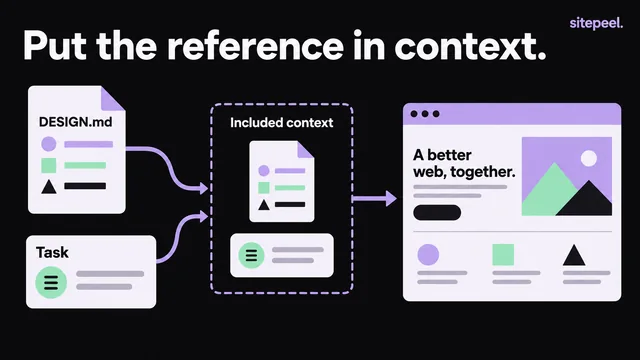
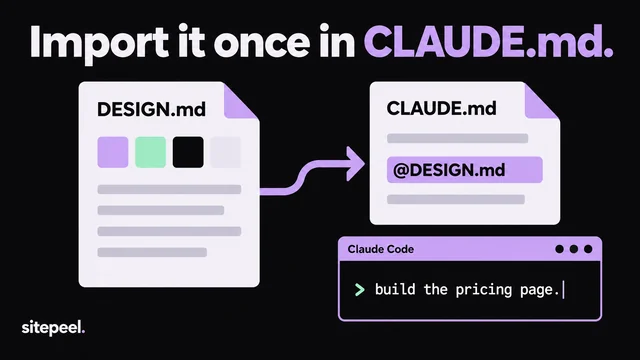
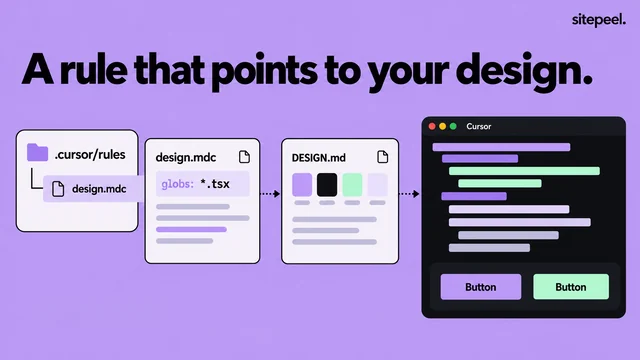
Name the file’s path when you ask your AI coding assistant for a build, and start with one section. Update the file when your design changes: it should describe your project, not the page that first inspired it.
Questions
Is the DESIGN.md generator free?
Yes. It runs on sitepeel.dev with nothing to install. You can make 2 new DESIGN.md files a day without signing in.
Can I make DESIGN.md from a localhost or signed-in page?
Yes, with Sitepeel’s Design MD tool in Chrome, which reads the page you have open. Browser-internal pages and some restricted documents don’t allow extension tools.
Does DESIGN.md recover a site’s original design tokens?
No. It describes the values the page shows. Original token names, component source and every responsive state aren’t visible from one page.
Do I need an AI provider key?
No. Generating DESIGN.md doesn’t need an AI provider key. Optional AI provider use is separate.