On this page7
The short list
BuiltWith’s single lookups are free, but its plans start at $295 a month and its Chrome extension hasn’t been updated since May 2022. Most people only want to check one site.
| Tool | Best for | Price | Works in |
|---|---|---|---|
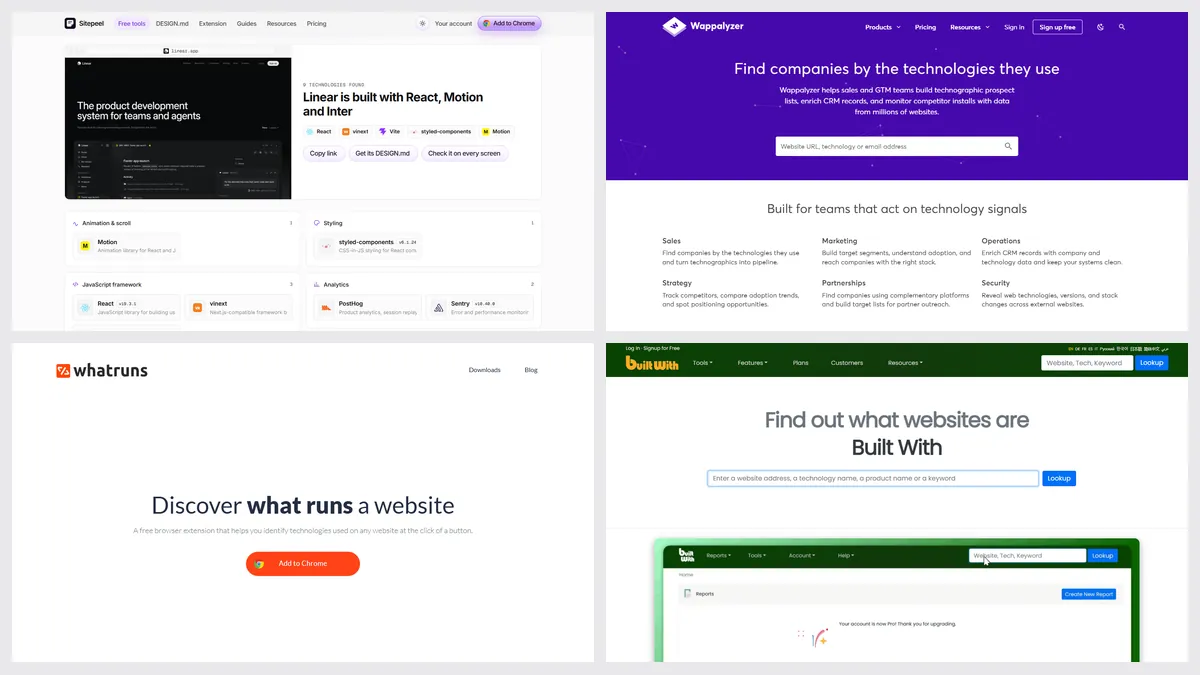
| Sitepeel tech stack checker | A free check of one site, with evidence | Free, no sign-in | Any browser, from a link |
| Wappalyzer | Lead lists and a free extension | Free extension; plans from $250 a month | Chrome, Firefox, Edge, Safari, web |
| WhatRuns | A free extension, WordPress plugins | Free | Chrome, Firefox |
| WhatCMS | Free CMS checks and a cheap API | Free lookups; API from $20 a month | Web, API |
| Hoverify | Tech stack inside a dev toolbox | $30 a year or $89 once | Chrome, Firefox |
1. Sitepeel tech stack checker
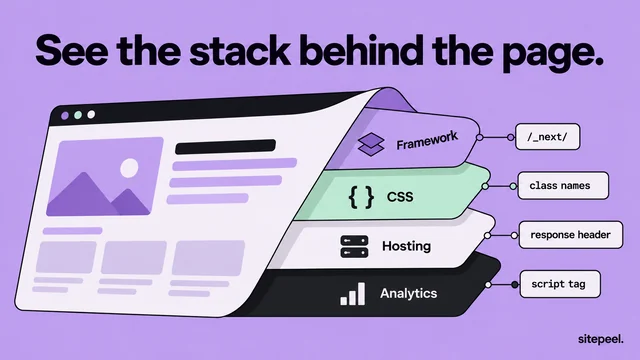
Paste a link and Sitepeel shows the framework, CMS or site builder, hosting, CSS and UI libraries, animation and 3D libraries and analytics, each with the evidence it found. It also lists the fonts and colors.
- No lead lists, history or API
- Server code and databases can’t be seen from outside
2. Wappalyzer
Wappalyzer’s free extension names a site’s technologies as you browse, and a free account adds 50 lookups a month. Paid plans add lead lists, company data, alerts and an API.
3. WhatRuns
WhatRuns is a free extension that shows a site’s technologies, WordPress plugins and fonts, and can alert you when a site you follow changes its stack. No sign-up needed.
4. WhatCMS
WhatCMS checks which CMS and hosting a site uses, free on its website. Its free API gives 500 checks a month for scripts.
Which one should you pick?
Questions
Is BuiltWith free?
Single site lookups on builtwith.com are free. Its paid plans, with lead lists and reports, start at $295 a month or $2,950 a year.
What is the best free BuiltWith alternative?
For one site at a time, Sitepeel’s tech stack checker (from a link, no sign-in) or the WhatRuns extension. WhatCMS is good for a quick CMS check.
Is Wappalyzer better than BuiltWith?
For a free browser extension and lead lists, Wappalyzer is newer and updated often. BuiltWith is stronger on long technology history. See our Wappalyzer vs BuiltWith page.