On this page8
The short list
People look for a Wappalyzer alternative when they hit the 50 free lookups, don’t want an extension, or want to see more than the stack: fonts, colors and the design.
| Tool | Best for | Price | Works in |
|---|---|---|---|
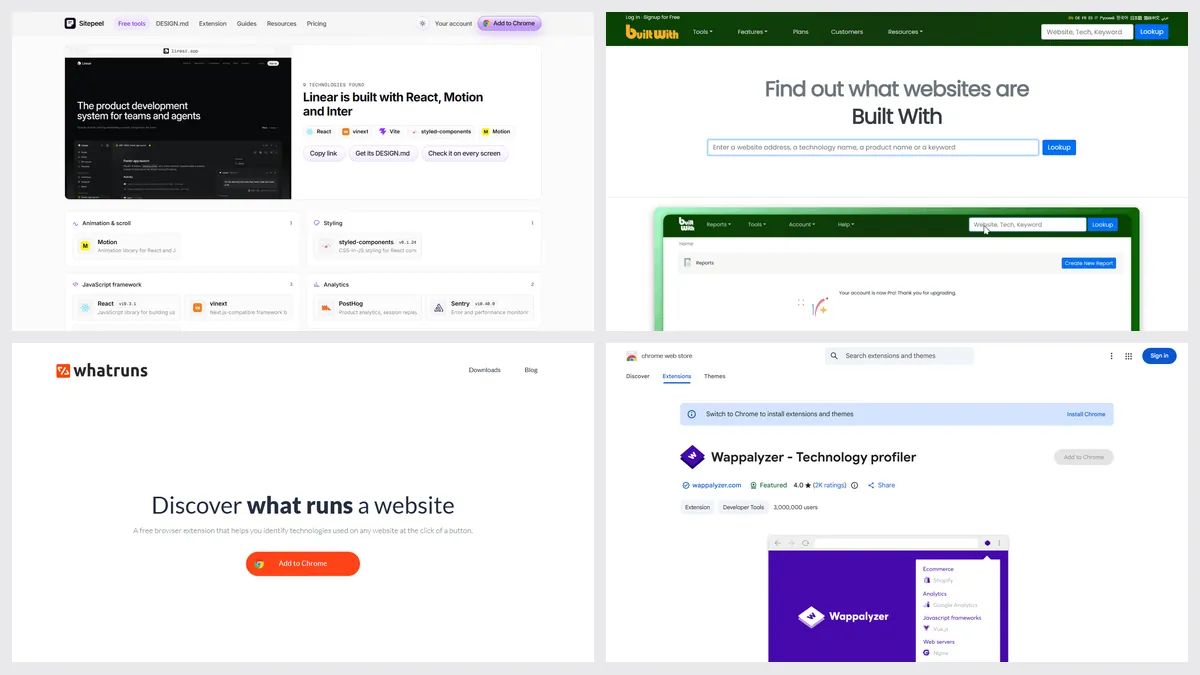
| Sitepeel tech stack checker | A free check of one site, with evidence | Free, no sign-in | Any browser, from a link |
| BuiltWith | History and market data | Free lookups; plans from $295 a month | Web, Chrome, Firefox, Edge |
| WhatRuns | A free extension | Free | Chrome, Firefox |
| WhatCMS | Quick CMS checks | Free lookups; API from $20 a month | Web, API |
| Hoverify | Stack plus hosting, DNS and SSL | $30 a year or $89 once | Chrome, Firefox |
1. Sitepeel tech stack checker
Sitepeel’s free tech stack checker works from a link, with no extension or account. It shows the framework, CMS, hosting, libraries and analytics with evidence, plus the fonts and colors.
- One site at a time; no lists or API
2. BuiltWith
BuiltWith’s free lookups show a site’s technology and how it changed over the years. Its paid plans sell lists of every site using a tool.
3. WhatRuns
WhatRuns is the closest free swap for Wappalyzer’s extension: click it on any site to see its technologies, WordPress plugins and fonts.
4. WhatCMS
WhatCMS checks a site’s CMS and hosting for free on its website, with a free API for 500 checks a month.
5. Hoverify
Hoverify’s Site Stack tool lists technologies with hosting, DNS and SSL details, inside a paid all-in-one dev extension.
Which one should you pick?
Questions
Is Wappalyzer still free?
The browser extension is free. A free account adds 50 lookups a month. Lead lists, company data and the API need a paid plan, from $250 a month.
What is a free alternative to Wappalyzer?
WhatRuns is a free extension. Sitepeel’s tech stack checker and WhatCMS are free websites: paste a link, no install.
Can I check a website’s tech stack without an extension?
Yes. Paste the link into Sitepeel’s tech stack checker, BuiltWith or WhatCMS. All three have free single lookups.