On this page6
Side by side
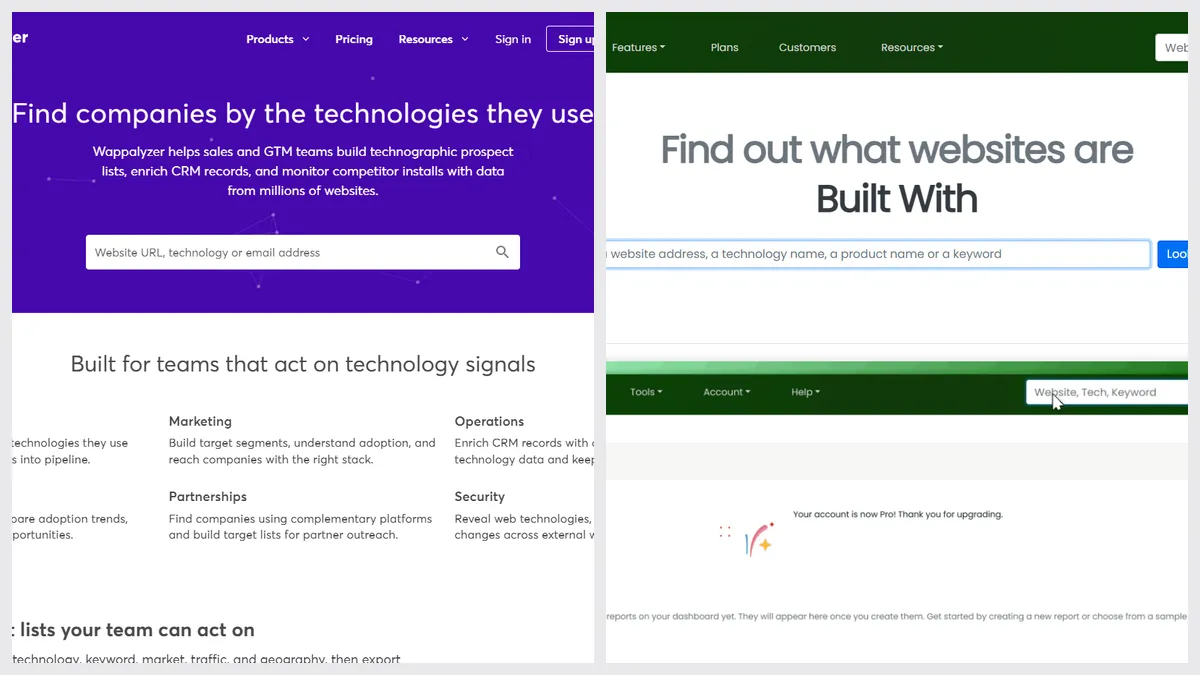
| Wappalyzer | BuiltWith | |
|---|---|---|
| Free use | Extension, plus 50 lookups a month with an account | Single lookups on the website |
| Paid plans | From $250 a month or $2,500 a year | From $295 a month or $2,950 a year |
| Browser extension | Yes, updated October 2026 | Yes, Chrome last updated May 2022 |
| Lead lists and company data | Yes | Yes |
| Technology history | Not listed | Yes, going back years |
| Alerts when a site changes | Yes | Not listed |
| API | Yes, credits on paid plans | Yes |
| Works in | Chrome, Firefox, Edge, Safari, web, API | Web, Chrome, Firefox, Edge, API |
Pick Wappalyzer if…
- You want a free extension that’s updated often
- You prospect by technology and want company data in your CRM
- You need Safari or an iPhone app
Pick BuiltWith if…
- You want to see how a site’s stack changed over the years
- You research a market: every site using a tool
- You prefer looking things up on a website, not in an extension
Just checking one site? It’s free
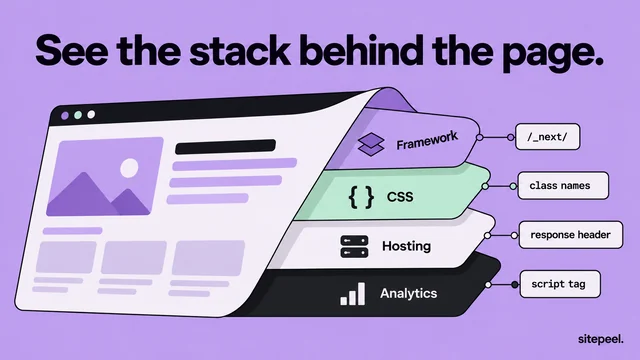
If you only want to know what one site runs on, you don’t need either plan. Sitepeel’s tech stack checker shows the framework, CMS, hosting and libraries with the evidence, plus the fonts and colors. Free, no sign-in.
The verdict
Questions
Is Wappalyzer or BuiltWith more accurate?
Both read the same clues from a page: scripts, headers, meta tags and file names. Results differ by site. For anything important, check with two tools and look at the evidence.
Which is cheaper, Wappalyzer or BuiltWith?
Both are free for single lookups. Paid plans start at $250 a month for Wappalyzer and $295 a month for BuiltWith, with yearly discounts.
Is there a free way to check one site?
Yes. Sitepeel’s tech stack checker is free with no sign-in: paste a link and see the stack with evidence, plus the site’s fonts and colors.