On this page7
The short list
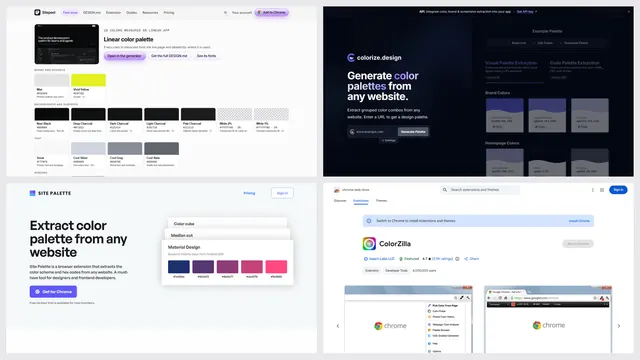
colorize.design makes two palettes per page, one from a screenshot and one from the code. It only does colors, and its extension is new: 94 users and no ratings yet on November 5, 2026.
| Tool | Best for | Price | Works in |
|---|---|---|---|
| Sitepeel | Colors by role, contrast and code | Free, no sign-in | Chrome extension and web |
| Site Palette | Saved palettes for Figma | 24-hour trial; from $2.50 a month billed yearly, or $99 once | Chrome, Firefox, Figma |
| ColorZilla | Picking one exact pixel | Free | Chrome, Firefox |
| CSS Peeper | Colors, type and assets in one panel | Free plan; from $2.49 a month | Chrome |
| MiroMiro | Palette next to code export | Free plan; Pro €12 a month | Chrome, Firefox |
| colorize.design | A quick palette from a link | Free; API from $39 a month | Web, Chromium browsers |
1. Sitepeel
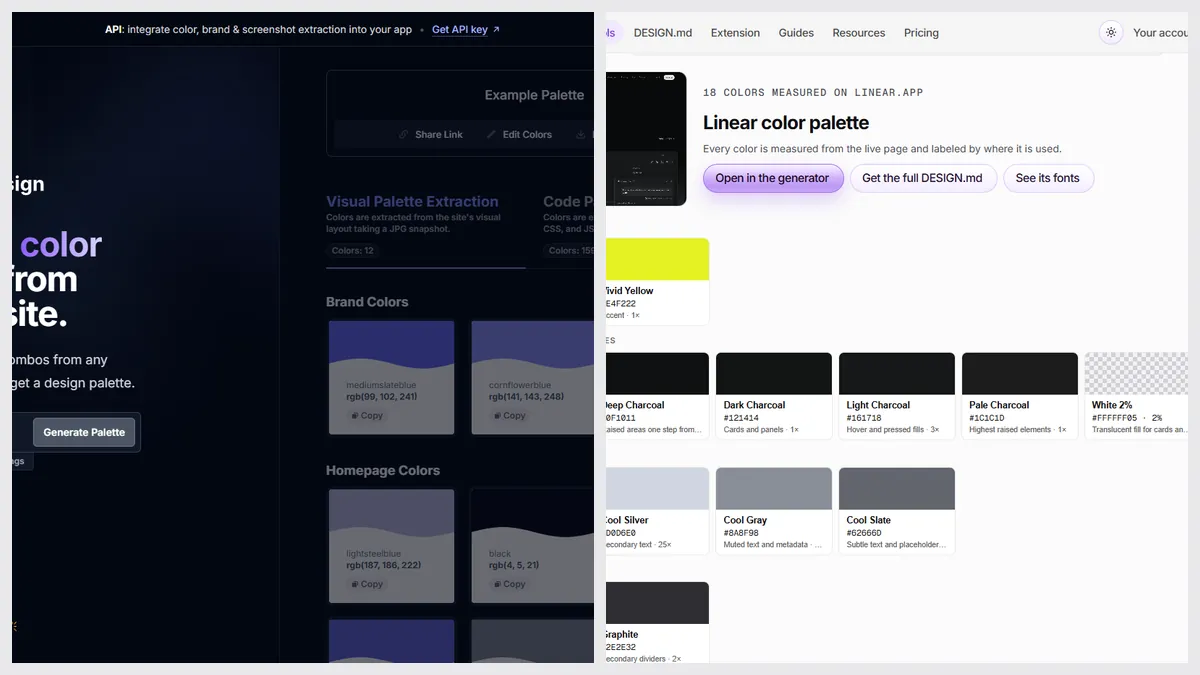
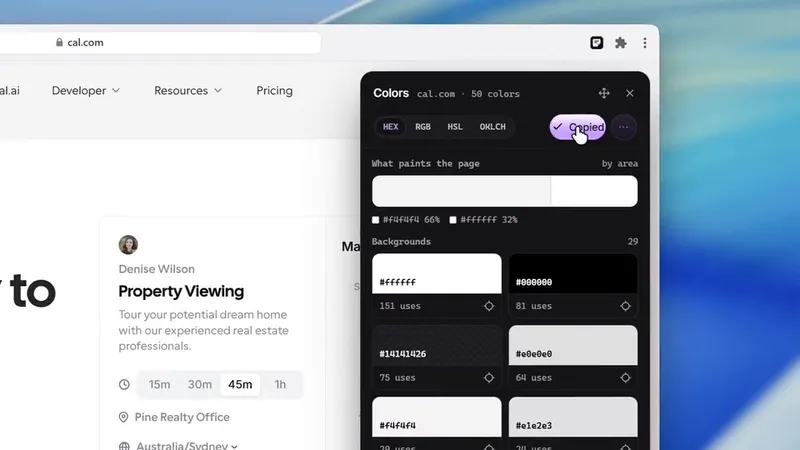
Paste a link to get the colors the page really uses, grouped as backgrounds, text, accents and borders. It checks text contrast, suggests the nearest passing color and exports CSS, Tailwind, SCSS, tokens or SVG for Figma.
- No ASE swatch files and no eyedropper on the web tool
- It can also generate a new palette with a key press
2. Site Palette
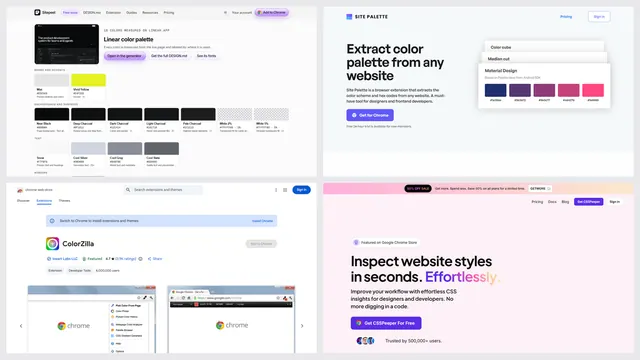
A paid extension that pulls a palette from the page you’re on, keeps a history and works directly in Figma through its plugin.
3. ColorZilla
The classic free eyedropper, with 4,000,000 Chrome users: pick any pixel, sample an area, and analyze a page’s colors. Its last Chrome update was in May 2024.
When colorize.design is the better pick
- You want a quick brand palette from a link, with no install and no account
- You want two palettes per page: screenshot colors and code colors
- You want a free extension with an eyedropper
- You need a palette API: 100 free calls a month, then $39 a month
Which one should you pick?
Questions
Is colorize.design free?
Yes. The palette generator on its site and its Chrome extension are free, and the extension page says no account is needed. Only its API is paid above 100 calls a month.
How much is the colorize.design API?
Standard is $39 a month for 1,000 successful calls, then $0.04 each. The free tier has 100 calls a month. Enterprise pricing is custom.
Does colorize.design have a Chrome extension?
Yes, a free one that also runs in Brave, Edge, Arc, Opera and Vivaldi. It was at version 0.2.0 on November 5, 2026, updated August 20.
What is a free alternative to colorize.design?
Sitepeel’s color palette tool is free with no sign-in and groups colors by role. ColorZilla is a free eyedropper. CSS Peeper’s free plan exports a palette too.