On this page8
Best tools to extract colors from a website
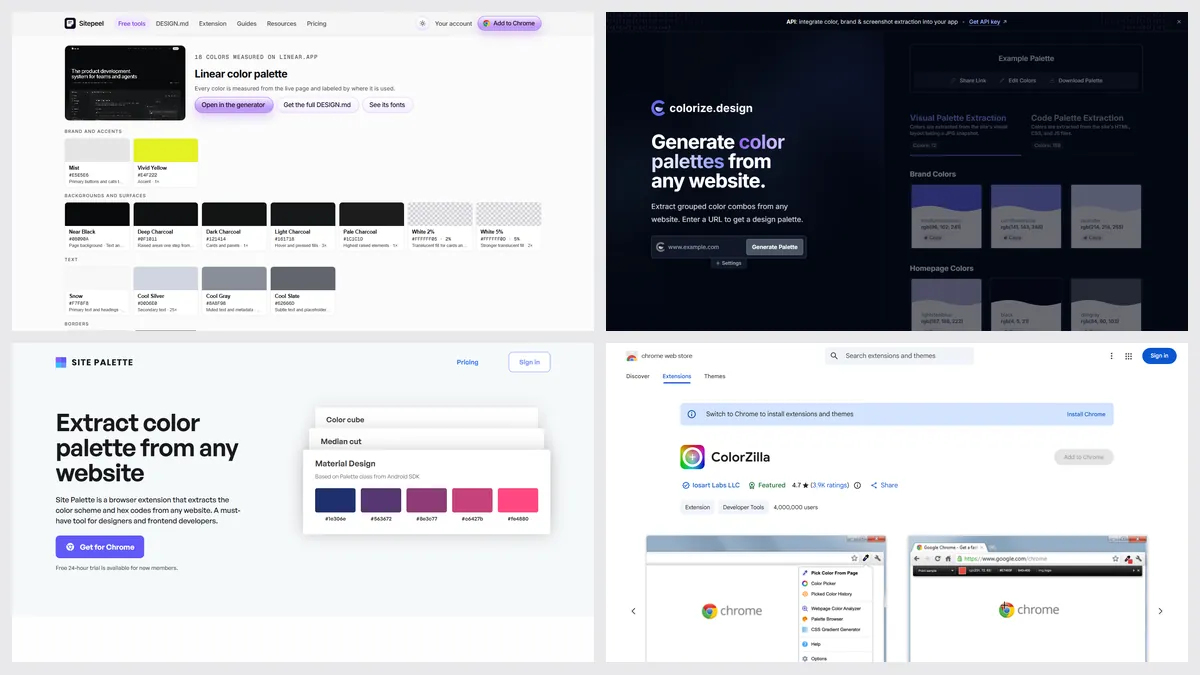
The best color palette extractors in 2026 are Sitepeel for a free palette grouped by role with contrast checks, colorize.design for free swatch files, Site Palette for Figma and Adobe palettes, and ColorZilla for picking one pixel. Paste a link into the first two; the others work in Chrome.
| Tool | Best for | Price | Works in |
|---|---|---|---|
| Sitepeel | Colors by role, contrast and code | Free, no sign-in | Chrome extension and web |
| colorize.design | Free swatch files (ASE, Sketch) | Free | Web, Chromium extension |
| Site Palette | Saved palettes for Figma and Adobe | 24-hour trial; $30 a year or $99 once | Chrome, Firefox, Figma |
| ColorZilla | Picking one exact pixel | Free | Chrome, Firefox |
| MiroMiro | Palette next to fonts and spacing | Free plan; Pro €12 a month | Chrome, Firefox, web |
| CSS Peeper | Colors, type and assets in one panel | Free; Pro from $2.49 a month | Chrome |
| Folge | Ten colors, no sign-up | Free | Web |
| Coolors | A palette from an image | Free with ads; Pro $36 a year | Web, iOS, Figma |
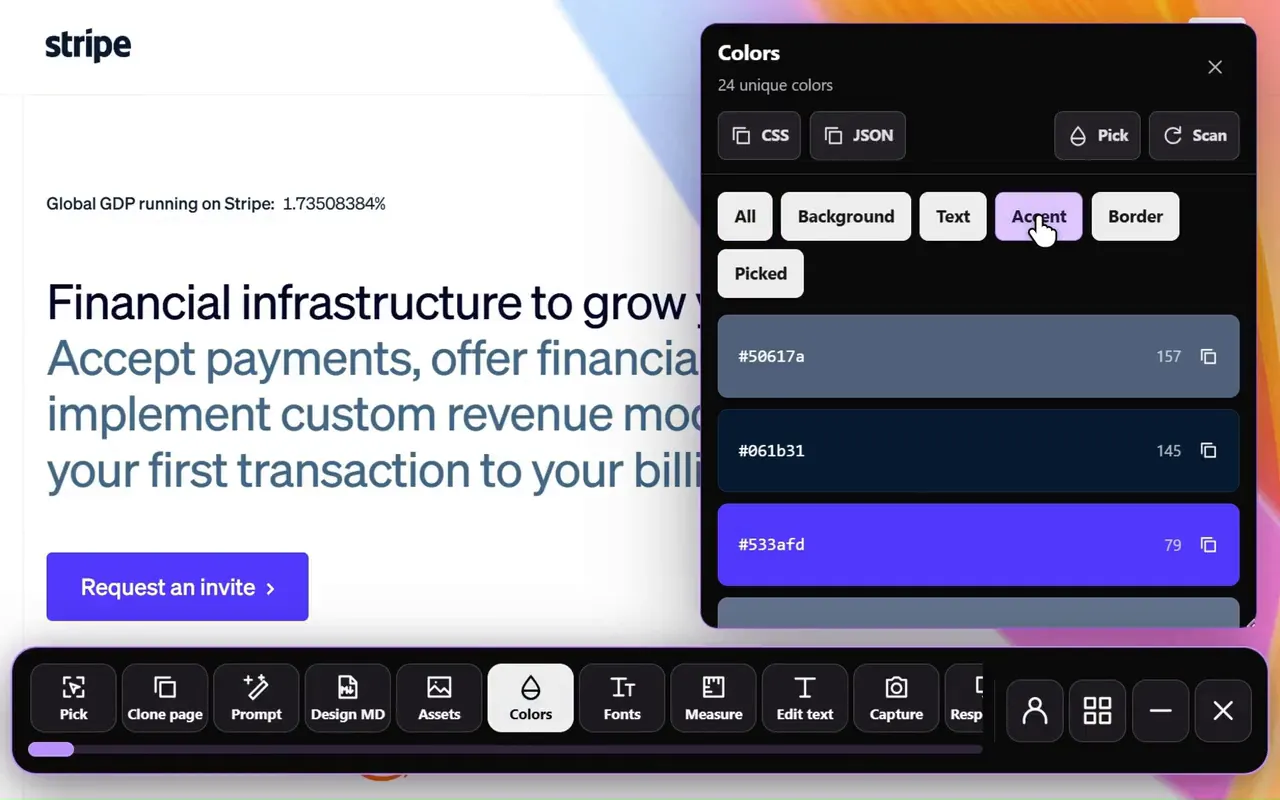
Which color extractor groups colors by role?
| Feature | Sitepeel | colorize.design | Site Palette | ColorZilla | MiroMiro |
|---|---|---|---|---|---|
| From a link, nothing to install | Yes | Yes | No | No | Yes |
| Chrome extension | Yes | Yes | Yes | Yes | Yes |
| Colors grouped by role | Yes | Partly | No | No | Yes |
| How much each color is used | Yes | Partly | Partly | No | Partly |
| Contrast check | Yes, with fixes | No | No | No | Yes, Pro |
| CSS or Tailwind export | Yes | Yes | No | No | Yes, Pro |
| Swatch files (ASE) or Figma | Partly, SVG for Figma | Yes | Yes | No | No |
| Free | Yes | Yes | No, 24-hour trial | Yes | Partly |
1. Sitepeel
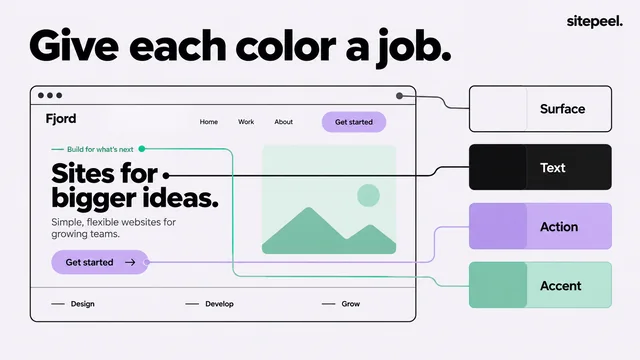
Paste a link to get the colors the page really uses, grouped as backgrounds, text, accents and borders, with how much of the first screen each covers. It checks text contrast, suggests the nearest passing color and exports CSS, Tailwind, SCSS, tokens or SVG for Figma.
- Pick it for a palette you can build with
- No ASE swatch files and no eyedropper
2. colorize.design
A free web tool and extension that splits a site’s brand colors from the rest and exports them as CSS, SCSS, ASE, ACO, Sketch, GPL or SVG. The extension also works on signed-in pages and localhost.
- Pick it for Adobe or Sketch swatches
- No contrast check; the extension is new
3. Site Palette
A paid extension that pulls a palette from the page you’re on, saves a history with share links, exports Adobe and Sketch swatches, and drops palettes into Figma as local variables.
- Pick it if your palettes live in Figma
- No free plan, and no CSS or Tailwind export
4. ColorZilla
The classic free eyedropper, with 4 million Chrome users: pick any pixel, average an area and keep a history. Its webpage color analyzer lists a page’s colors, without export.
- Pick it to grab one exact color fast
- Not updated since May 2024
Which one should you pick?
Questions
How do I get the color palette of a website?
Paste the link into a free extractor like Sitepeel’s color palette tool or colorize.design. You get the colors the page uses, ready to copy as hex codes or CSS.
What is the best free color palette extractor?
Sitepeel for colors grouped by role with contrast checks, colorize.design for swatch files and ColorZilla for single pixels. All three are free.
Can I extract colors from a website into Figma?
Yes. Site Palette imports saved palettes into Figma as local variables, colorize.design exports SVG and ASE, and Sitepeel exports an SVG you can paste into Figma.
Is Site Palette free?
No. It has a 24-hour trial for new members, then costs $30 a year or $99 once. Its help page says there are no refunds.
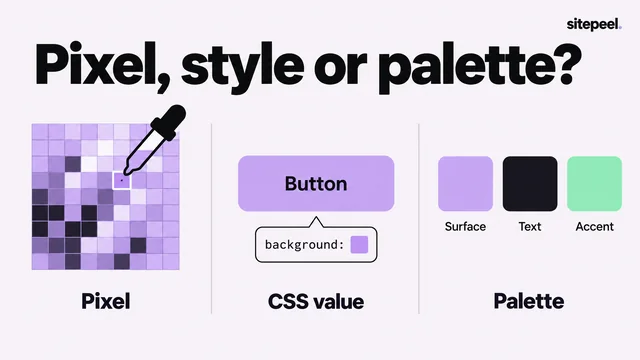
What’s the difference between a color picker and a palette extractor?
A picker grabs one color you point at. An extractor reads the whole page and gives you every color it uses, often grouped and ready to export.