On this page8
The short list
Coolors is fast at making new palettes. It doesn’t read a live site, and on November 5, 2026 the store pages for “Coolors for Chrome” and “Palettes from Coolors” said “This item is not available”. We don’t know why or when.
| Tool | Best for | Price | Works in |
|---|---|---|---|
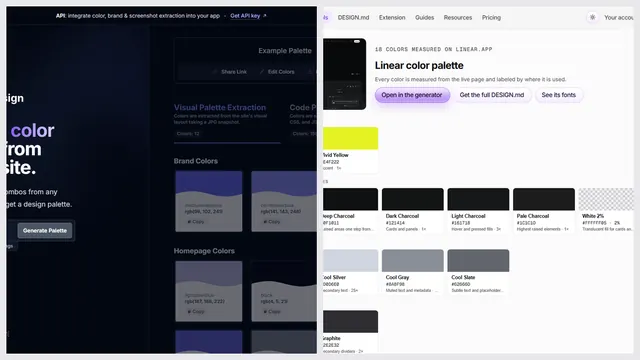
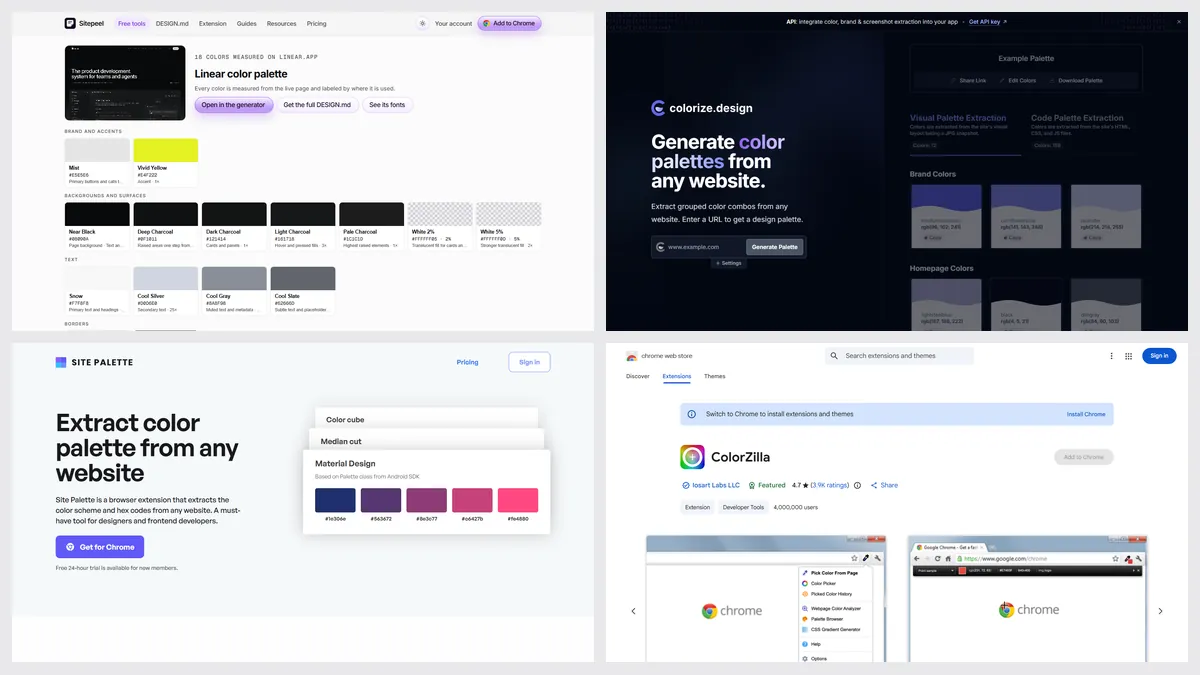
| Sitepeel | A real site’s palette, or a new one | Free, no sign-in | Chrome extension and web |
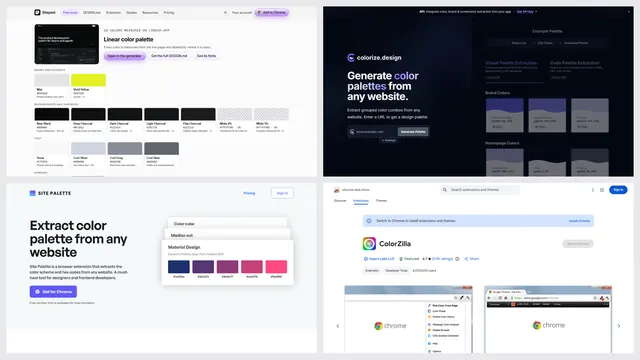
| colorize.design | A palette from a link | Free; API from $39 a month | Web, Chromium browsers |
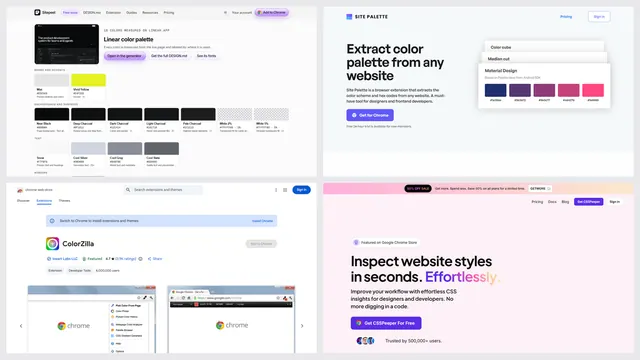
| Site Palette | Palettes into Figma | 24-hour trial; from $2.50 a month billed yearly, or $99 once | Chrome, Firefox, Figma |
| ColorZilla | One exact pixel, CSS gradients | Free | Chrome, Firefox |
| Coolors | Making new palettes fast | Free to start; Pro $4.99 a month on iPhone | Web, iPhone, iPad |
What we could and couldn’t check
Coolors’ website showed a bot check to our browser on November 5, 2026, so we read its prices from the US App Store listing. Web prices may differ: check coolors.co/pricing.
1. Sitepeel
Paste a link to get the colors a page really uses, grouped by role, with contrast checks. Press Generate, or the space bar, for a new palette with no site at all. Export CSS, Tailwind or JSON.
- No account, saved projects or public palette library like Coolors’
2. colorize.design
A free tool that pulls two palettes from any link, one from a screenshot and one from the code, with a free extension and an eyedropper.
3. Site Palette
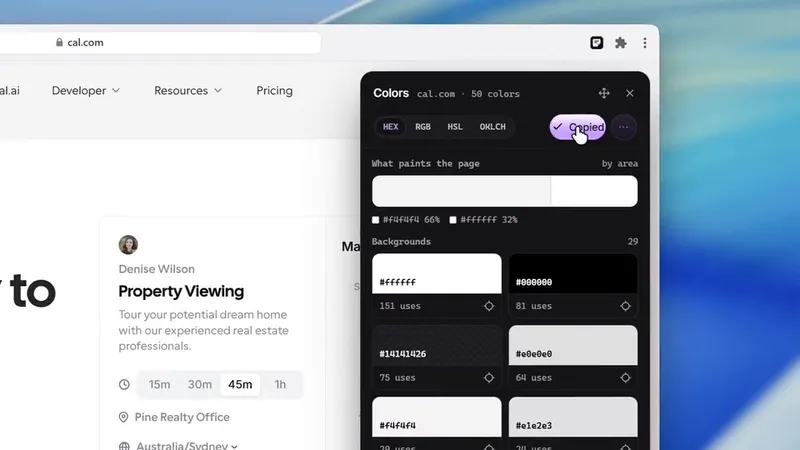
A paid extension that pulls a palette from the page you’re on, keeps a history and works in Figma through its plugin.
When Coolors is the better pick
- You want to make new palettes fast, with lock and shuffle
- You want saved palettes, projects and collections
- You browse a large library of public palettes
- You want an iPhone and iPad app
Which one should you pick?
Questions
Is Coolors free?
It’s free to start. The US App Store lists the app as free, with Coolors Pro at $4.99 a month or $35.99 a year. We couldn’t read its web pricing page, so check coolors.co/pricing.
Is there a Coolors Chrome extension?
Not one we could confirm. “Coolors for Chrome” and “Palettes from Coolors” showed “This item is not available”. A “Lite” listing has a different publisher, and we couldn’t confirm it’s official.
Can Coolors get a palette from a website?
It makes palettes and doesn’t read a live site’s colors or CSS. Sitepeel’s color palette tool and colorize.design do: paste a link.
What is a free alternative to Coolors?
Sitepeel’s color palette tool is free with no sign-in, from a link or with one key press. colorize.design and ColorZilla are free too.