On this page8
The short list
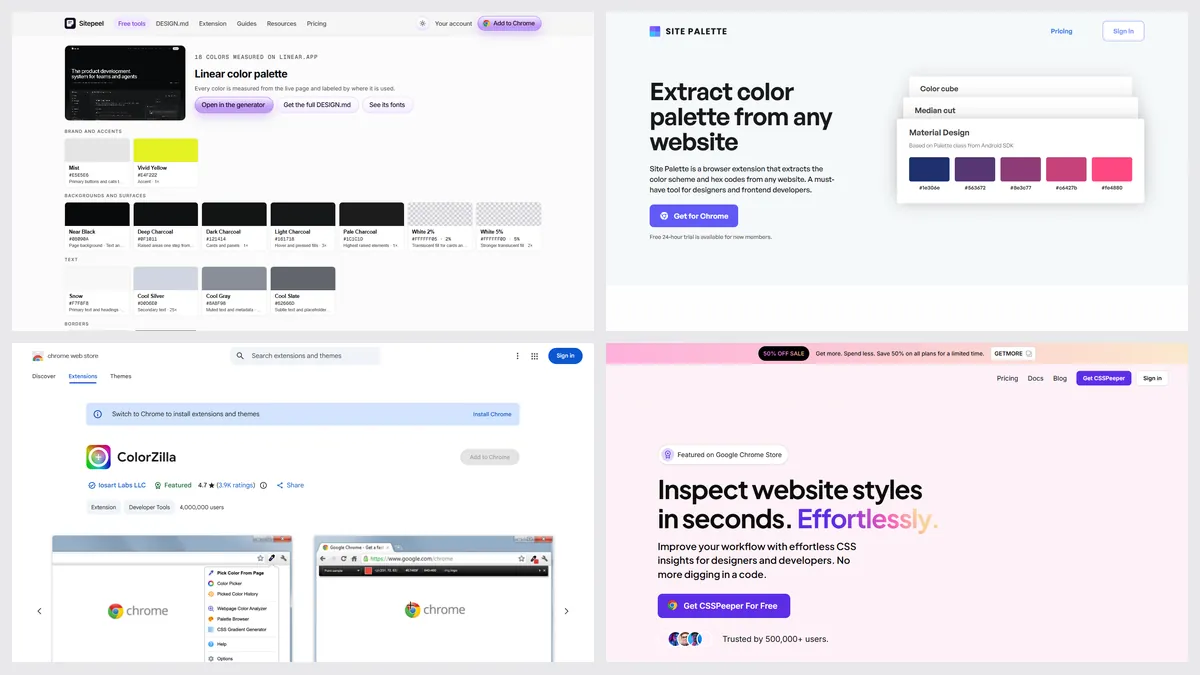
ColorZilla is free and trusted by about 4 million people, but it hasn’t been updated since May 2024, and it picks colors one by one.
| Tool | Best for | Price | Works in |
|---|---|---|---|
| Sitepeel | A site’s full palette by role | Free web tool; extension paid once | Chrome extension and web |
| Site Palette | Palettes into Figma | $2.50 a month, $30 a year or $99 once | Chrome, Firefox, Figma |
| ColorPick Eyedropper | Exact single pixels | Free | Chrome |
| CSS Peeper | Palette plus type and images | Free plan; from $2.49 a month | Chrome |
| Chrome DevTools | Free, built in | Free, built in | Chrome |
1. Sitepeel
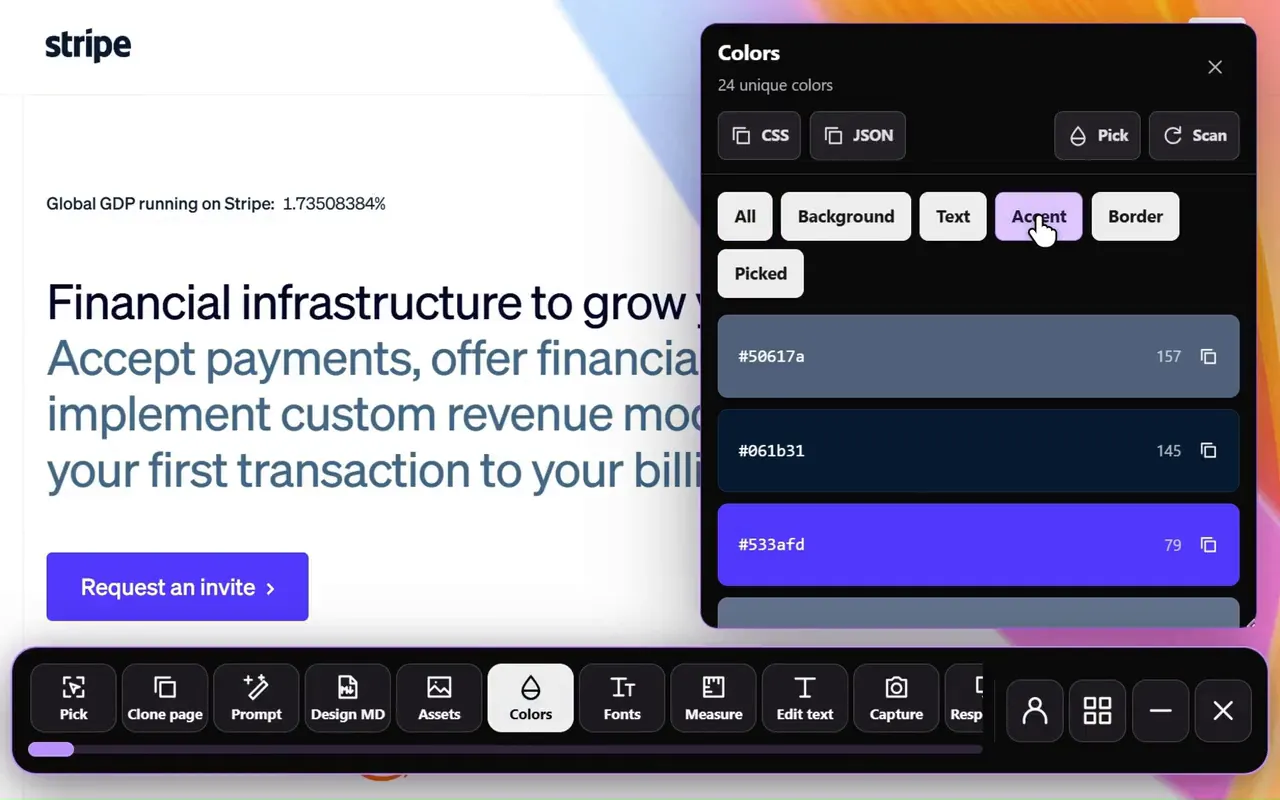
Paste a link and Sitepeel groups the site’s colors by role (backgrounds, text, accents, borders), with 50 to 950 shades and text contrast. Export CSS variables, Tailwind, JSON or PNG. In Chrome, Extract colors does it on any open page.
2. Site Palette
Site Palette pulls a page’s palette and sends it to Figma as variables, or to Sketch and Adobe. After a 24-hour trial it’s paid.
3. ColorPick Eyedropper
A zoomed loupe for picking exact pixel colors, used by about a million people. It’s open source and was updated in October 2026.
4. CSS Peeper
CSS Peeper’s free plan shows a page’s colors and exports the palette, next to its fonts and images.
5. Chrome DevTools
Click any color swatch in the Styles pane to get an eyedropper and the page’s colors. It’s free, if a bit hidden.
Which one should you pick?
Questions
Is ColorZilla still maintained?
ColorZilla was still listed on the Chrome Web Store in October 2026, but its last update there was in May 2024.
How do I get a website’s whole color palette?
Paste the link into Sitepeel’s free color palette tool. It groups the colors by role and exports CSS variables, Tailwind, JSON or PNG.
Is there a free alternative to ColorZilla?
Yes. ColorPick Eyedropper is free, Chrome DevTools has an eyedropper, and Sitepeel’s color palette tool is free with no install.