On this page8
The short list
CSS Peeper is Chrome only, copying CSS needs a paid plan, and it stops at reading styles. If you want code, Firefox or a page you can edit, look here.
| Tool | Best for | Price | Works in |
|---|---|---|---|
| Sitepeel | Inspect, then hand off to code or AI | Free web tools; extension paid once | Chrome extension and web |
| MiroMiro | Code in Tailwind, React or Vue | Free plan; Pro €12 a month or €99 once | Chrome, Firefox |
| Hoverify | A full dev toolbox | $30 a year or $89 once | Chrome, Firefox |
| VisBug | Free visual editing | Free, open source | Chrome, Edge, Firefox |
| CSS Scan | Copying CSS exactly | $120 once | Chrome |
| Chrome DevTools | Why a style wins | Free, built in | Chrome |
1. Sitepeel
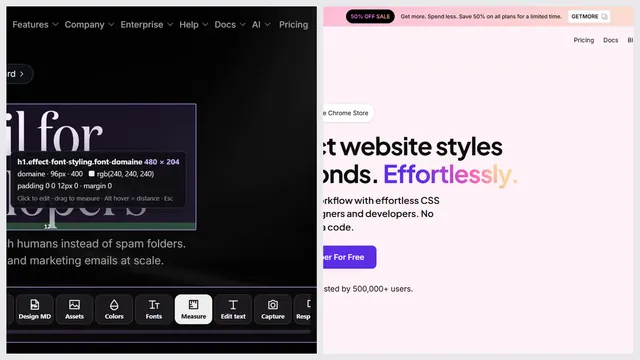
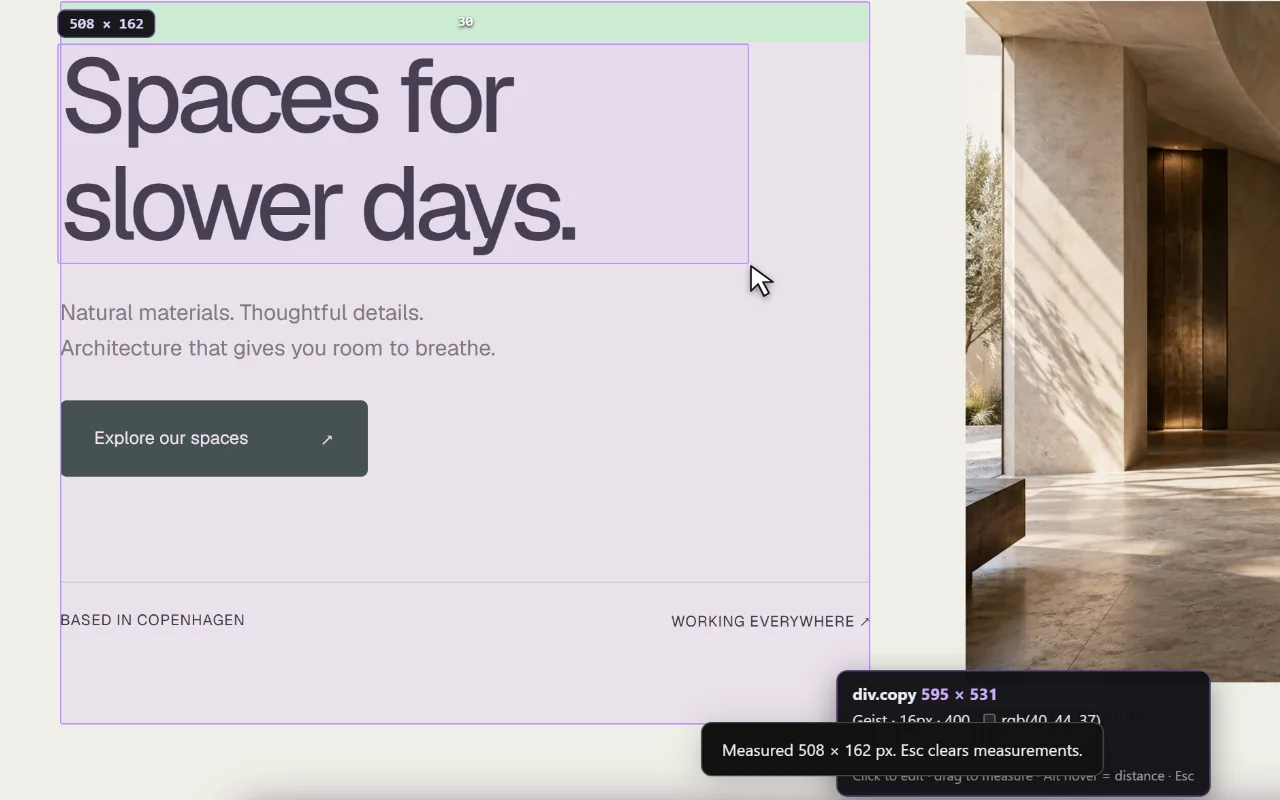
Sitepeel reads fonts, colors and spacing like CSS Peeper, then copies the element’s HTML and CSS, exports the page, writes a Clone prompt or a DESIGN.md, and takes screenshots.
- The font finder, color palette and asset extractor also work from a link, free
- No contrast checker yet
2. MiroMiro
MiroMiro inspects any element, edits styles live and exports sections as Tailwind, HTML and CSS, React or Vue. It also has a contrast checker and design tokens.
3. Hoverify
Hoverify adds a live editor, device previews, a tech stack report, SEO checks and screenshots to the inspector. There’s no free plan.
4. VisBug
VisBug from Google Chrome Labs lets you move, resize and restyle elements like in a design tool. It’s free, but the project was archived in September 2026, so no more fixes.
5. CSS Scan
CSS Scan copies an element’s full CSS, children and hover states included, in one click. It’s paid only, with a demo on its own site.
Which one should you pick?
Questions
What is a free alternative to CSS Peeper?
VisBug is free and open source, though archived. Sitepeel’s font finder, color palette and asset extractor are free website tools: paste a link, no install.
Is there a CSS Peeper for Firefox?
CSS Peeper is Chrome only. MiroMiro, Hoverify and VisBug all have Firefox add-ons.
Which CSS Peeper alternative copies code?
Sitepeel copies HTML and CSS. MiroMiro and DivMagic also export Tailwind and React. CSS Scan copies very clean CSS.