On this page8
The short list
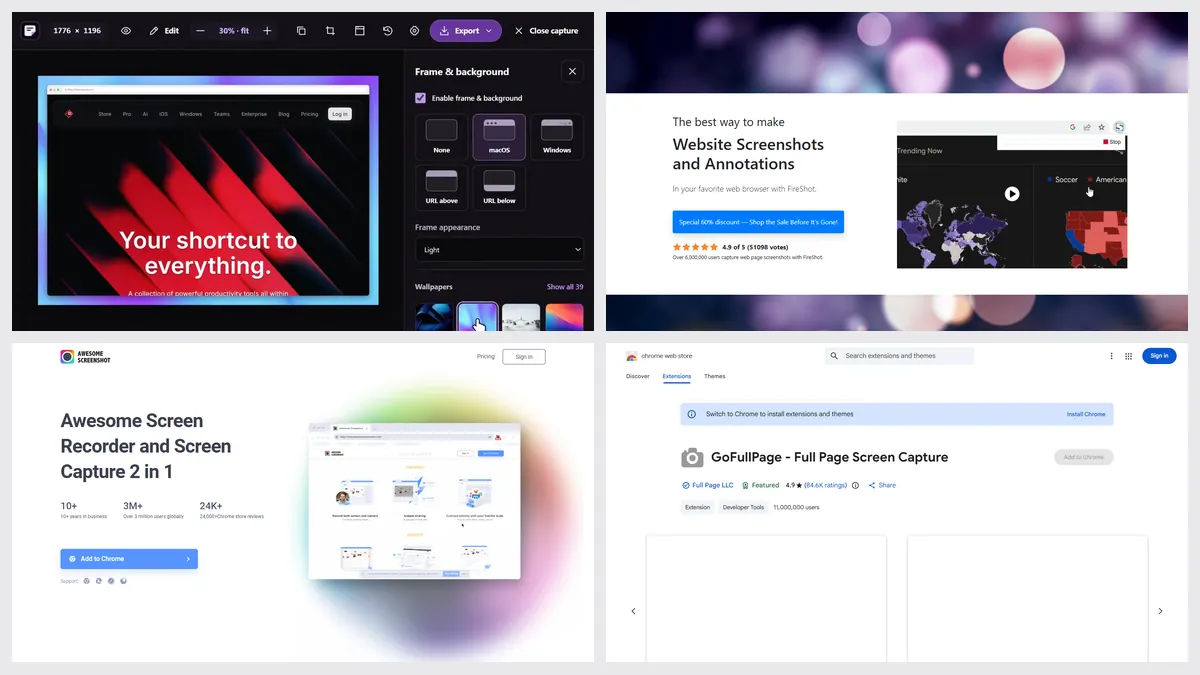
GoFullPage was pulled from the Chrome Web Store in August 2026 over a copyright complaint and was back by September 14, its blog says. It’s free; editing needs Premium at $12 a year.
| Tool | Best for | Price | Works in |
|---|---|---|---|
| Sitepeel | Screenshots with frames, no install | Free web tool; extension paid once | Chrome extension and web |
| FireShot | PDFs with links, batch capture | Free Lite; Pro $39.95 a year or $99.95 once | Chrome, Firefox, Edge, Safari |
| Awesome Screenshot | Recording and sharing | Free plan; from $5 a month (yearly) | Chrome, Mac, Windows, iOS |
| Chrome DevTools | Free, nothing to install | Free, built in | Chrome |
| Firefox | Built-in full-page capture | Free, built in | Firefox |
| GoFullPage | One-click full pages | Free; Premium $12 a year | Chrome, Edge, Firefox |
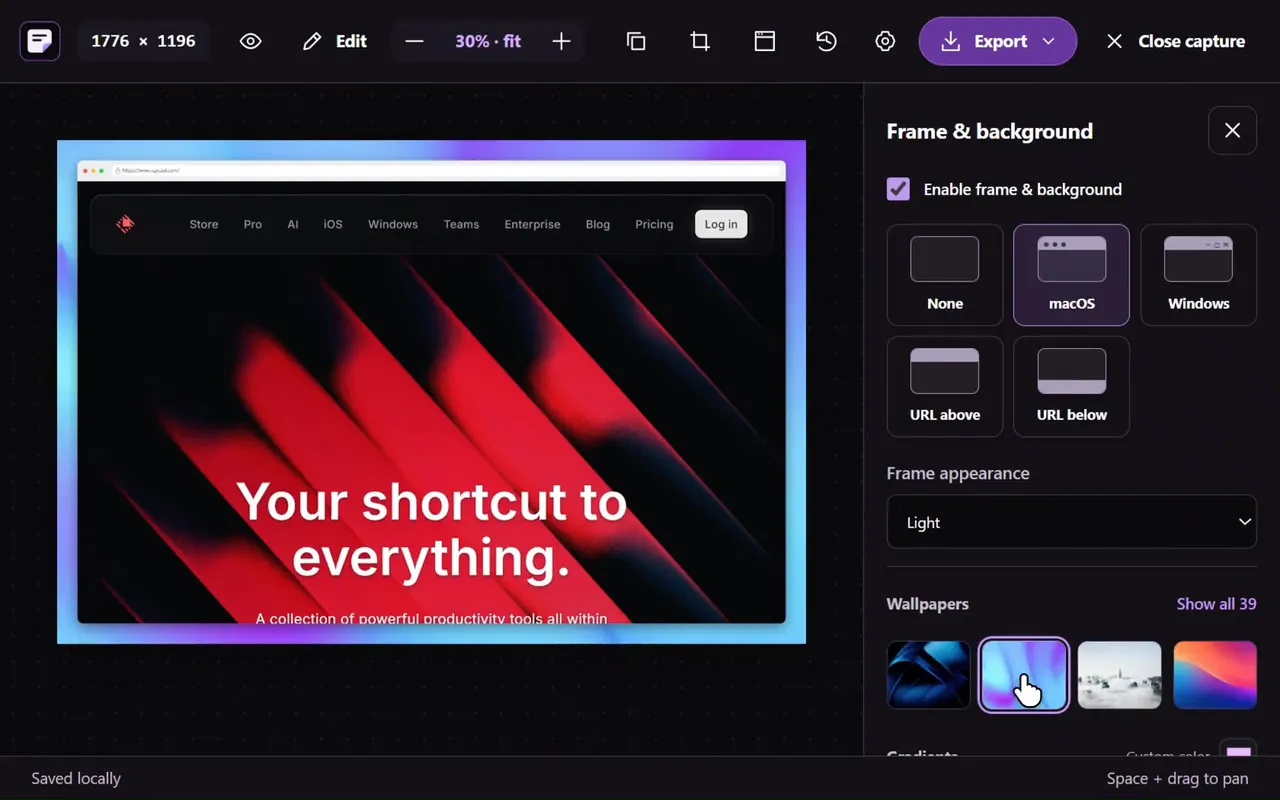
1. Sitepeel
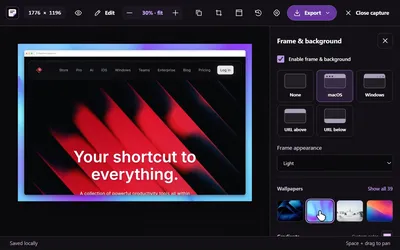
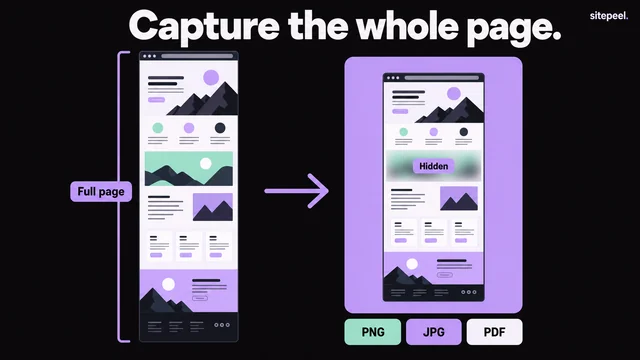
Paste a link for a full-page or first-screen screenshot up to 16,000 pixels tall, then add a browser frame, a wallpaper, arrows, text or blur, and export PNG, JPG, WebP or PDF. In Chrome, Screenshot captures a page, an area or one element.
- The online tool sees pages as a signed-out visitor
- Use the Chrome extension for pages behind a login
2. FireShot
FireShot saves full pages as PDFs with clickable links and searchable text, or as images, and can capture all open tabs. Its best editor is Windows only.
3. Awesome Screenshot
Awesome Screenshot adds screen recording, cloud share links and Jira, Slack and GitHub integrations. The free plan caps cloud storage at 100 screenshots.
4. Chrome DevTools
Open DevTools, press Ctrl+Shift+P (Cmd+Shift+P on Mac) and run “Capture full size screenshot”. No editor, but nothing to install.
5. Firefox
Right-click a page, choose Take Screenshot, then Save full page. That’s it.
Which one should you pick?
Questions
What happened to GoFullPage?
It was removed from the Chrome Web Store in August 2026 over a copyright complaint and restored by September 14, 2026, according to its own blog, which says it wasn’t a security issue.
Is GoFullPage free?
Yes, full-page screenshots are free with no limit. Editing and annotation need Premium, $12 a year.
How do I take a full-page screenshot without an extension?
Paste the link into Sitepeel’s free screenshot tool, or use Chrome DevTools’ “Capture full size screenshot” command. Firefox has it built in.