On this page7
Side by side
| GoFullPage | FireShot | Awesome Screenshot | |
|---|---|---|---|
| Free | Unlimited screenshots | Lite version | 100 cloud shots, 20 recordings; local shots unlimited |
| Paid | Premium $12 a year | Pro $39.95 a year or $99.95 once (sale prices) | From $5 a month billed yearly, $6 monthly |
| One-time price | No | Yes | No |
| Chrome users | 11,000,000 | 3,000,000 | 4,000,000 |
| Chrome rating | 4.9 (84.7K ratings) | 4.9 (52.9K ratings) | 4.7 (29.6K ratings) |
| Last Chrome update | October 23, 2026 | May 24, 2026 | September 11, 2026 |
| Full-page capture | Yes | Yes | Yes |
| PDF with clickable links | No | Yes | No |
| Annotate | Yes, Premium | Yes, Pro editor | Yes |
| Screen recording | No | No | Yes |
| All open tabs | No | Yes, Pro | No |
| Works in | Chrome, Edge, Firefox | Chrome, Firefox, Edge, Safari | Chrome, Edge, Mac, Windows, iOS |
Pick GoFullPage if…
- You want one click and no limit
- You capture pages with inner scroll areas or iframes
- You only sometimes crop or annotate
Pick FireShot if…
- You need PDFs with links and searchable text
- You capture all open tabs or a URL list
- You want a one-time price
- You edit on Windows, where its full editor runs
Pick Awesome Screenshot if…
- You record your screen as well
- You share links with a team
- You want Mac, Windows and iOS apps
Where Sitepeel fits
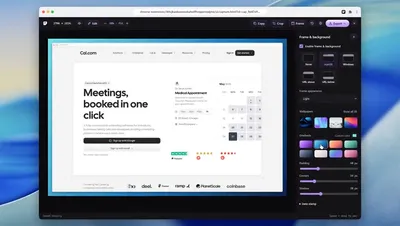
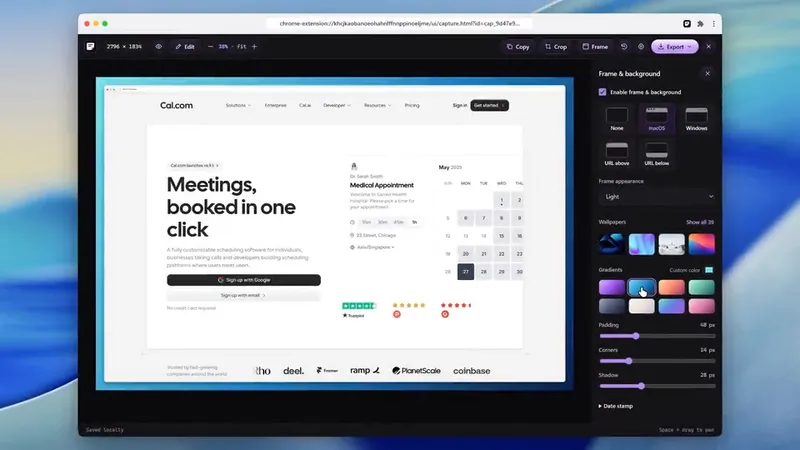
Sitepeel’s free screenshot tool takes a full page from a link, with nothing to install, then adds a browser frame, a wallpaper, arrows or blur. In Chrome, the extension’s Screenshot tool also works on pages behind a login.
The verdict
Questions
Is FireShot free?
Yes, FireShot Lite is free: full page, visible area or selection, saved as PDF or an image. Pro is $39.95 a year or $99.95 once, both shown as sale prices, with a 7-day money back period.
Is GoFullPage free?
Yes, with no limit on full-page screenshots, saved as PNG, JPEG or PDF. Cropping and annotation need Premium, $12 a year with a 7-day trial.
Is Awesome Screenshot free?
It has a free plan with up to 100 cloud screenshots and 20 cloud recordings. Screenshots saved to your computer are unlimited. Paid plans start at $5 a month, billed yearly.
Which one keeps links in a PDF?
FireShot. Its PDFs have clickable links and searchable text. GoFullPage also saves PDFs, with smart page splitting on Premium.
Which one has a one-time price?
FireShot, at $99.95 once. GoFullPage Premium is yearly, and Awesome Screenshot is subscription only.