On this page8
The short list
Lightshot has 2,000,000 Chrome users, and it’s quick for an area of the screen. People look elsewhere because its Chrome listing doesn’t mention full-page capture, its last extension update was in July 2024, and its site footer still says 2022.
| Tool | Best for | Price | Works in |
|---|---|---|---|
| GoFullPage | One-click full pages | Free; Premium $12 a year | Chrome, Edge, Firefox |
| FireShot | PDFs with links | Free Lite; Pro $39.95 a year or $99.95 once (sale prices) | Chrome, Firefox, Edge, Safari |
| Awesome Screenshot | Recording and share links | Free plan; from $5 a month (yearly) | Chrome, Edge, Mac, Windows, iOS |
| Sitepeel | Framed screenshots from a link | Free web tool; extension paid once | Chrome extension and web |
| Built into your computer | An area of the screen, free | Free | Windows (Win+Shift+S), Mac (Cmd+Shift+4) |
| Lightshot | A quick area with a hotkey | Free | Windows, Mac, Chrome |
1. GoFullPage
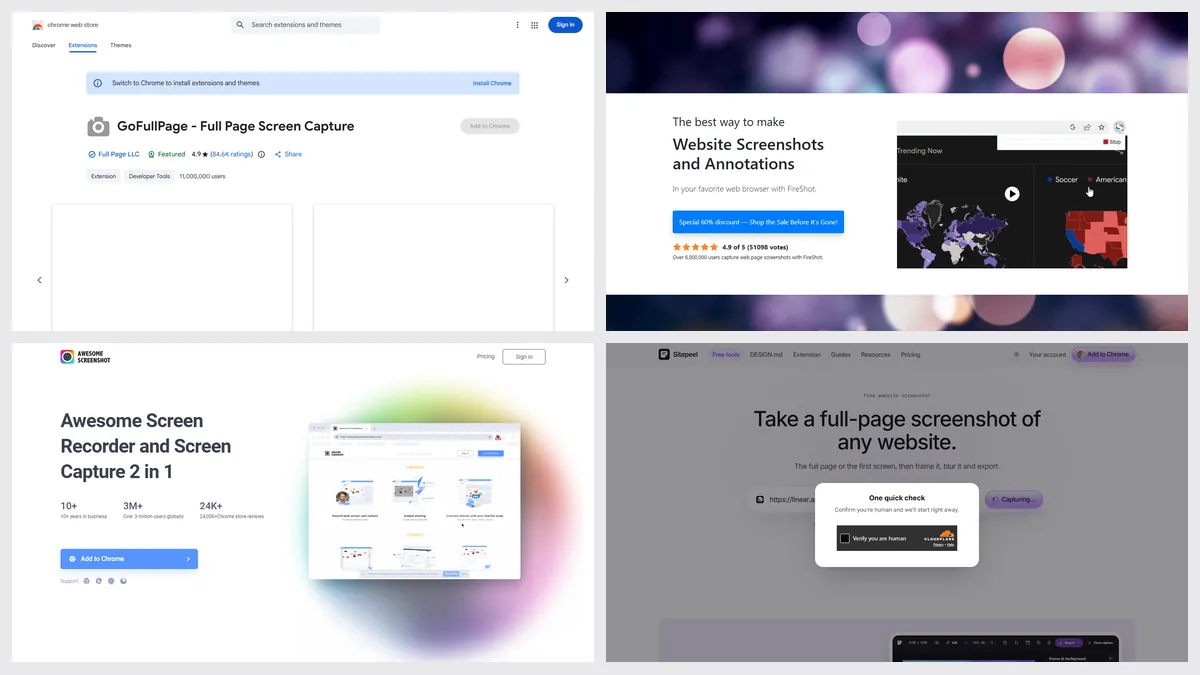
One click saves the whole page as PNG, JPEG or PDF, with no limit, from an extension with 11,000,000 Chrome users and a 4.9 rating. Cropping and annotation need Premium.
2. FireShot
FireShot captures a full page, the visible area or a selection, and saves PDFs with clickable links. Captures happen on your device and work offline.
3. Awesome Screenshot
Awesome Screenshot adds screen recording and cloud share links, with apps for Mac, Windows and iOS. It’s the closest to Lightshot’s share link.
4. Sitepeel
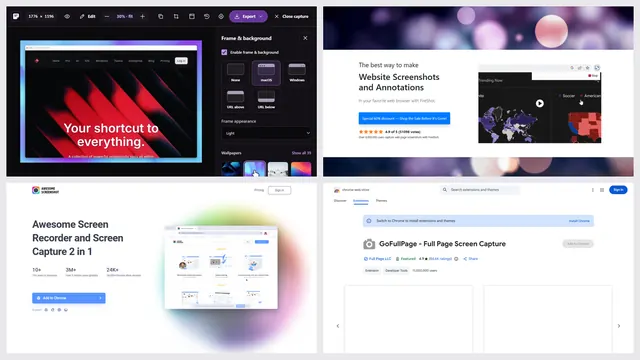
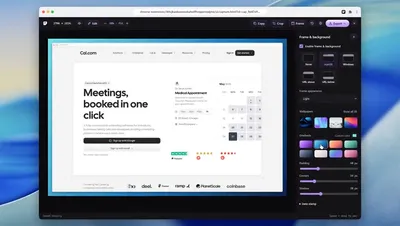
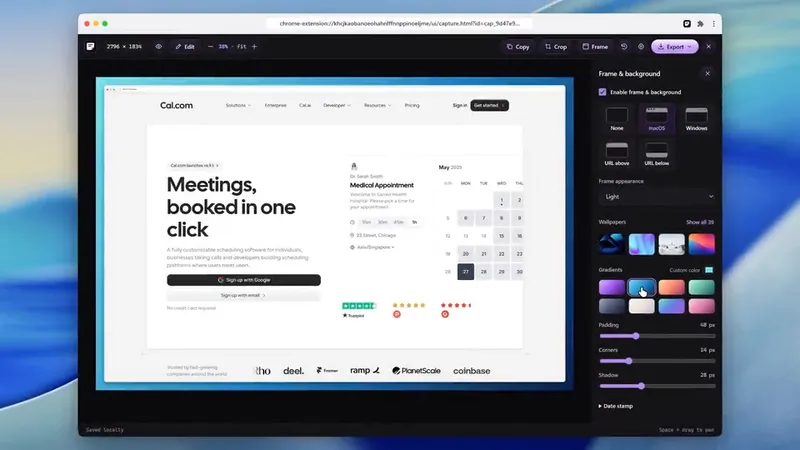
Paste a link for a full-page screenshot, then add a browser frame, a wallpaper, arrows, text or blur. In Chrome, the extension captures a page, an area or one element. It has no desktop hotkey or share link.
When Lightshot is the better pick
- You select part of the screen with a hotkey, many times a day
- You want a short share link in two clicks
- You want a light, free app on Windows or Mac, not only in a browser
- You use its similar image search on a selected area
Which one should you pick?
Questions
Is Lightshot free?
Yes. Its site says “Download Lightshot for free” and shows no paid plan.
Is Lightshot still updated?
Its Chrome extension is at version 7.0.1 from July 23, 2024, and its site footer says 2009 to 2022. It’s still listed and works for many people, with 2,000,000 Chrome users.
Can Lightshot take a full-page screenshot?
It selects an area, and its Chrome listing doesn’t mention full-page capture. For a whole page, use GoFullPage, FireShot, or Sitepeel’s free screenshot tool.
Where do Lightshot uploads go?
To a short link on prntscr.com. Its FAQ says removing one means emailing support or using the abuse button. For a private screenshot, save it to your computer instead of uploading.
Is Lightshot on Mac?
Yes. Its site offers Windows and Mac downloads, and its FAQ points Mac users to the Mac App Store.