On this page8
The short list
HTTrack is free and open source, and version 3.50 came out in October 2026. People still look elsewhere for a Mac app, no install, or modern pages built by JavaScript, which crawlers often miss.
| Tool | Best for | Price | Works in |
|---|---|---|---|
| Sitepeel | One page as it renders, and AI rebuilds | Free web tools; extension paid once | Chrome extension and web |
| SiteSucker | Whole sites on a Mac | $5.99 once (Mac), $4.99 (iOS) | Mac, iPhone, iPad |
| Cyotek WebCopy | Free, on Windows | Free | Windows |
| wget | Scripts and servers | Free, open source | Linux, macOS, Windows |
| SaveWeb2ZIP | One page, no install | Free | Any browser |
| HTTrack | Whole sites, free | Free, open source | Windows, macOS, Linux, Android |
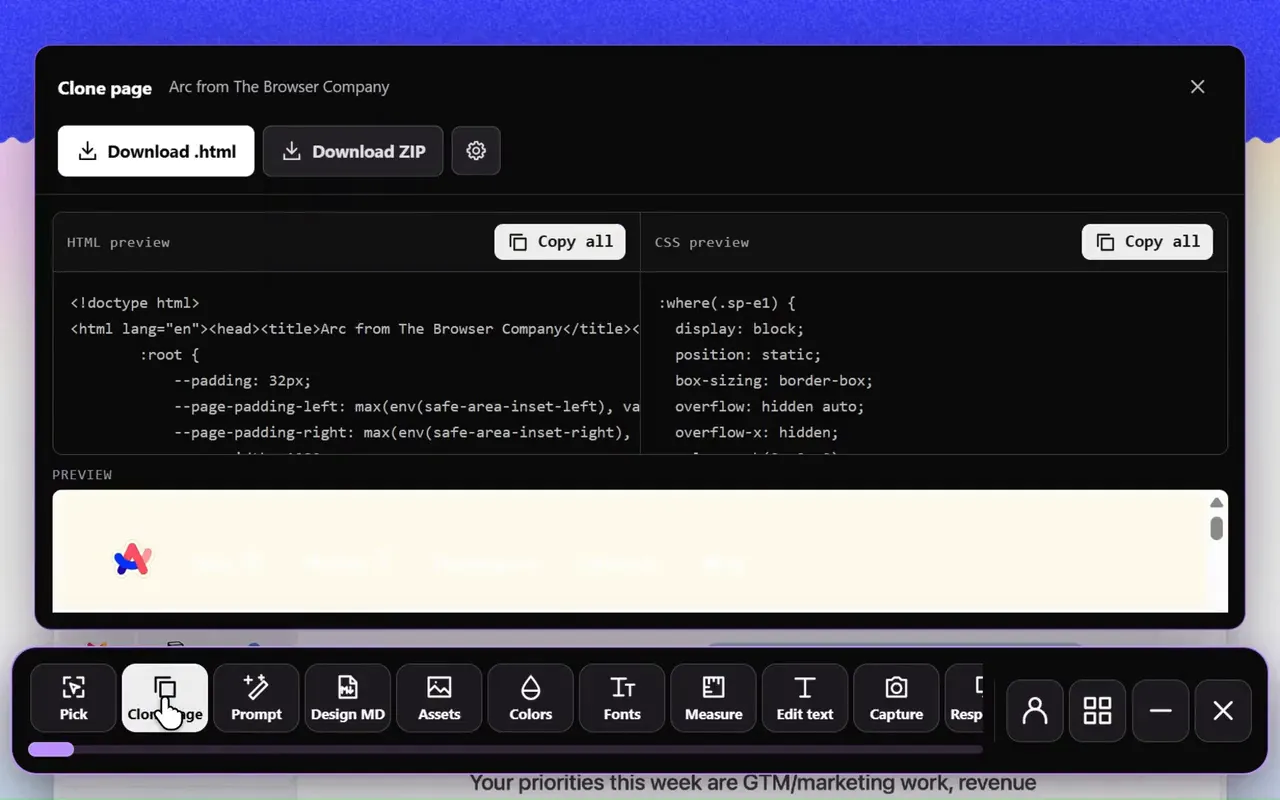
1. Sitepeel
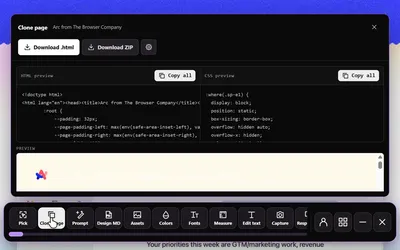
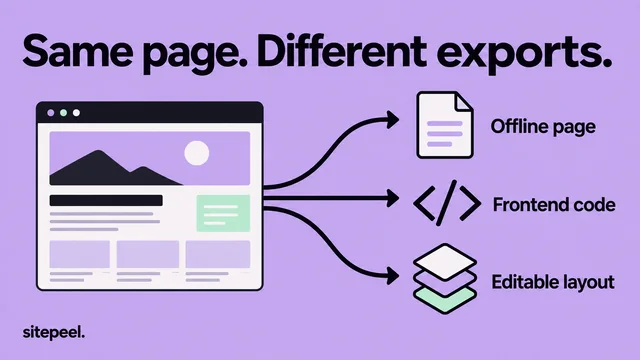
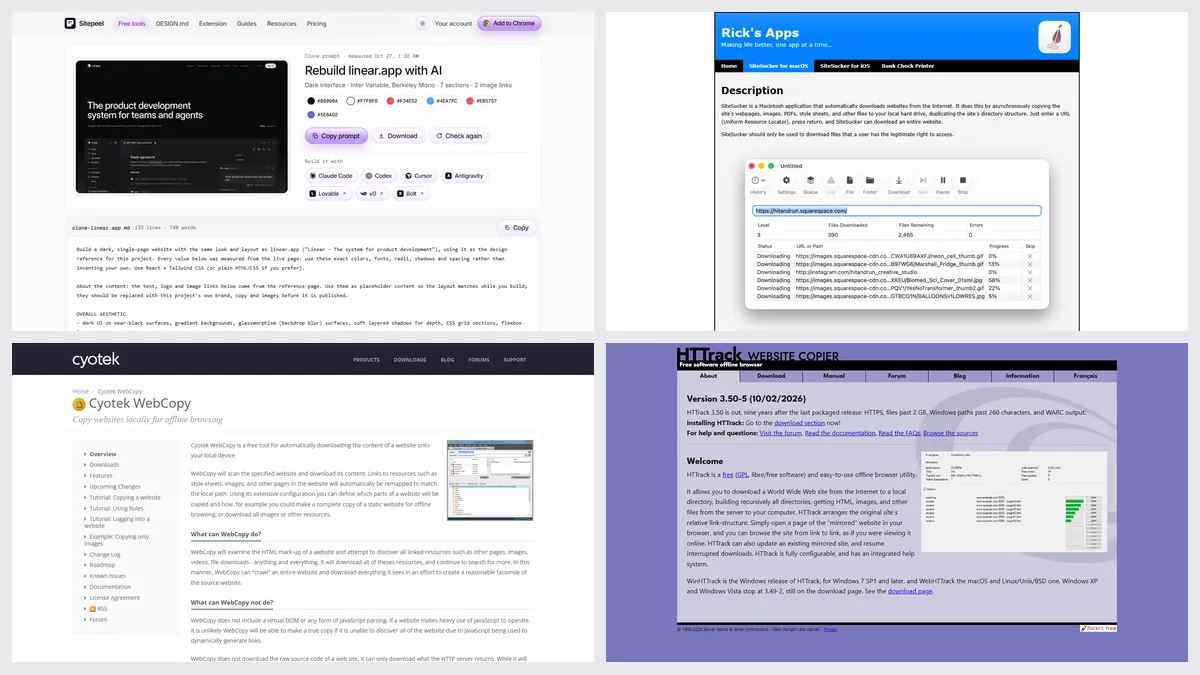
Sitepeel’s Clone page exports the page you have open as rendered HTML and CSS, with its images, so pages built by JavaScript come out as you see them. Clone prompt writes one prompt that rebuilds a page in Cursor, Claude Code, Lovable or v0.
- One page at a time, not a whole-site crawl
- The free asset extractor grabs every file from a link
2. SiteSucker
A simple Mac app, also on iPhone and iPad, that downloads whole sites and can pause and resume long jobs. There’s no Windows version.
3. Cyotek WebCopy
A free Windows program with fine control over what gets copied, and it can sign in to areas you have access to. Cyotek says it doesn’t run JavaScript; the last stable release was in 2023.
4. wget
Run wget --mirror to copy a site from the command line. It’s scriptable and repeatable, with no interface to learn, and no JavaScript either.
5. SaveWeb2ZIP
Paste a link and get a ZIP of the page’s HTML, CSS, JavaScript, images and fonts. No account; the site doesn’t publish its limits or who runs it.
Which one should you pick?
Questions
Is there a SiteSucker for Windows?
No, SiteSucker is Mac and iOS only. On Windows, use HTTrack (WinHTTrack) or Cyotek WebCopy, both free.
Is HTTrack still updated?
Yes. Version 3.50 came out on October 2, 2026, the first packaged release in nine years, for Windows, macOS on Apple Silicon, Linux and Android.
Why does my copied site look broken?
Crawlers save the files the server sends. Pages that build themselves with JavaScript often need a browser tool, like Sitepeel’s Clone page, which saves the page as it renders.
Can I copy a website’s backend?
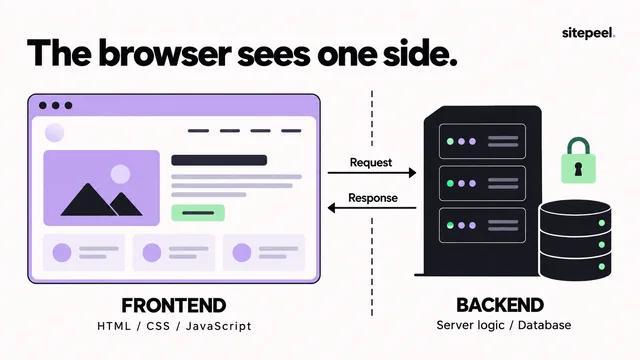
No tool can. Copiers save what the browser receives: HTML, CSS, scripts and images. Server code, databases and logins stay on the server.