On this page8
The short list
People leave MiroMiro for three reasons: they want a one-time price, they need something it doesn’t do (prompts, DESIGN.md, screenshots), or they only need one small job done for free.
| Tool | Best for | Price | Works in |
|---|---|---|---|
| Sitepeel | AI prompts, DESIGN.md, screenshots | Free web tools; extension paid once | Chrome extension and web |
| DivMagic | React and Tailwind code | $16 a month, $96 a year or $200 once | Chrome, Firefox |
| Hoverify | Everyday web dev checks | $30 a year or $89 once | Chrome, Firefox |
| CSS Scan | Clean CSS copy | $120 once | Chrome |
| SnipCSS Kiwi | Free section snips | Free | Chrome, Claude Code plugin |
| picker.design | Page clone plus design prompt | $29 once at launch | Chromium browsers |
| CSS Peeper | Colors, type and images | Free plan; from $2.49 a month | Chrome |
1. Sitepeel
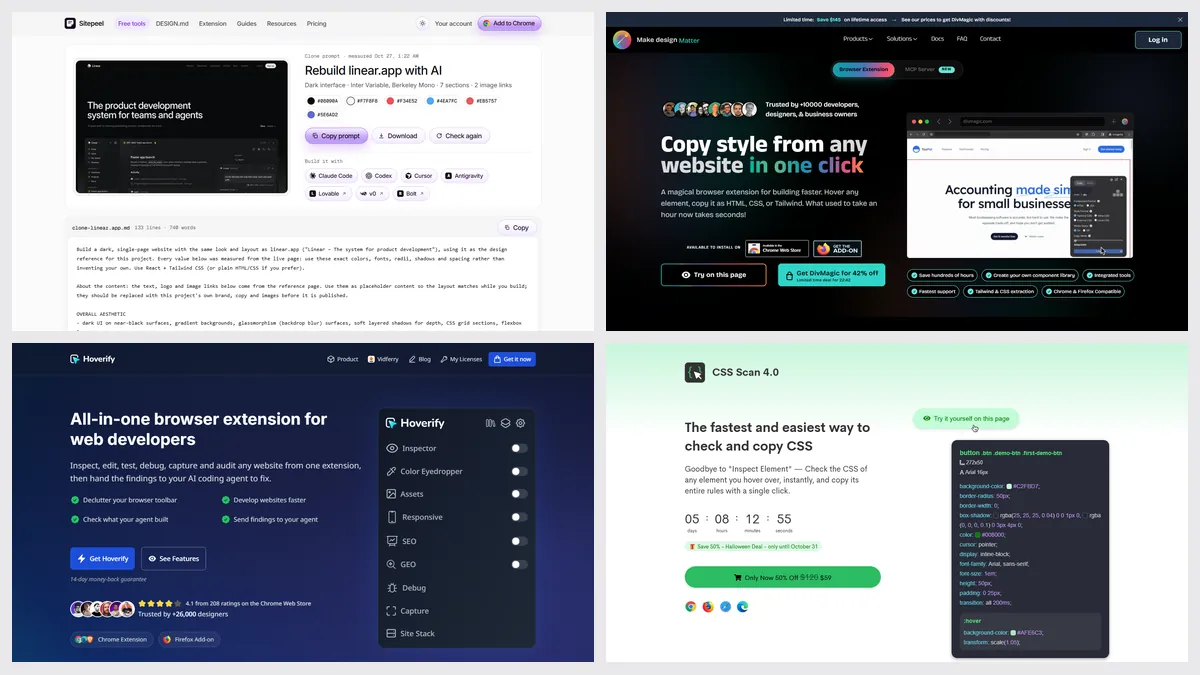
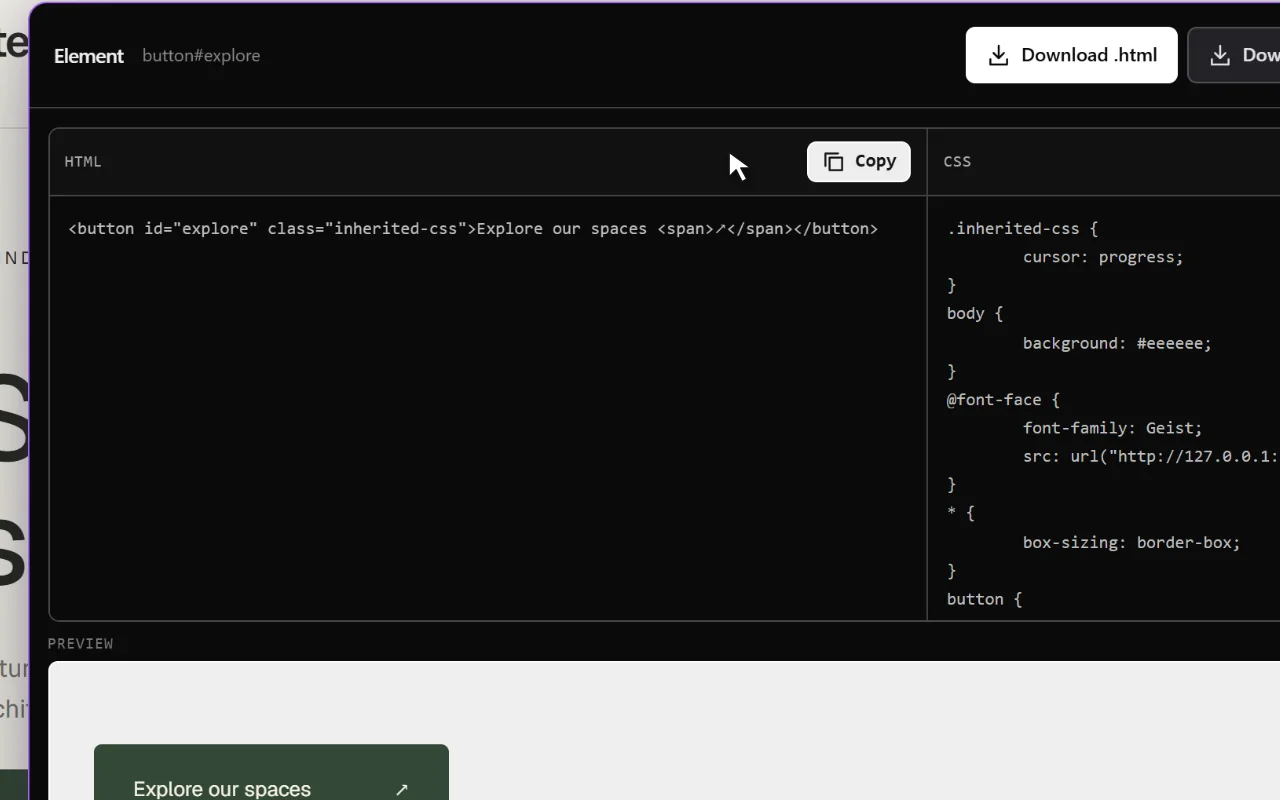
Sitepeel copies any element’s HTML and CSS, exports the rendered page and writes one prompt that rebuilds a site in Cursor, Claude Code, Lovable or v0. It also measures, takes screenshots and makes DESIGN.md files.
- Nine free website tools work from a link, no install
- No Tailwind or React export: HTML and CSS only
2. DivMagic
DivMagic copies any element or page as HTML with CSS or Tailwind, or as a React component, and has an MCP server for AI agents. It’s the nearest thing to MiroMiro’s export menu.
- No free plan; the lifetime license covers 2 devices
- Its Chrome listing was last updated in April 2025
3. Hoverify
Hoverify packs an inspector, a live editor, a color picker, an asset grabber, 34 device previews, a tech stack report, SEO checks and screenshots into one extension.
- No free plan or trial, a 14-day refund instead
- No Tailwind, React or whole-page export
4. CSS Scan
CSS Scan shows the CSS of whatever you hover and copies the full rules, children, hover states and media queries included. It can switch the output to Tailwind.
- Paid only; one license runs in 3 browsers at a time
- No asset downloads, palettes or page export
5. SnipCSS Kiwi
SnipCSS (now SnipCSS Kiwi) pulls a section’s HTML, only the CSS it uses and its images into a ZIP, with an optional Tailwind version. It became fully free in 2026.
Which one should you pick?
Questions
What is the best free MiroMiro alternative?
SnipCSS Kiwi is free and copies a section with its CSS and images. Sitepeel’s nine website tools are free too: fonts, colors, assets, tech stack, screenshots, DESIGN.md and a Clone prompt.
Which alternative exports React or Tailwind?
DivMagic exports React and Tailwind. CSS Scan and SnipCSS Kiwi can switch CSS to Tailwind. Sitepeel exports plain HTML and CSS, or a prompt your AI app turns into React.
Is there a MiroMiro alternative you pay for once?
Yes. Sitepeel, CSS Scan ($120) and picker.design ($29 at launch) are one-time payments. Hoverify ($89) and DivMagic ($200) have lifetime options too.