On this page7
Feature by feature
| Feature | Sitepeel | MiroMiro |
|---|---|---|
| Inspect CSS, fonts and colors | Yes | Yes |
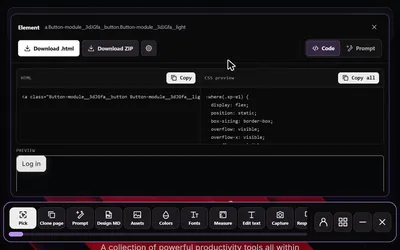
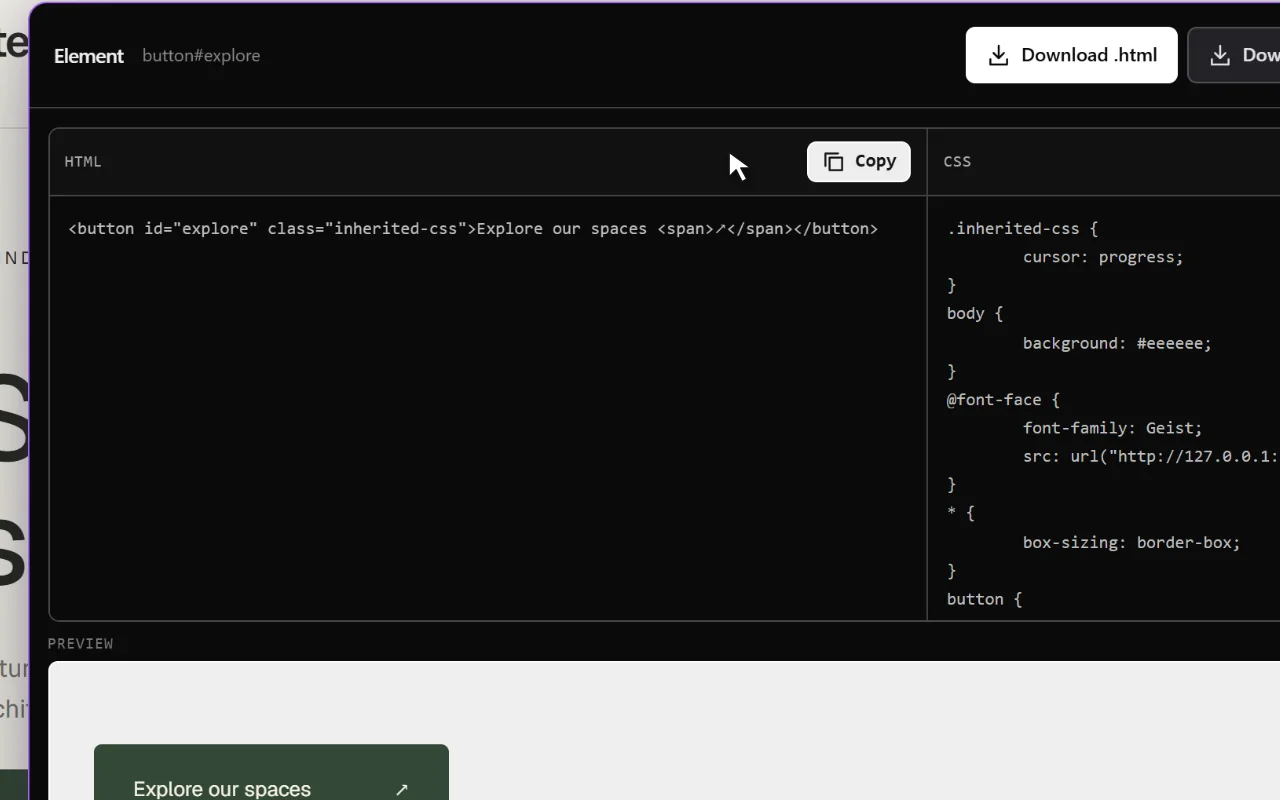
| Copy an element as code | Yes, HTML and CSS | Yes, Tailwind, HTML and CSS, React, Vue |
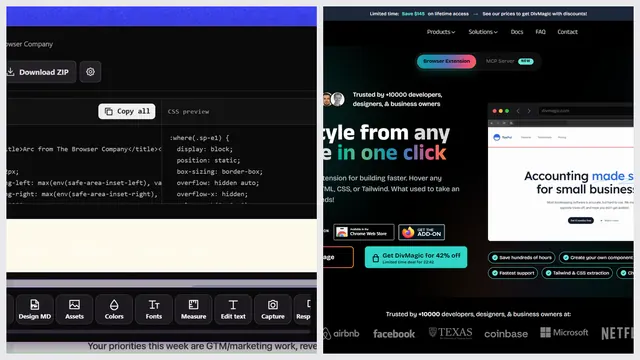
| Export the whole page | Yes, the rendered page | Yes, as a ZIP with images and fonts |
| Elementor or Bricks export | No | Yes |
| DESIGN.md for AI agents | Yes, extension and free web tool | No, design tokens as CSS, Tailwind or JSON |
| Prompt that rebuilds a page with AI | Yes, Clone prompt | Partly, a paid API and MCP server for agents |
| Download images, SVG and video | Yes, images, SVG, video, Lottie, 3D | Yes, images, SVG, video, audio, fonts, Lottie |
| Measure spacing | Yes | No |
| Screenshots with an editor | Yes, with an editor | No |
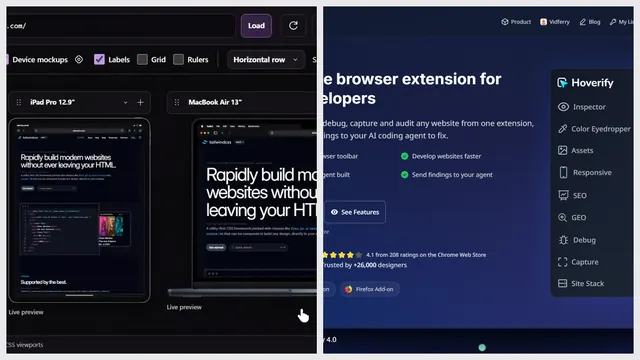
| Device preview | Yes, also as a free web tool | Yes, 25 device frames |
| Edit the page live | Partly, edit text, move and delete, swap fonts | Yes, styles, then copy as CSS or Tailwind |
| Tech stack | Yes, free web tool | Yes |
| Free tools from a link, no install | Yes, 9 free website tools | Yes, asset and color extractors |
Pick MiroMiro if…
- You want React, Vue or Tailwind code, not plain HTML and CSS
- You build in Elementor or Bricks
- You want design tokens as a Tailwind config
- You want a free plan inside the extension, or an API for your agents
Pick Sitepeel if…
- You rebuild sites with AI: one Clone prompt for Cursor, Claude Code, Lovable or v0
- You want a DESIGN.md file your coding agent can follow
- You also measure, screenshot and annotate, or check screen sizes
- You’d rather pay once, and use 9 website tools free with no install
Pricing
Both show different prices in some countries and run launch offers, so check each pricing page before you buy.
| Plan | Sitepeel | MiroMiro |
|---|---|---|
| Free | Free website tools, no install. Chrome extension free to install, with a 24-hour trial of every tool | Free plan: inspect, edit live, 50 image or SVG downloads a month. 3-day Pro trial |
| Paid | Lifetime access, paid once (regional price) | Pro €12 a month or €72 a year. Lifetime €99 once |
| Billing | One payment, no subscription | Monthly, yearly or once |
| Works in | Chrome extension (Chrome, Edge, Brave) and free website tools | Chrome extension (Chrome, Edge, Brave), Firefox, web tools, API |
MiroMiro at a glance
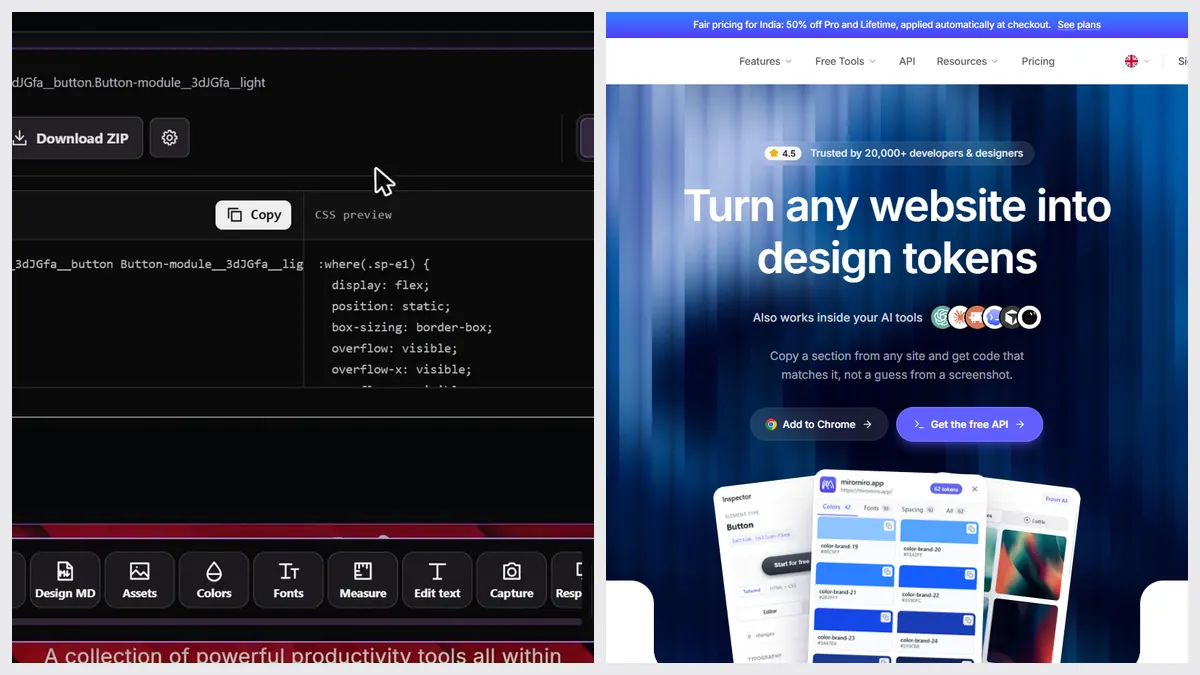
MiroMiro is a young Chrome extension, launched in late 2025 and updated often, with about 20,000 users on the Chrome Web Store. Its pitch is “turn any website into code”, and its export menu is the widest we’ve seen.
The verdict
Questions
Is Sitepeel a MiroMiro alternative?
Yes, for most jobs. Both inspect styles, fonts, colors and files. Sitepeel adds Clone prompt, DESIGN.md, measuring and screenshots. MiroMiro adds Tailwind, React and Vue export.
Is MiroMiro free?
It has a free plan: inspect elements, edit styles live and download up to 50 images or SVGs a month. Code export, tokens and Lottie need Pro after a 3-day trial.
Does MiroMiro make a DESIGN.md file?
We couldn’t find one on its site in October 2026. It exports design tokens as CSS variables, a Tailwind config or JSON. Sitepeel’s free DESIGN.md generator makes one from any link.
Which one is cheaper?
MiroMiro Pro is €12 a month and Lifetime is €99 once. Sitepeel’s website tools are free and the Chrome extension is one payment at a regional price. Both run offers, so check today’s prices.