On this page8
The short list
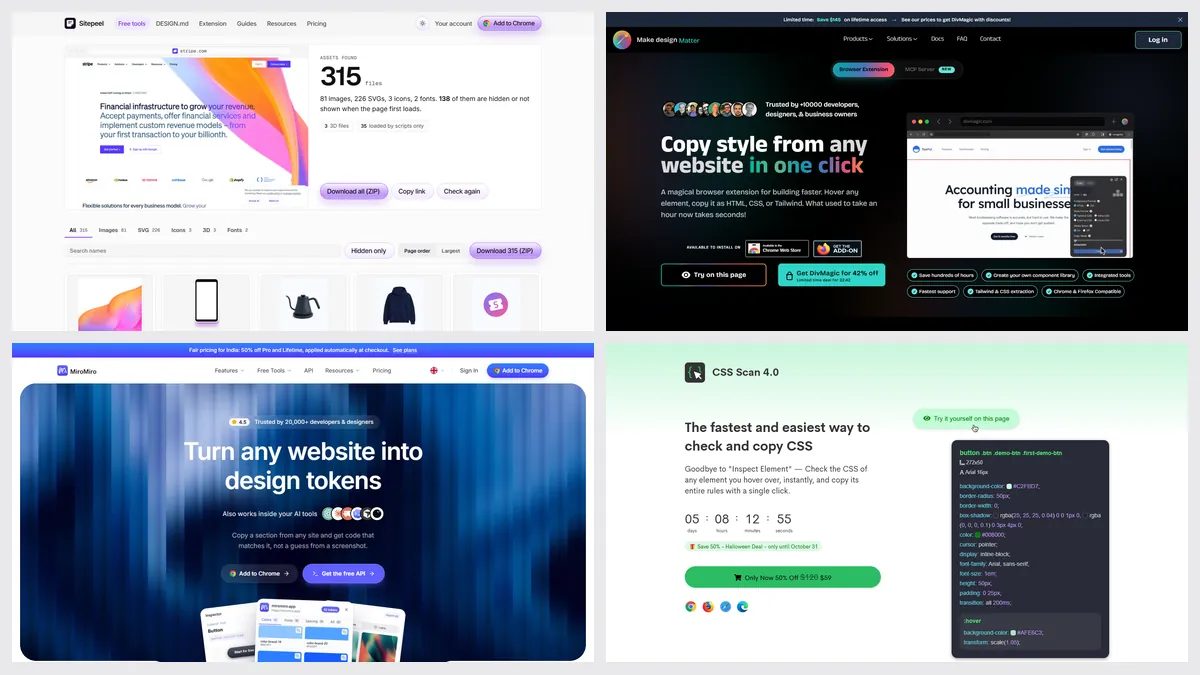
Most people look for a CSS Scan alternative for the price, for Tailwind or React output, or because they need the images and fonts too.
| Tool | Best for | Price | Works in |
|---|---|---|---|
| Sitepeel | Code plus everything around it | Free web tools; extension paid once | Chrome extension and web |
| SnipCSS Kiwi | Free section snips | Free | Chrome, Claude Code plugin |
| DivMagic | React and Tailwind | $16 a month or $200 once | Chrome, Firefox |
| MiroMiro | Tailwind, React and Vue | Free plan; Pro €12 a month or €99 once | Chrome, Firefox |
| Chrome DevTools | Free, exact rules | Free, built in | Chrome |
1. Sitepeel
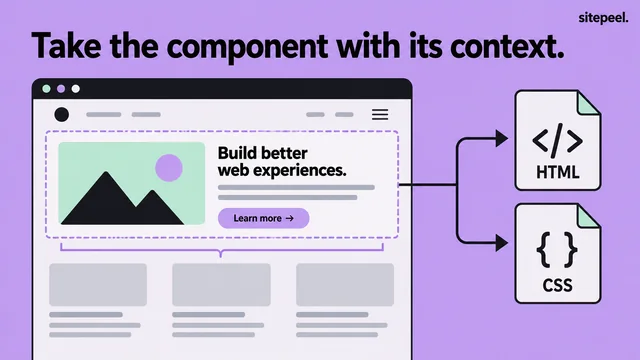
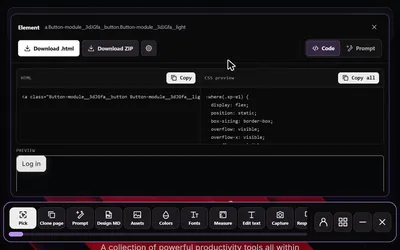
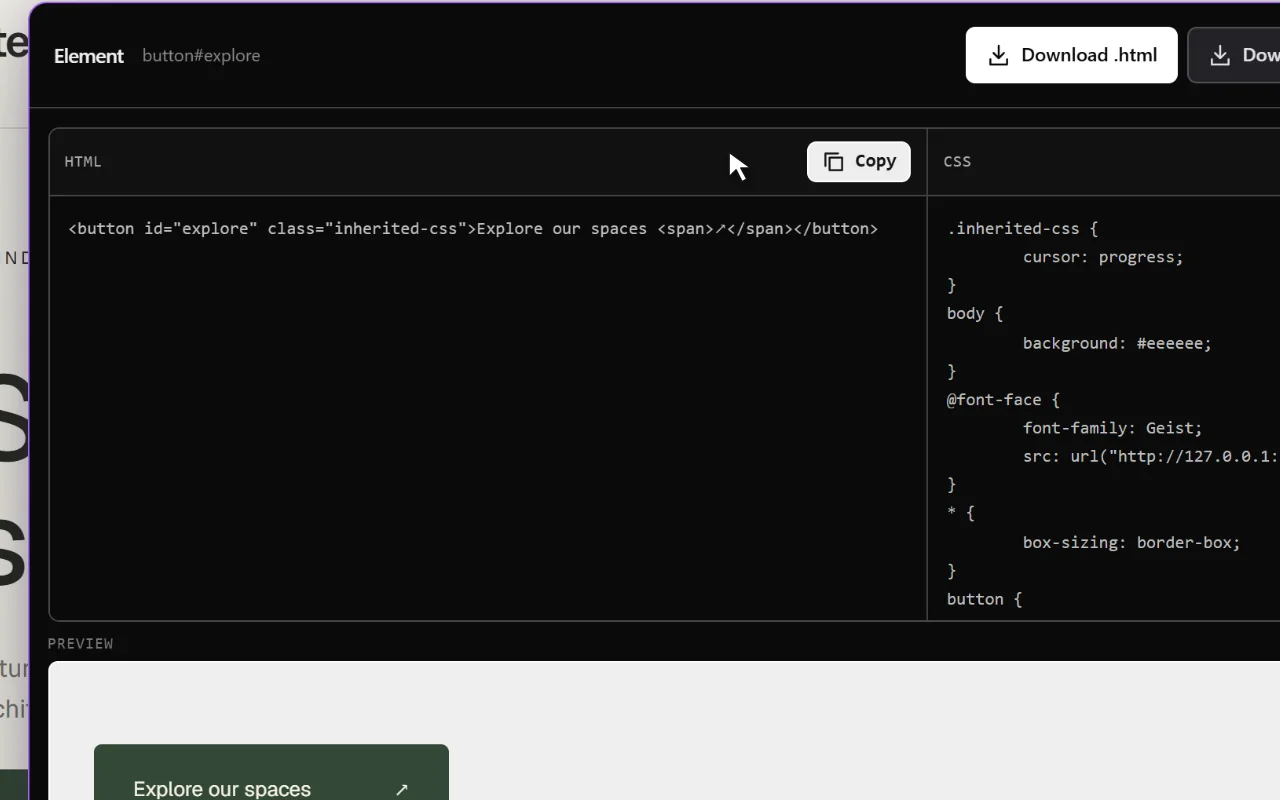
Sitepeel copies an element’s HTML and CSS, exports the rendered page and grabs its images, SVGs, fonts and colors. It also writes a Clone prompt and a DESIGN.md for AI tools.
- No Tailwind output
- Try the free website tools first, no install
2. SnipCSS Kiwi
SnipCSS (now SnipCSS Kiwi) extracts a section’s HTML, only the CSS it actually uses and its images, with an optional Tailwind version. It’s free, with no account.
- Chrome only
- New store listing in 2026 after the maker lost the old one
3. DivMagic
DivMagic copies elements or pages as CSS, Tailwind or React, even through iframes, and works from inside DevTools.
4. MiroMiro
MiroMiro exports sections as Tailwind, HTML and CSS, React, Vue, Elementor or Bricks, and has a free plan for inspecting.
5. Chrome DevTools
Right-click, Inspect, then copy styles from the Elements panel. It’s slower than a one-click copy, but it shows why each rule wins.
Which one should you pick?
Questions
Is there a free CSS Scan alternative?
Yes. SnipCSS Kiwi is free and copies a section with its CSS and images. Chrome DevTools is free too. Sitepeel’s website tools are free, and its extension is paid once.
Which CSS Scan alternative outputs Tailwind?
SnipCSS Kiwi, DivMagic and MiroMiro all output Tailwind. DivMagic and MiroMiro also output React.
Can I copy CSS without an extension?
Yes. In Chrome, right-click an element, choose Inspect, and copy its rules from the Styles pane. It takes longer, and you’ll still need the fonts and images.