On this page7
Feature by feature
| Feature | Sitepeel | CSS Scan |
|---|---|---|
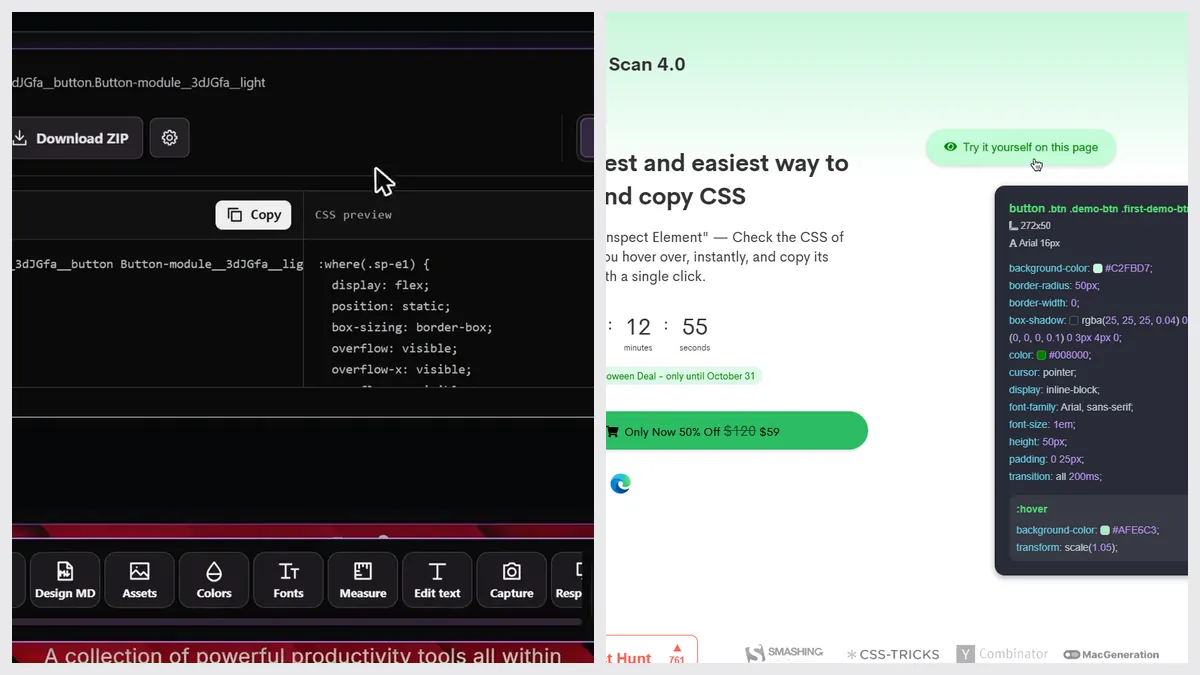
| Show CSS on hover | Yes | Yes |
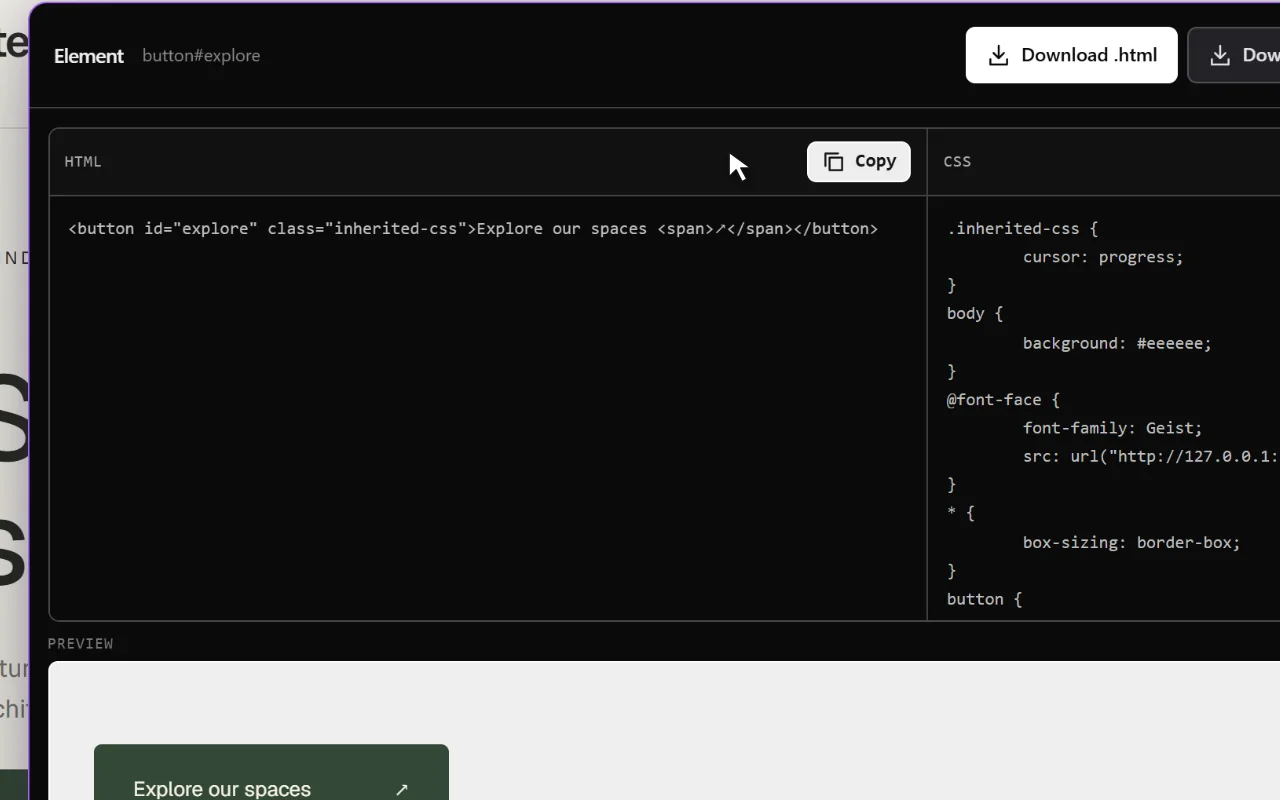
| Copy an element as code | Yes, HTML and CSS | Yes, HTML and CSS with children and states |
| Tailwind output | No | Yes, as an option |
| Export to CodePen | No | Yes |
| Export the whole page | Yes, the rendered page | No |
| Download images, SVG and video | Yes, images, SVG, video, Lottie, 3D | No |
| Fonts and colors | Yes, full lists | Partly, the hovered element only |
| DESIGN.md for AI agents | Yes, extension and free web tool | No |
| Prompt that rebuilds a page with AI | Yes, Clone prompt | No |
| Screenshots and device preview | Yes | No |
| Free tools from a link, no install | Yes, 9 free website tools | No, a demo on its own site |
Pick CSS Scan if…
- Copying exact CSS is the whole job
- You want Tailwind output or a one-click CodePen
- You love keyboard-driven tools
- You copy many nested elements at once
Pick Sitepeel if…
- You also need the page’s images, SVGs, fonts and colors
- You want the whole page, or a prompt that rebuilds it
- You give designs to AI agents as DESIGN.md files
- You want to try it free first
Pricing
| Plan | Sitepeel | CSS Scan |
|---|---|---|
| Free | Free website tools, no install. Chrome extension free to install, with a 24-hour trial of every tool | No free plan; a demo on getcssscan.com |
| Paid | Lifetime access, paid once (regional price) | $120 once ($59 in a sale until October 31, 2026) |
| Billing | One payment, no subscription | One payment; 3 browsers at a time |
| Works in | Chrome extension (Chrome, Edge, Brave) and free website tools | Chrome (it also lists Firefox, Safari and Edge) |
CSS Scan at a glance
CSS Scan has about 10,000 users on the Chrome Web Store. Its site also lists Firefox, Safari and Edge, but we found only the Chrome listing in public stores.
The verdict
Questions
Is CSS Scan free?
No. CSS Scan is $120 once (it was $59 in a sale until October 31, 2026). You can try a demo on its own website.
Does CSS Scan export Tailwind?
Yes, as an option in its settings. It doesn’t export React or Vue.
Is Sitepeel a CSS Scan alternative?
Yes. Sitepeel copies an element’s HTML and CSS, and adds page export, assets, fonts, colors, Clone prompt, DESIGN.md and screenshots. It doesn’t output Tailwind.