On this page7
Feature by feature
| Feature | Sitepeel | Hoverify |
|---|---|---|
| Inspect CSS, fonts and colors | Yes | Yes |
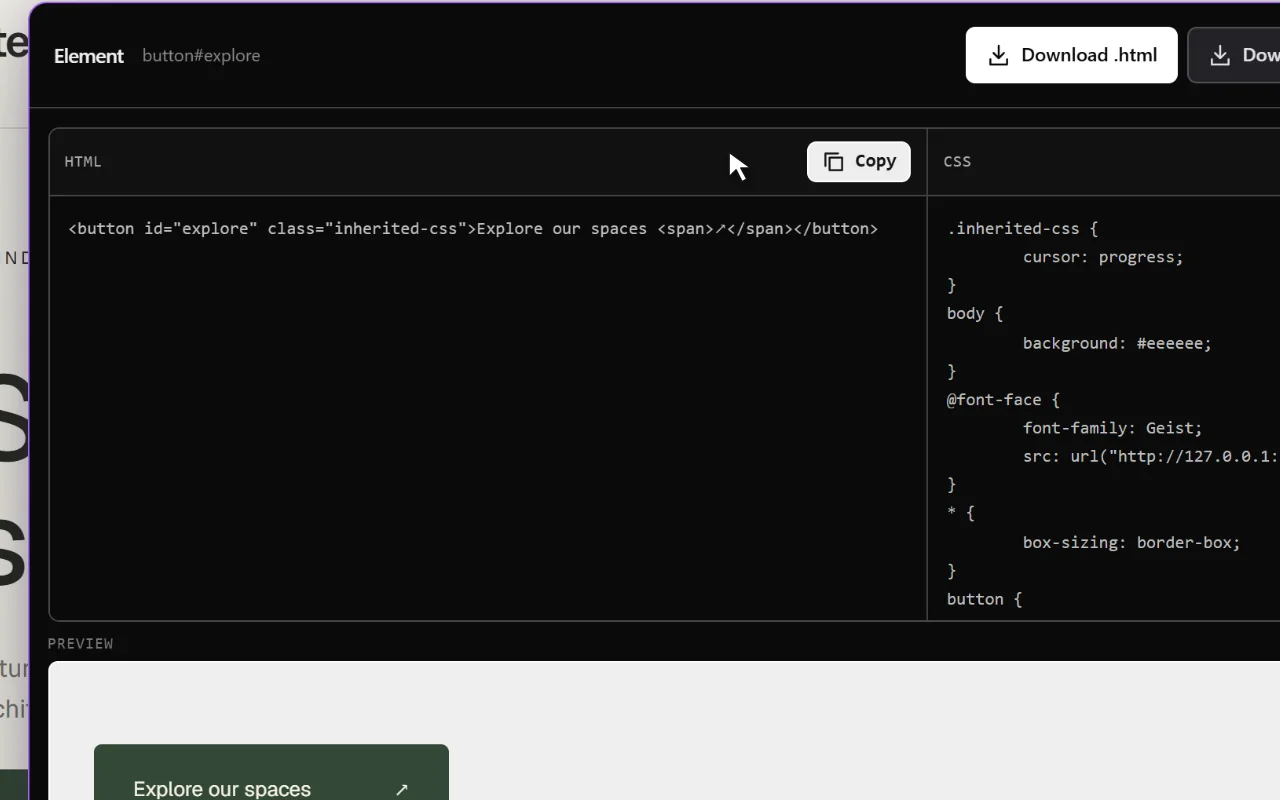
| Copy an element as code | Yes, HTML and CSS | Yes, CSS, or HTML to CodePen |
| Export the whole page | Yes, the rendered page | No |
| DESIGN.md for AI agents | Yes, extension and free web tool | No |
| Prompt that rebuilds a page with AI | Yes, Clone prompt | Partly, sends its findings to an AI agent |
| Download images, SVG and video | Yes, images, SVG, video, Lottie, 3D | Yes |
| Measure spacing | Yes | Yes |
| Edit the page live | Partly, edit text, move and delete, swap fonts | Yes, CSS, media queries and animations |
| Screenshots with an editor | Yes, with an editor | Yes |
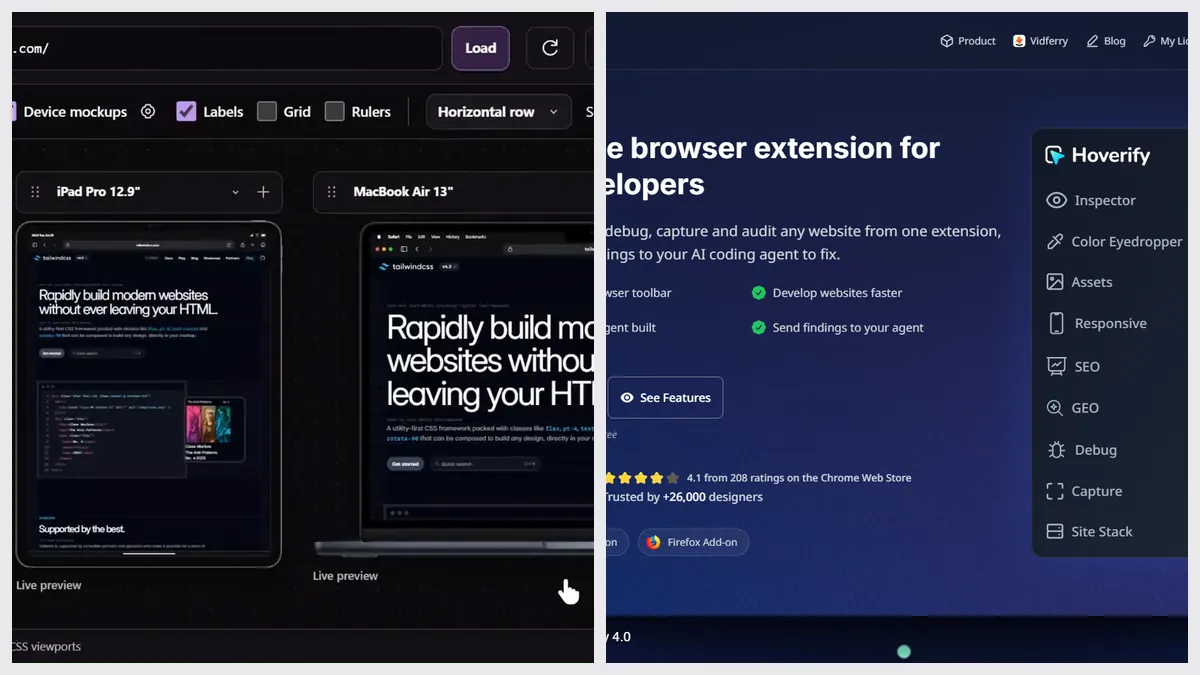
| Device preview | Yes, also as a free web tool | Yes, 34 devices with synced scrolling |
| Tech stack | Yes, free web tool | Yes, with hosting, DNS and SSL |
| SEO and accessibility checks | No | Yes |
| Free tools from a link, no install | Yes, 9 free website tools | No |
Pick Hoverify if…
- You want SEO, AI search and accessibility checks in the same extension
- You edit CSS live, media queries and animations included
- You want tech stack details like hosting, DNS and SSL
- You test on many devices with synced scrolling and touch
Pick Sitepeel if…
- You export pages or components to rebuild them
- You use AI to build: Clone prompt and DESIGN.md
- You want to try the tools free first, from a link
- You want to swap fonts and move things around for a quick mockup
Pricing
| Plan | Sitepeel | Hoverify |
|---|---|---|
| Free | Free website tools, no install. Chrome extension free to install, with a 24-hour trial of every tool | No free plan or trial. 14-day refund |
| Paid | Lifetime access, paid once (regional price) | $30 a year (no auto-renew) or $89 once |
| Billing | One payment, no subscription | Yearly or once; 3 browsers per license |
| Works in | Chrome extension (Chrome, Edge, Brave) and free website tools | Chrome, Edge, Brave, Firefox |
Hoverify at a glance
Hoverify has about 20,000 users on the Chrome Web Store and a Firefox add-on. It bundles nine tools and a yearly plan that never renews by itself, which is a fair touch.
The verdict
Questions
Is Hoverify free?
No. Hoverify has no free plan or trial; it offers a 14-day refund instead. It costs $30 a year or $89 once.
Is Sitepeel a Hoverify alternative?
Yes, if you inspect, measure, screenshot and preview devices. Sitepeel adds page export, Clone prompt and DESIGN.md. It doesn’t do SEO or accessibility audits.
Which one works in Firefox?
Hoverify has a Firefox add-on. Sitepeel is a Chrome extension (Chrome, Edge and Brave), and its website tools work in any browser.