On this page7
Feature by feature
| Feature | Sitepeel | picker.design |
|---|---|---|
| Pick an element’s HTML and CSS | Yes, HTML and CSS | Yes |
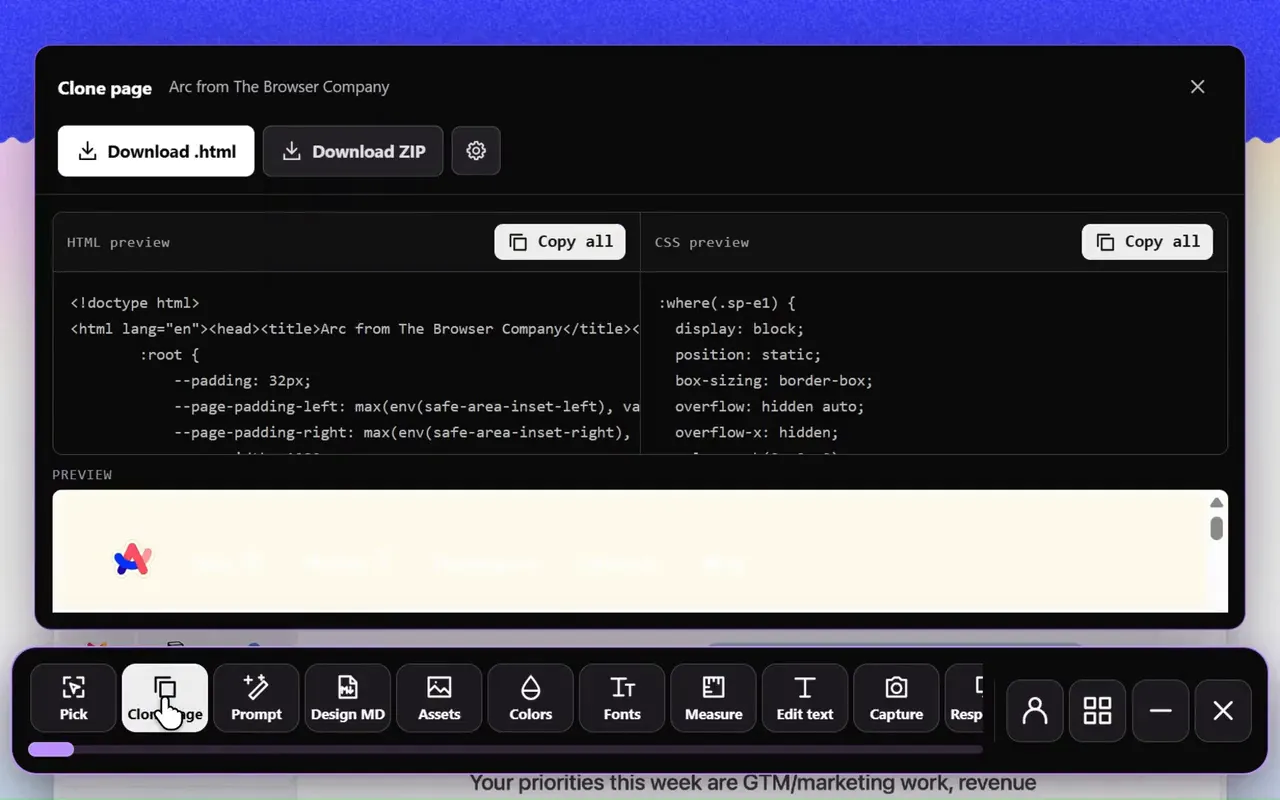
| Clone the whole page | Yes, the rendered page | Yes, into one HTML file |
| Design prompt for AI | Yes, Clone prompt | Yes, Design to prompt |
| DESIGN.md file | Yes, extension and free web tool | No, a design spec and color tokens |
| Images, colors and fonts | Yes | Yes |
| Swap fonts on the page | Yes, 2,100+ families | Yes, Google Fonts |
| Measure and edit the page | Yes | Yes |
| Screenshots | Yes, with an editor | Yes |
| Device preview | Yes, also as a free web tool | No |
| Tech stack | Yes, free web tool | No |
| Free tools from a link, no install | Yes, 9 free website tools | No |
Pick picker.design if…
- You want the lowest one-time price while launch spots last
- You want AI prompts written with your own API key
- Everything runs on your machine
Pick Sitepeel if…
- You want a real DESIGN.md that passes Google’s linter
- You also check screen sizes and tech stacks
- You want to try the tools free from a link first
Pricing
picker.design’s launch price was for its first 200 buyers, with few spots left on October 27, 2026.
| Plan | Sitepeel | picker.design |
|---|---|---|
| Free | Free website tools, no install. Chrome extension free to install, with a 24-hour trial of every tool | “Free to try”, limits not stated |
| Paid | Lifetime access, paid once (regional price) | $29 once at launch (list price $149) |
| Billing | One payment, no subscription | One payment |
| Works in | Chrome extension (Chrome, Edge, Brave) and free website tools | Chrome, Edge, Brave, Arc, Opera, Vivaldi |
picker.design at a glance
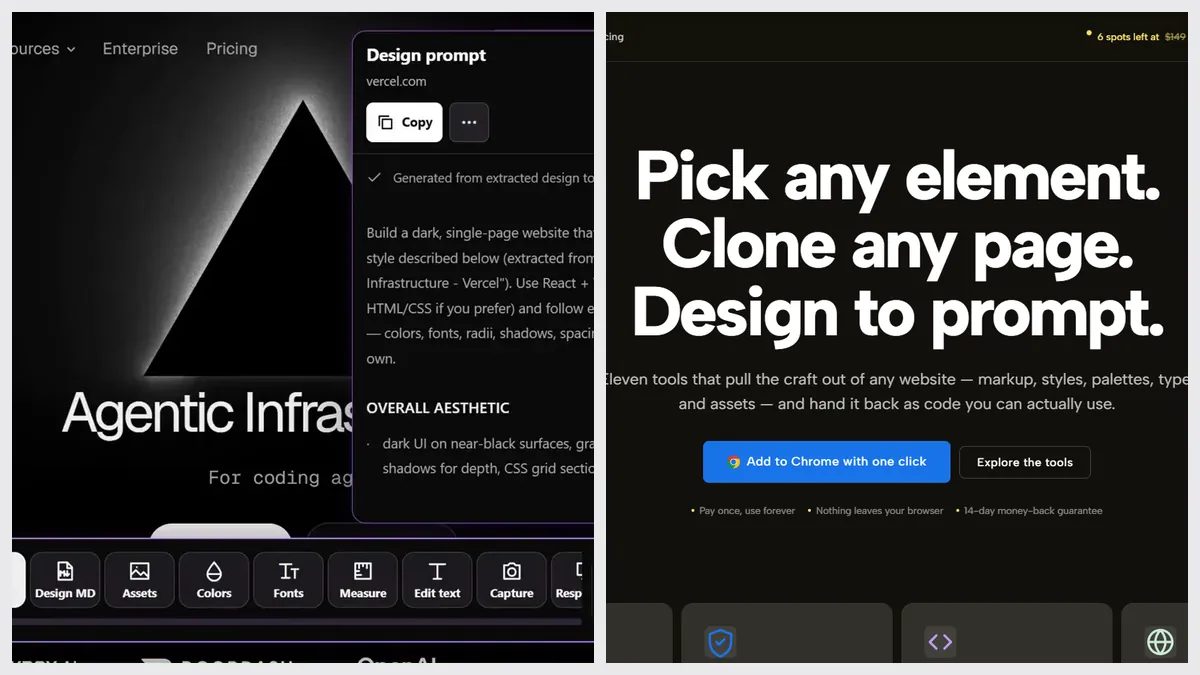
picker.design is a new extension (version 1.0.6, about 800 users) with eleven tools. It’s the closest thing to Sitepeel we’ve found, and it’s honest about running locally.
The verdict
Questions
Is picker.design free?
Its site says “free to try” without stating limits. The full extension was $29 once at launch, with a list price of $149.
Does picker.design make a DESIGN.md?
Its Design to prompt tool writes a design spec, and it exports colors as CSS variables or JSON. We found no DESIGN.md file on its site in October 2026.
Which browsers do they support?
Both are Chrome extensions that run in Chromium browsers like Edge and Brave. Sitepeel’s website tools also run in any browser, phones included.