On this page8
The short list
WhatFont is free, simple and still updated (October 2026). People look for more when they want all fonts at once, a link to get the font, or a match for a font in an image.
| Tool | Best for | Price | Works in |
|---|---|---|---|
| Sitepeel | Every font on a page, with where to get it | Free web tool; extension paid once | Chrome extension and web |
| Fonts Ninja | Finding and buying the font | Free extension | Chrome, Firefox, Edge, Safari |
| Fontanello | A right-click font check | Free | Chrome, Firefox, Edge, iOS |
| WhatFontIs | Fonts in images and logos | 5 a day free; PRO $49.99 a year | Web, Chrome |
| Chrome DevTools | The font that really rendered | Free, built in | Chrome |
1. Sitepeel
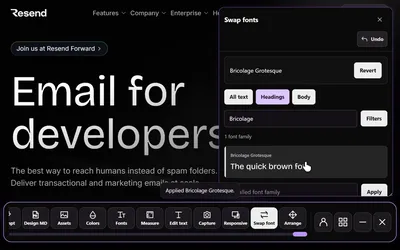
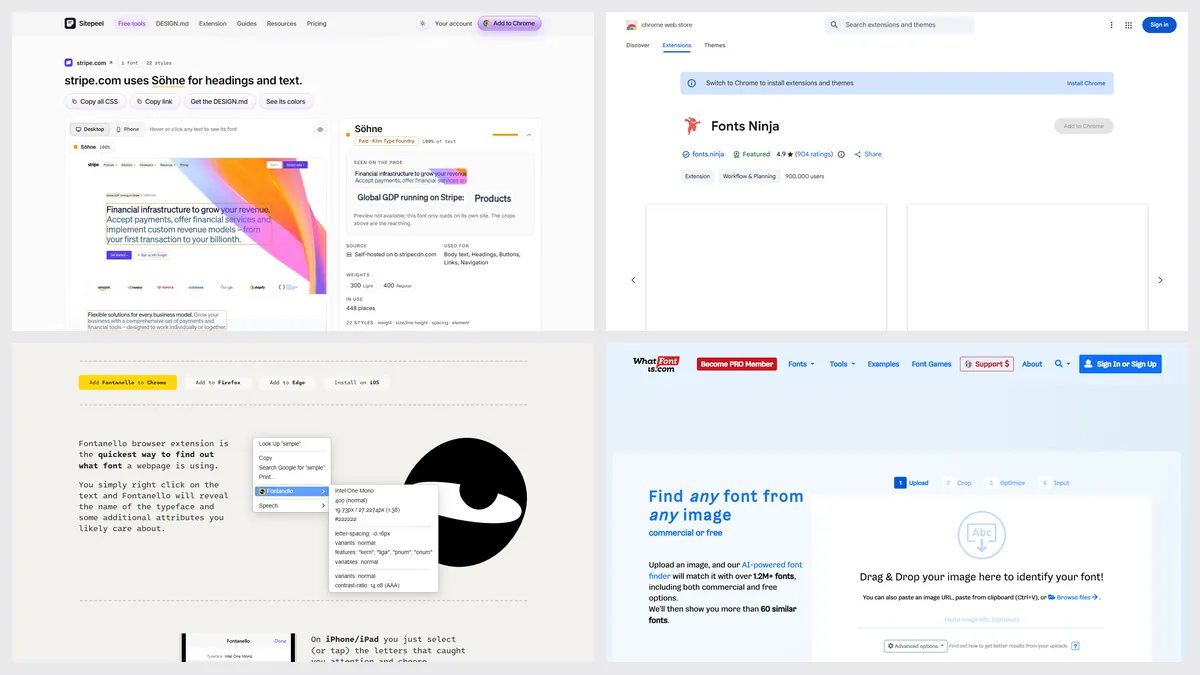
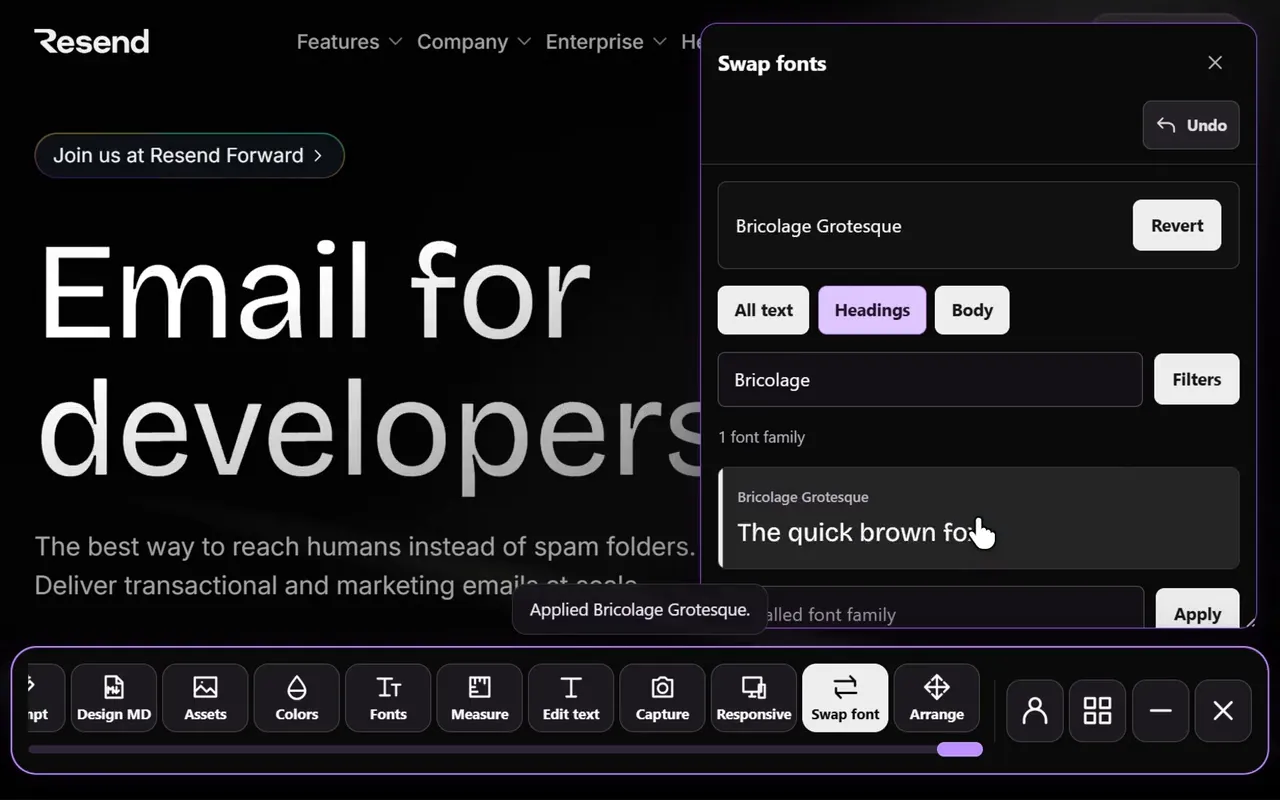
Paste a link and Sitepeel lists every font that actually renders, with weights, sizes, line heights, where each appears, where to get it and free look-alikes. In Chrome, Detect fonts works on hover and Swap fonts tries 2,100+ families on the page.
2. Fonts Ninja
Fonts Ninja finds the real font even when a site renames it, then shows the foundry, the price and similar fonts from its catalog. About 900,000 people use it on Chrome.
3. Fontanello
Right-click any text and Fontanello shows the typeface, its styles and the contrast ratio. It’s tiny, but its Chrome version hasn’t been updated since April 2024.
4. WhatFontIs
Upload a picture and WhatFontIs matches the font against a huge database, with free look-alikes. It works from images, so it’s the one for logos and screenshots.
5. Chrome DevTools
Inspect text, open Computed and scroll to Rendered fonts. It shows the font the browser really used, which isn’t always the first name in the CSS.
Which one should you pick?
Questions
Is WhatFont still free?
Yes. WhatFont is free on Chrome and in Safari on Mac, iPhone and iPad, and it was updated in October 2026.
How do I find every font a website uses?
Paste the link into Sitepeel’s free font finder. It lists every font that renders, with weights, sizes and where each appears, plus where to get it.
How do I identify a font from an image?
Use an image matcher like WhatFontIs: upload the picture and it suggests the font and free look-alikes. Page-based tools like WhatFont can’t read images.