On this page7
The short list
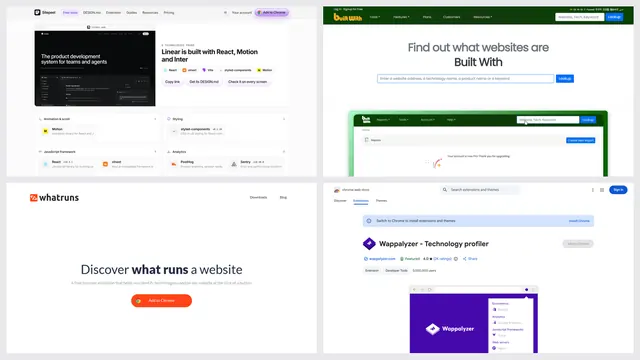
WhatRuns is an extension for Chrome and Firefox only. People look elsewhere when they can’t install one, need another browser, or want to see more than the stack.
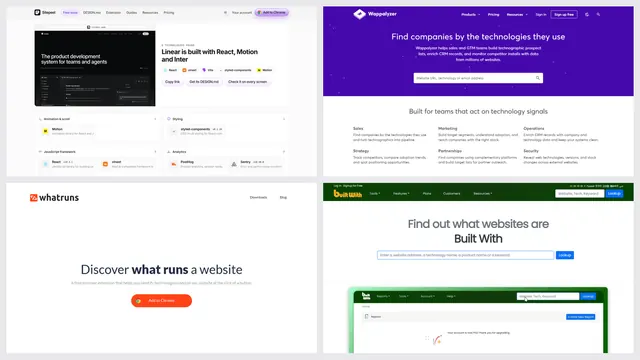
| Tool | Best for | Price | Works in |
|---|---|---|---|
| Sitepeel tech stack checker | A free check of one site, with evidence | Free, no sign-in | Any browser, from a link |
| CRFT Lookup | Stack plus speed scores | Free, unlimited scans per its FAQ | Web |
| Wappalyzer | More browsers and lead lists | Free extension; plans from $250 a month | Chrome, Firefox, Edge, Safari, iPhone |
| BuiltWith | History and market data | Free lookups; plans from $295 a month | Web, Chrome, Firefox, Edge |
| Hoverify | Stack inside a dev toolbox | $35 a year or $99 once | Chrome, Firefox |
1. Sitepeel tech stack checker
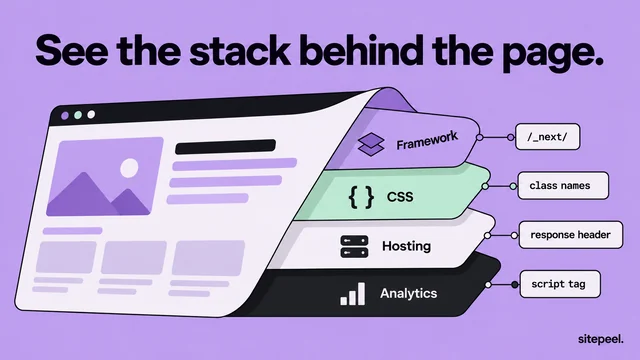
Paste a link and Sitepeel shows the framework, CMS, hosting, libraries and analytics, each with the evidence it found, plus the site’s fonts and colors. Nothing to install, no account.
- No alerts when a site changes its stack
2. CRFT Lookup
CRFT Lookup scans a public site in a real browser and reports its stack, Lighthouse scores, meta tag previews and sitemap, in a report you can share for 30 days.
3. Wappalyzer
Wappalyzer’s free extension has 3,000,000 Chrome users and also runs on Edge and Safari. A free account adds 50 lookups a month. Paid plans sell lead lists and company data.
When WhatRuns is the better pick
- You want a free extension with no sign-up
- You check WordPress plugins and themes, and the fonts on a site
- You want a note when a site you follow adds or drops a technology
- You use Chrome or Firefox: version 1.11.1 came out on both on October 27, 2026
Which one should you pick?
Questions
Is WhatRuns free?
Yes. Its site says it’s free and needs no sign-up, and it shows no paid plan.
Is WhatRuns still updated?
Yes. Version 1.11.1 came out on Chrome and Firefox on October 27, 2026. It has 400,000 Chrome users and a 4.3 rating.
Can I use WhatRuns without an extension?
No, it’s extension only. For a website lookup, paste a link into Sitepeel’s tech stack checker, CRFT Lookup or BuiltWith.
Is WhatRuns on Safari or Edge?
We found it on Chrome and Firefox only. Wappalyzer’s extension runs on Edge and Safari as well.