On this page4
How it works
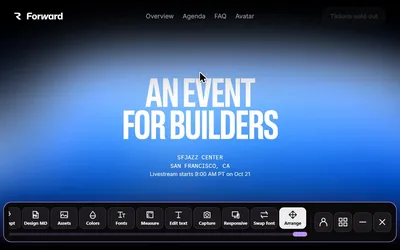
Choose Edit text
Open Sitepeel’s text tool on the page.
Click and rewrite
Select a text element and enter the copy you want to try.
Review the fit
Compare wrapping and spacing, then copy the approved words into your actual project.
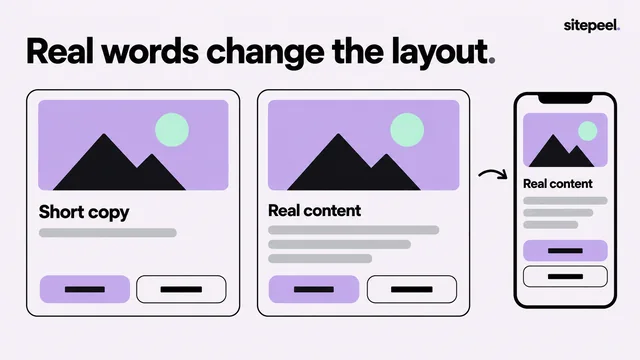
Copy and layout belong together
A headline that reads well in a document may wrap badly in a hero. Editing in place helps you judge the words and the layout together.
Try shorter labels on buttons, clearer form instructions and a more specific first sentence. Keep the main action easy to understand.
Use local edits for a review
A useful copy review changes one section at a time. Start with the heading, then the supporting sentence, then the action. Check that all three describe the same task.
Capture the revised section to share the proposed direction. Label it as a preview so collaborators know the live website has not been updated.
Publish through your normal workflow
Sitepeel changes the page locally for experimentation. It does not change the original server, CMS or source files. A reload or application rerender may replace your edits.
When you settle on the copy, update the source project and test it there. Review long translations and narrow screens if they are part of your audience.