

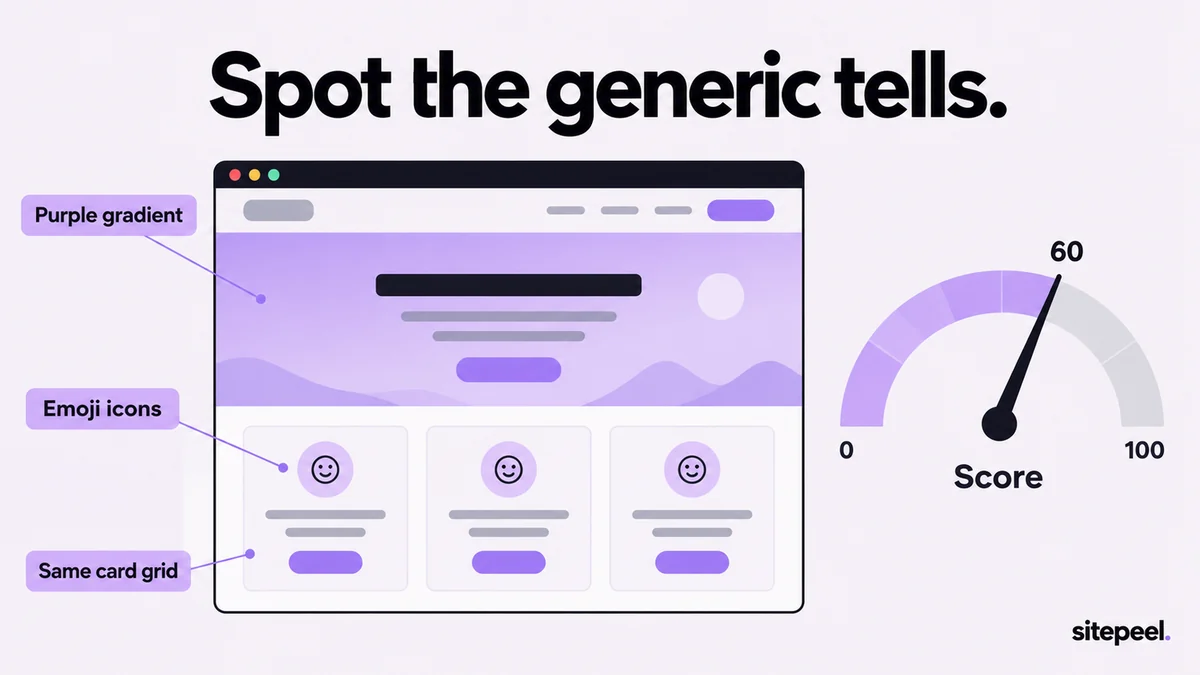
The common tells, by area
| Tell | Area | What to look for |
|---|---|---|
| Default font | Type | Inter or the browser’s default font on every heading and paragraph |
| Accent word | Type | One headline word in another color, a gradient or italics |
| Stock purple | Color | Indigo-to-violet buttons, often Tailwind’s untouched default shades |
| Gradient text | Effects | Headings filled with a color gradient |
| Glows and blobs | Effects | Colored halos around buttons, blurred color blobs behind sections |
| Frosted glass | Effects | Cards with a blurred, see-through background |
| Default hero | Layout | A pill badge, a centered headline, one line and two buttons |
| Icon card grid | Layout | An icon, a title and one sentence, repeated in an even grid |
| Emoji icons | Layout | Emoji in headings, cards and bullet lists |
| Generic copy | Copy | A headline that could sell anything, “Build. Ship. Scale.”, “Not just X, it’s Y” |
| Unsourced numbers | Copy | 10K+, 99.9% and 24/7 with no unit, date or source |
| No real pictures | Pictures | Stock photos, generated avatars and no screenshot of the product |
Why a score isn’t proof
The score measures how generic a design looks. Templates, UI kits and hand-built sites share the same defaults, so a person can make a high-scoring page and a well-briefed AI can make a low one.
TipNever say a site was made with AI from the score alone.
- Some tells, like Inter or icon card grids, appear on great sites too, so they count lightly.
- Weak signals only count next to stronger ones.
- Builder traces, such as a Lovable badge, are shown separately as facts.
Check a page by hand in DevTools
Right-click a heading, choose Inspect, and look for these in the Styles and Computed panes.
- font-family, and Rendered Fonts under Computed, for headings and body text.
- background-clip: text on headings: that is gradient text.
- box-shadow with a colored value: that is a glow.
- backdrop-filter on cards: that is frosted glass.
- filter: blur() on shapes behind sections: those are blobs.
- Then read the headline aloud. If it could sell any product, it is generic.
Fix the strongest tells first
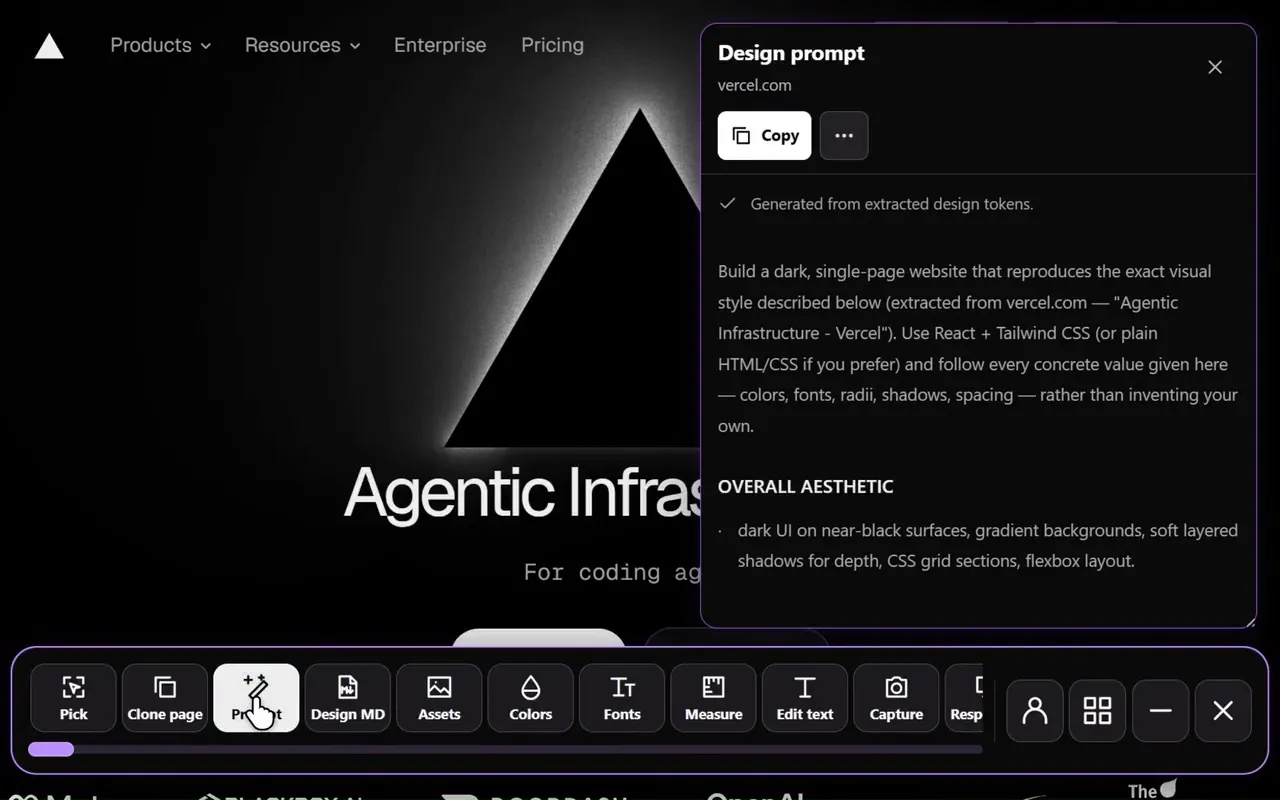
The checker’s fix prompt lists every fix with where it was found, and ends with rules your coding tool can check its work against.
| Tell | Fix |
|---|---|
| Gradient text | Solid headings in your text color; use weight or size for emphasis |
| Glows and blobs | Delete them; use a neutral shadow or a 1px border for depth |
| Stock purple | A brand color chosen on purpose, set once as a token |
| Icon card grid | A screenshot with callouts, a short demo or a list with real numbers |
| Vague headline | Say what the product does and who it is for |
| Emoji icons | Remove them, or use plain icons only where they help |