On this page6
Step by step
Name one user task
Pick the one thing a visitor must do, like checking availability, and put what it needs beside that action.
Supply the real copy
Give the actual headline, body text and button labels. Placeholder text hides wrapping and hierarchy problems.
Give each reference a job
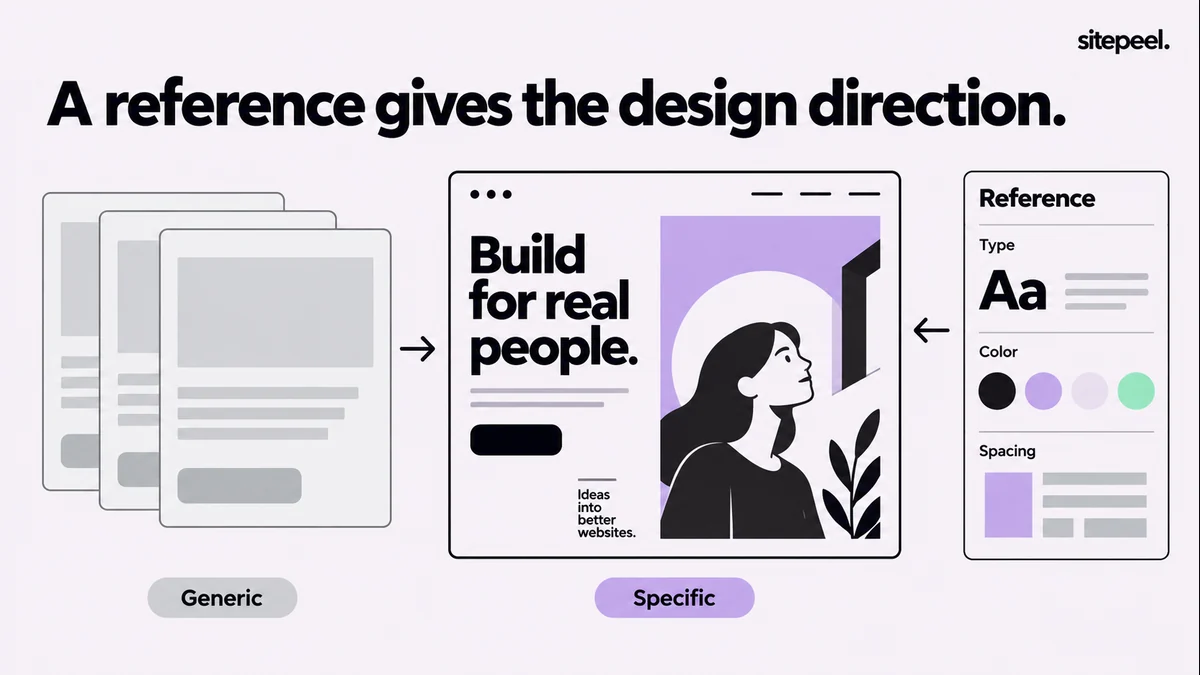
Use two or three references and say what each is for: a type hierarchy, a comparison layout, how output is explained.
Ask for one section
Brief a single section with rules you can check, so you can review the direction before it spreads.
Review, then record
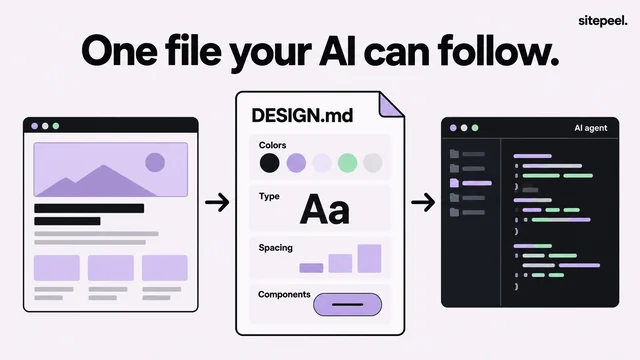
Fix the result at the real width, then write the approved choices into DESIGN.md and reuse them.
What makes a website look generic?
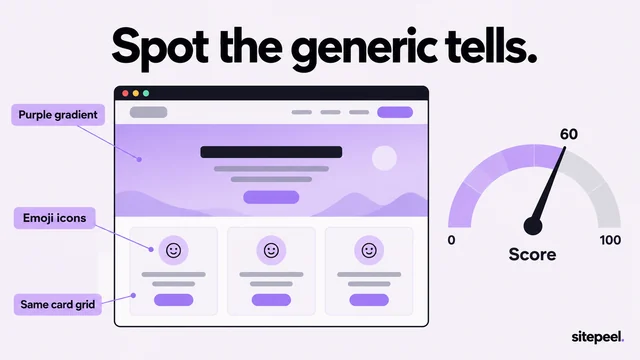
A page can have tidy spacing and still say very little. Look at the first screen: can a visitor name the product, who it helps and the next action? If the headline fits any business, another gradient won’t fix it.
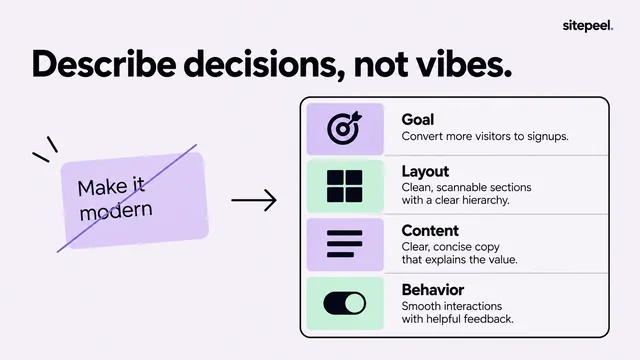
Replace adjectives with rules you can check
Words like premium, beautiful and modern leave most decisions open. Keep the mood words if you like, but pair each one with something a reviewer can see.
- Show the product before any testimonial.
- Put the main action right after its explanation.
- Use a narrow text column for article body text.
- Use a small type scale and give each color one role.
- Say what happens after the primary action.
A brief for one section
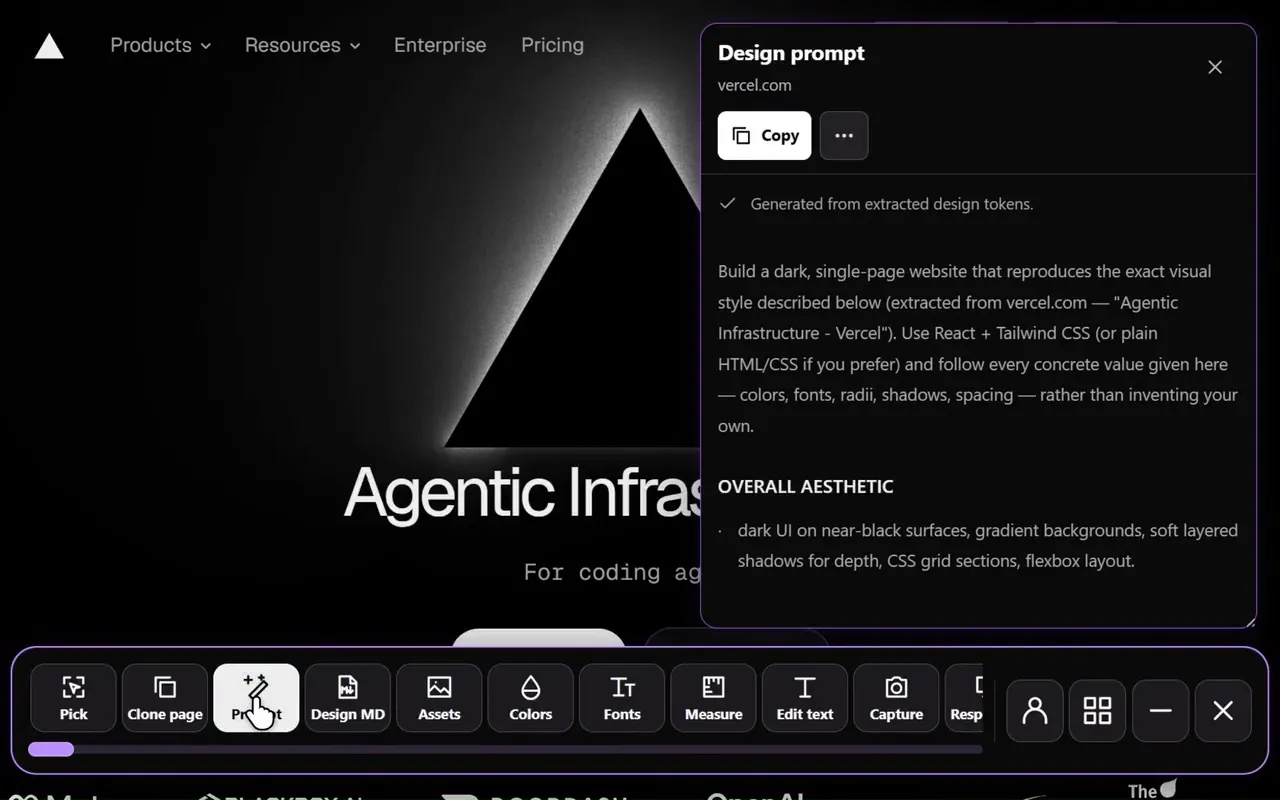
Sitepeel’s Design prompt tool turns a reference page into a brief. Add a screenshot so the relationships stay visible, and mark which values are measured and which are your own choices.
# Revise one section

User: [who is visiting]
Task: [what they need to do]
Content: [approved heading, explanation and action]
Reference: [file and the specific detail to study]

Read DESIGN.md and inspect the existing components first.
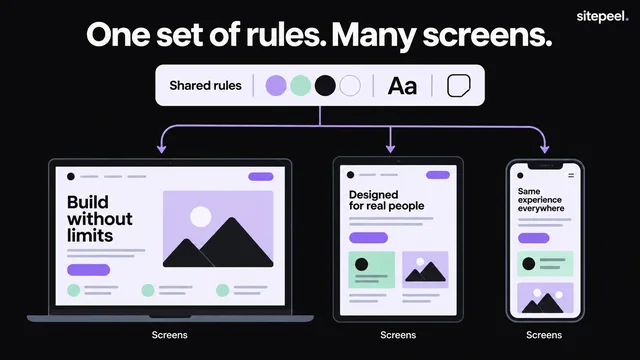
Use the project type scale, spacing and color roles.
Show one clear primary action beside its explanation.
Keep the supplied wording; do not invent social proof.
Make the layout work with longer text and on a narrow screen.

Render the section. Explain any departure from the reference.
Stop for a visual review before applying the direction elsewhere.
How to review the result
- Compare it with the reference at the same viewport width.
- Fix the biggest structural problem first, such as a headline wrapping onto extra lines.
- Give precise corrections: a narrower text column, the preview beside its explanation, a quieter secondary action.
- Change one group of related decisions at a time.
- Test keyboard focus, long labels, an empty result and an error.
- Record approved choices in DESIGN.md; the next chat won’t remember them.
Questions
Why do AI-generated websites all look the same?
A vague prompt leaves most decisions to the model’s defaults. Give it a real user task, your actual copy and references with a stated purpose, and it has reasons to choose a particular layout.
Will a longer prompt fix a generic AI design?
Not by itself. Length doesn’t replace decisions. A short brief with one task, real copy and rules a reviewer can check works better than adjectives such as premium or modern.
How can I tell if my website looks AI-generated?
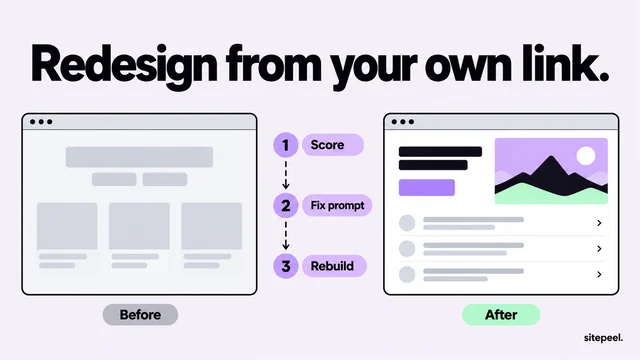
Run it through the free AI slop checker. It measures the live page, marks each generic tell and writes a fix prompt that keeps your colors and copy. A high score means generic, not proof it was made with AI.