On this page8
Step by step
Name the font first
Not sure which font it is? The free font finder names every font on the page and where to get it.
Paste the link
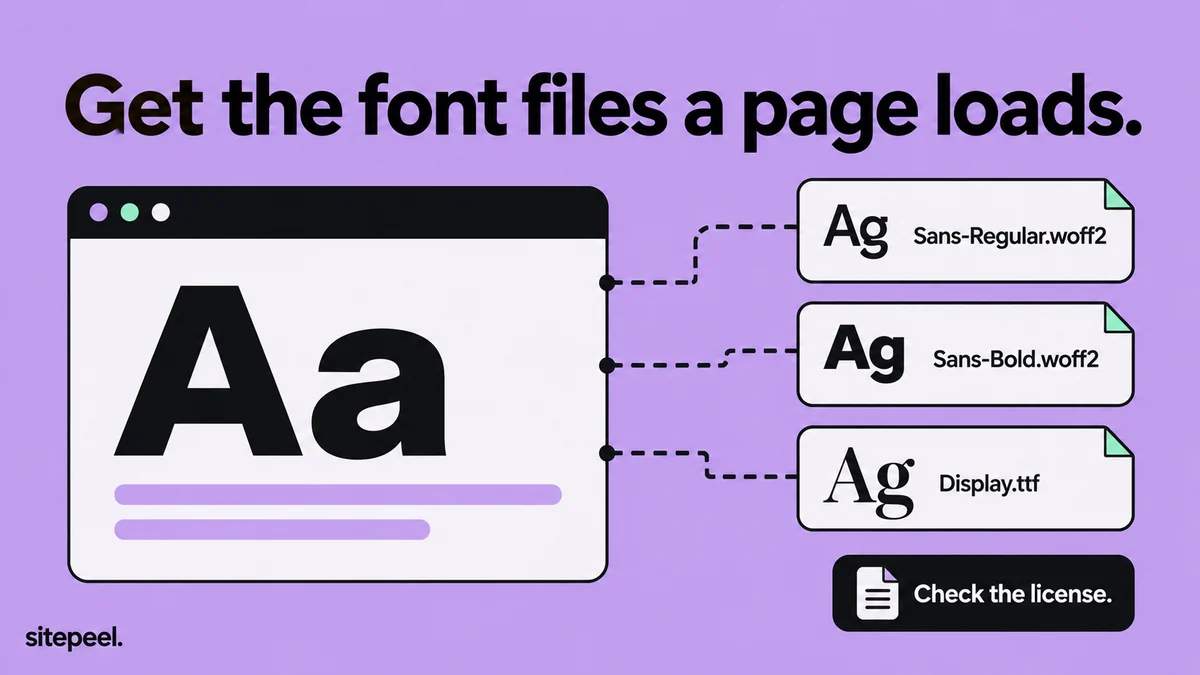
Paste the page’s link into the free asset extractor and open the Fonts tab. Each card previews the font itself.
Download the files
Download one font, or press ZIP for all of them. Names come from the file, so you may see hashes.
Convert and check
Turn WOFF2 into TTF for desktop apps, then read the license notes inside the file.
Web font formats
| Format | What it is | Install on a computer? |
|---|---|---|
| WOFF2 | Compressed web font, used by almost every site today | No, convert to TTF first |
| WOFF | The older compressed web font | No, convert to TTF first |
| TTF and OTF | Desktop font files that some sites still serve | Yes |
| Variable font | One file with a range of weights, often “VF” in the name | Yes, once it is TTF |
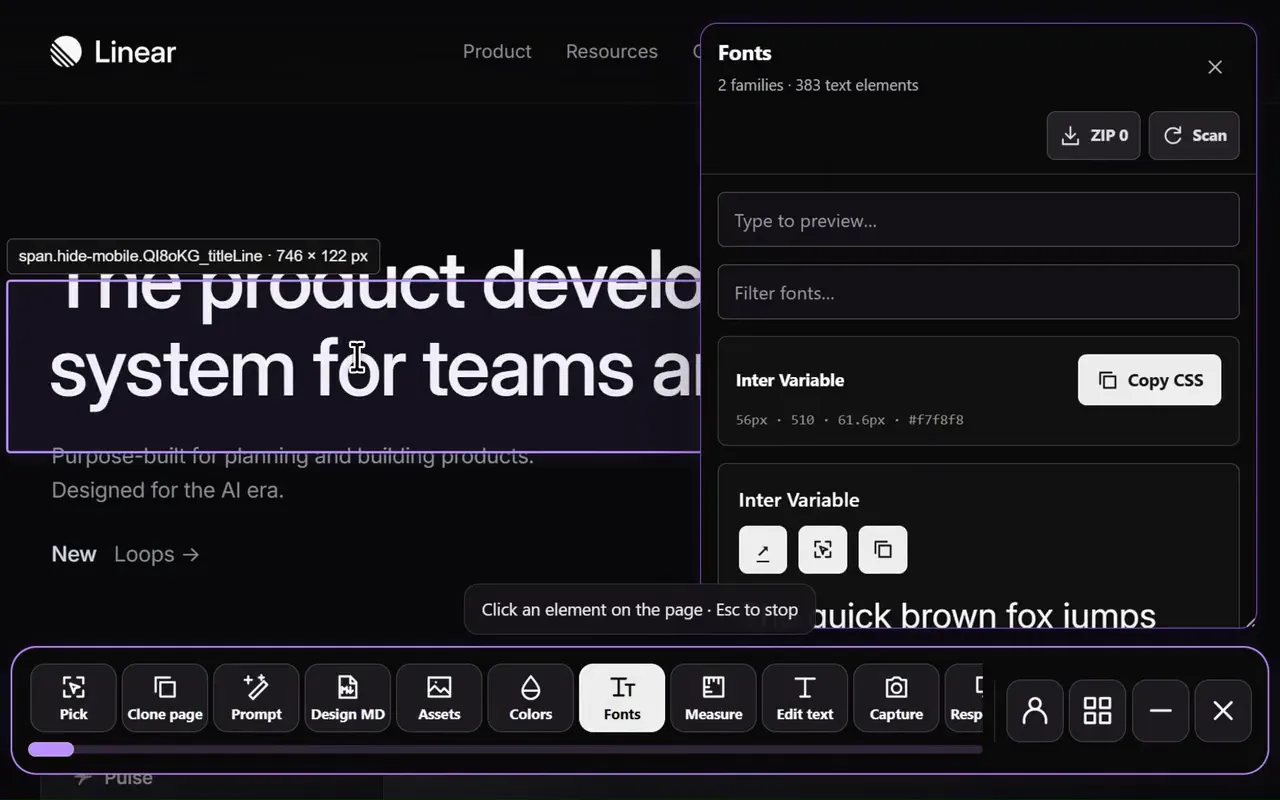
What the asset extractor finds
It lists the font files the page really loaded, not every @font-face rule in its stylesheets, and previews each one as “Aa”. On Vercel, GitHub, Stripe and Smashing Magazine every listed font downloaded as a valid WOFF2 file.
Where the font comes from
| Source | How to spot it | What to do |
|---|---|---|
| Google Fonts | Files from fonts.gstatic.com | Get the whole family free from fonts.google.com |
| Adobe Fonts | Files from use.typekit.net | Use it through an Adobe Fonts plan, not the site’s files |
| Self-hosted | Files on the site’s own domain or CDN | Find the foundry and buy a license, or use a free look-alike |
| Custom brand font | A name you can’t find anywhere | Made for that company: pick a similar free font |
Convert WOFF2 to TTF
Browsers read WOFF2, but Windows and macOS install TTF or OTF. Convert the file with fontTools, a free Python library, then install the TTF: right-click it and choose Install on Windows, or double-click it and press Install on a Mac.
pip install fonttools brotli
fonttools ttLib.woff2 decompress -o Font.ttf Font.woff2
Find font files in DevTools
- Open DevTools, go to Network, choose the Font filter and reload.
- Each row is a font file the page loaded; the name often hints at the weight.
- Right-click a row and choose Open in new tab to download it.
- To see which file draws some text, Inspect it and check Rendered Fonts in the Computed tab.
Is it legal to download a website’s fonts?
Your browser already downloaded the file; using it is what needs a license. Fonts under the SIL Open Font License, like most Google Fonts, are free to use. Commercial fonts need a license from their foundry, and a web license rarely covers installing them on a computer.
Questions
How can I extract and save fonts from a website?
Paste the link into a free asset extractor and download the files from its Fonts tab. Or open DevTools, go to Network, choose the Font filter, reload, and open each file in a new tab.
Is downloading fonts illegal?
Downloading the file is rarely the problem; using it without a license is. Open fonts, like those on Google Fonts, are free to use. Commercial fonts need a license from the foundry, even when a website let your browser load them.
How do I install a font I just downloaded?
Computers install TTF or OTF, so convert a WOFF2 file first. On Windows, right-click the file and choose Install. On a Mac, double-click it and press Install in Font Book.
How do I convert WOFF2 to TTF?
Install fontTools with pip install fonttools brotli, then run fonttools ttLib.woff2 decompress -o Font.ttf Font.woff2. Online converters do the same, but only upload fonts you’re allowed to share.
Why are there several files for one font?
Each weight and style can be its own file, and sites split fonts into language subsets. A variable font is the exception: one file holds a whole range of weights.