

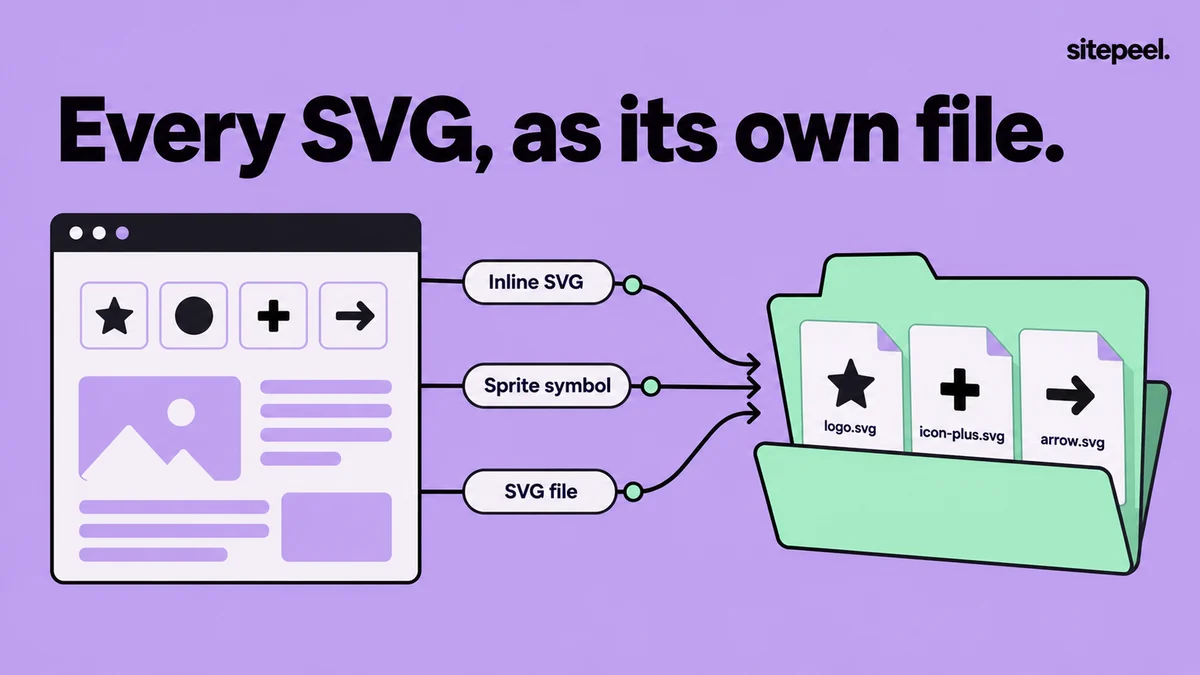
Where SVGs hide on a page
| Kind | In the code | Save it by hand |
|---|---|---|
| Inline SVG | <svg>…</svg> written into the HTML | Copy outerHTML in Elements and save it as a .svg file |
| Sprite icon | <svg><use href="#icon-name"></use></svg> | Copy the matching <symbol> into a new SVG file |
| SVG file | <img src="logo.svg"> or <object data="…"> | Open the file’s address in a tab and save it |
| CSS image | a background-image or mask-image URL, or a data:image/svg+xml URL | Open the URL from the Styles pane, or decode the data URL |
| Icon font | A glyph in an <i> tag or ::before, not an SVG | Get the SVG version from the icon set’s own site |
Make a copied SVG work as a file
Inside HTML, an SVG works without a namespace. Saved as its own file, it needs one, or browsers won’t draw it.
- Add xmlns="http://www.w3.org/2000/svg" to the opening tag if it is missing.
- Replace currentColor with a real color: on its own, the icon turns black.
- Copy colors the page set through CSS classes into fill or stroke attributes.
- Keep the viewBox, or the icon won’t scale cleanly.
<svg xmlns="http://www.w3.org/2000/svg" viewBox="0 0 24 24" width="24" height="24">
  <path d="…" fill="#0a0a0c"/>
</svg>
Turn a sprite icon into its own file
A sprite keeps many icons as <symbol> elements in one hidden SVG or a separate sprite file. Each visible icon is a <use> that points at one symbol by its id. Copy that symbol’s contents and viewBox into a new SVG.
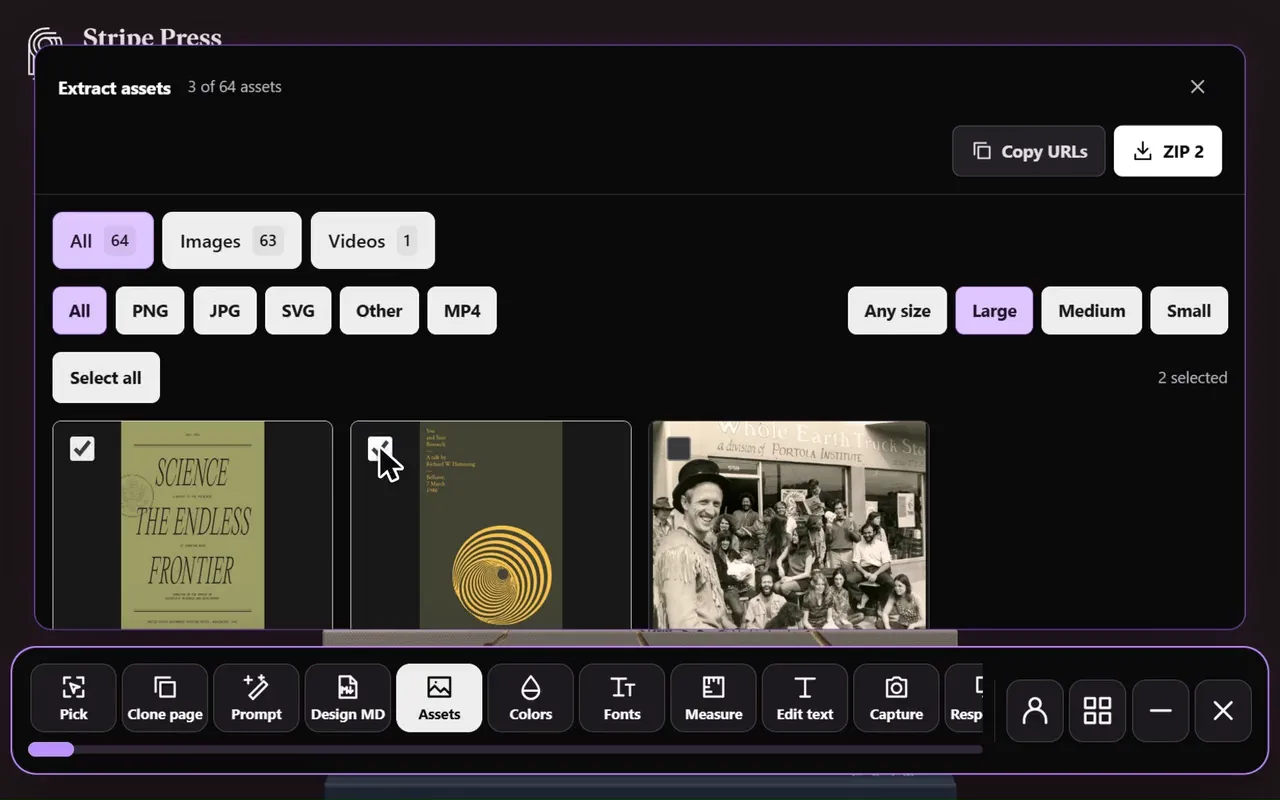
TipThe asset extractor lists each sprite icon as its own file, marked hidden, so you don’t rebuild them by hand.
<!-- In the sprite -->
<symbol id="icon-search" viewBox="0 0 24 24">…</symbol>

<!-- As its own file -->
<svg xmlns="http://www.w3.org/2000/svg" viewBox="0 0 24 24">…</svg>
Find SVG files in the Network panel
- Open DevTools, go to the Network tab and reload the page.
- Type svg in the filter box to list SVG requests.
- Scroll through the page so lazy-loaded icons load too.
- Right-click a request, choose Open in new tab, then save the file.
- For a data:image/svg+xml URL, decode the text after the comma: URL-decode it, or base64-decode it if marked ;base64.